Laptop and MacBook Screen Repair in Irvine
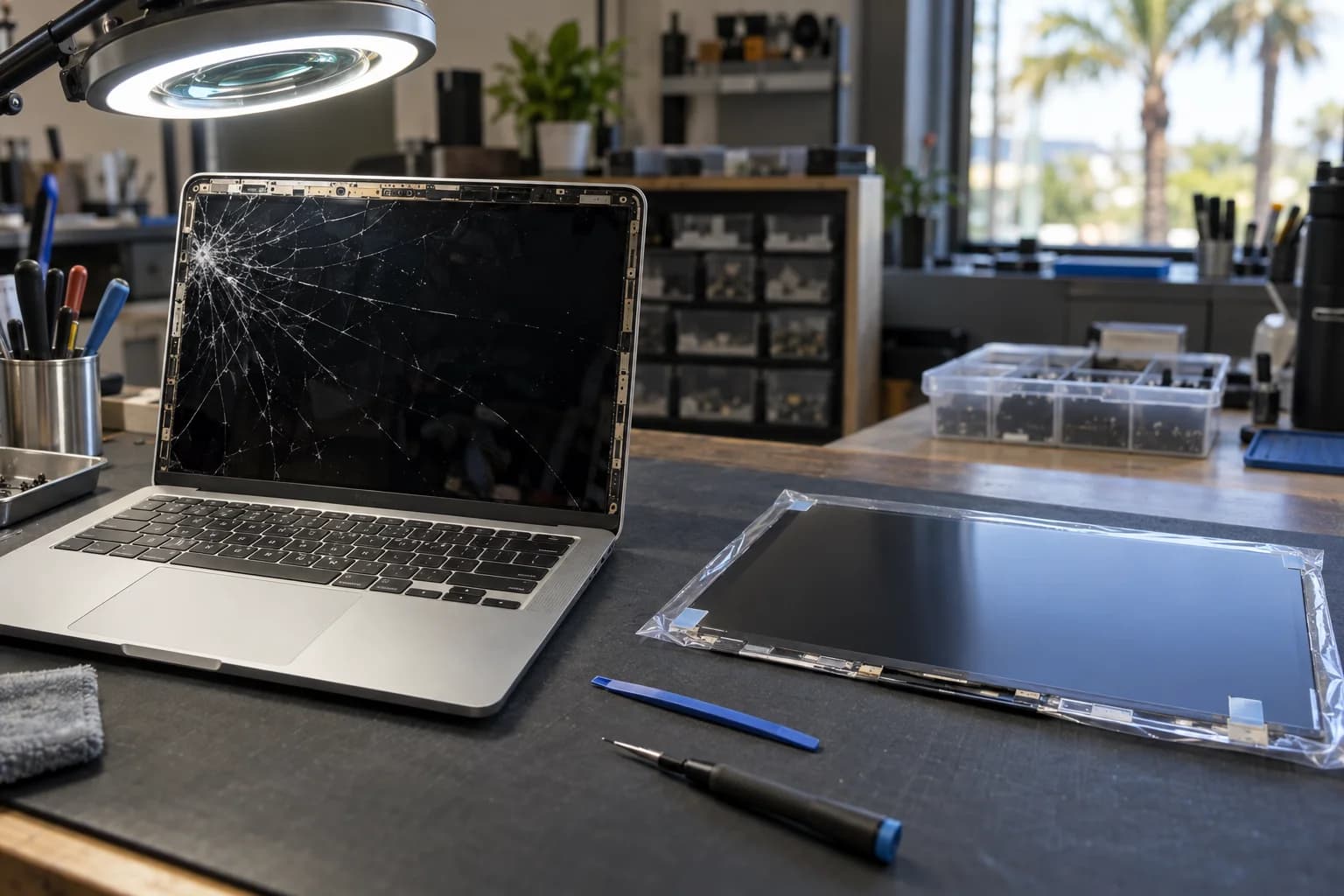
Cracked glass, a line down the display, a backlight that quit. PC laptop screens run $150 to $400 depending on the panel. MacBook Pro displays run $399 to $599 at our bench against Apple's published $599 to $899. Most are back the same or next day with the panel in stock, and you get a written quote before any work starts.
Prices by screen type
What you pay depends on the panel your model uses; the rows below show where each screen lands.
| Screen | Our bench | Turnaround |
|---|---|---|
| PC laptop panel (Dell, HP, Lenovo, ASUS, Acer) | $150 to $400. Standard 1080p panels sit at the low end; touch, high-resolution, and high-refresh panels cost more as parts | Same or next day with the panel in stock for your model |
| MacBook Pro display | $399 to $599, against Apple's published $599 to $899 | Same or next day once the assembly is in; the MacBook Pro 14-inch (M3) worked example below typically runs 2 to 3 days |
| MacBook Air and older MacBook displays | Quoted per model | Usually same or next day with the part in stock |
| iMac screen | See the iMac repair page | Depends on parts, often next day |
| iPhone and iPad screens | iPhone repair and iPad repair | Most iPhone screens 30 to 60 minutes while you wait; most iPad screens drop-off, same or next day |
MacBook Air and older MacBook displays are quoted per model, so the table has no single range for them. Bent hinges or a damaged lid from the same drop are quoted as their own line item at the diagnostic, not a surprise on the invoice. A black screen, lines, or flicker with no crack starts with the free diagnostic, because it may be the panel, the display cable, or the graphics, and it is priced once we know which. The full published list for everything else is on the repair prices page.
Panel, cable, or graphics
A crack is the easy case: the panel is the fix, and the only question is its price. The harder cases look like a bad screen and sometimes are not. The longer version, with the tests you can run at home before you come in, is our guide to lines, flicker, or a black screen on a MacBook or laptop.
Cracked glass or a spiderweb
Visible damage from a drop, or a pen left on the keyboard when the lid closed. The panel is the fix, and the price is the row for your screen in the table above.
Lines, flicker, or a dim image
Vertical lines and flicker can be the panel, but they can also be the display cable that runs through the hinge. A faint image you can only make out at an angle points at the backlight instead. Each is a different repair, so we confirm which one before quoting.
Powers on, screen stays black
Fans spin, the keyboard lights up, nothing on the display. That may be the panel, the display cable, or the graphics, and the free diagnostic sorts out which before anyone buys a part. For a PC, start with the PC turns on but no display guide. For a Mac, the MacBook not turning on guide covers the same checks.
When it is not the screen at all
If the fault is the graphics chip, that is board-level GPU work rather than a panel swap, and Sam, our lead technician, does it himself. He has more than 12 years of hands-on repair experience, including board-level work. If liquid was ever involved, say so at drop-off, because a spill that reached the board changes the plan. See liquid damage repair.
Why a MacBook screen costs more than a PC panel
A PC laptop screen is a bare panel. The bezel comes off, the old panel unplugs, the new one clips in, and most of the price is the part. That is why Dell, HP, Lenovo, ASUS, and Acer laptop screens land at $150 to $400. The panel type, not the brand, decides where in that range you fall.
A modern MacBook screen is a complete lid assembly. The camera and the antennas are built into it, the hinges are part of the unit, and the panel is replaced as part of that assembly, not on its own. That is why it costs more than any other screen we replace. Apple's published price for a MacBook Pro display runs $599 to $899, and an Apple repair often means mailing the machine to a depot. Ours run $399 to $599, done at our bench, and most are a same-day fix once the part is in. When the assembly is not on the shelf, the wait for the part is the timeline: the MacBook Pro 14-inch (M3) example below typically runs 2 to 3 days.
The 2016 to 2019 MacBook Pro adds a failure of its own: flexgate. The display cable wears where it wraps around the hinge, and the backlight starts cutting out at certain lid angles before it goes dark for good. The rest of the MacBook screen list is drop damage, pressure cracks, vertical lines, and dead pixels.
Apple's display replacement: $599 to $799. Our bench: $449 to $599, inside the $399 to $599 MacBook Pro range, typically 2 to 3 days. The rest of the MacBook menu is on the Mac repair page.
Worth fixing?
The rule we use at the counter: if the screen quote is under half of what the working device is worth, fix it. A $400 panel on an eight-year-old laptop worth $200 does not clear the bar, and we will say so instead of selling you the panel.
Not sure what the working machine is worth? We wrote it up for both platforms: what a broken laptop is worth and what a broken MacBook is worth. A laptop with a cracked screen is not worthless, either. If the math says do not fix it, we buy used and broken devices, and the offer can go toward whatever replaces it.
Drop off, repair, pickup
No appointment. Walk in Monday to Friday 9 to 6, Saturday and Sunday 10 to 4.
Drop off
Bring the laptop and its charger to 18021 Sky Park Cir Suite H2. Free parking at the door. Students: show a valid college ID and the student discount applies at drop-off.
Repair
The free diagnostic confirms it is the panel and not the cable or the graphics, and you get a written quote for your exact model. Nothing starts until you approve it. With the panel in stock, most screens are done the same or next day.
Pickup
You get a text when it is ready, and every screen leaves with a warranty on parts and labor.
Screen repair questions
How much does a laptop screen replacement cost?+
$150 to $400 for PC laptops, depending on the panel. Standard 1080p panels sit at the low end. High-resolution, touch, and high-refresh panels cost more as parts, so they land higher in the range. The number for your model goes on the written quote.
How much does a MacBook screen replacement cost?+
MacBook Pro displays run $399 to $599 at our bench against Apple's published $599 to $899. MacBook Air and older MacBook displays are quoted per model at the diagnostic. Modern MacBook screens are complete lid assemblies with the camera and antennas built in, which is why they cost more than any other screen.
How long does laptop screen repair take?+
Most are same or next day with the panel in stock for your model. A panel or display assembly that is not on the shelf adds the time it takes to get the part. A MacBook Pro 14-inch (M3) display, for example, typically runs 2 to 3 days. You get a realistic timeline at drop-off.
My laptop turns on but the screen is black. Is it the panel?+
Not always. A laptop that powers on with a black screen may be the panel, the display cable, or the graphics, and a new panel does nothing for a failed graphics chip. The free diagnostic confirms which one before you pay for a part; if it is the graphics, that is board-level GPU work rather than a screen job.
Is it worth replacing the screen on an older laptop?+
If the screen quote is under half of what the working laptop is worth, fix it. A $400 panel on an eight-year-old laptop worth $200 does not clear the bar, and we will say so. When repair does not make sense, we buy used and broken devices, so the cracked laptop can still go toward its replacement.
Do touch and high-refresh panels cost more?+
Yes. The panel is most of the price of a PC screen repair, and touch, high-resolution, and high-refresh panels cost more as parts than a standard 1080p panel. Your laptop's maker chose the panel, so the model sets the price. Bring the laptop in and we match the exact panel your model uses.
Do you replace iMac screens?+
Yes. iMac display replacement depends on parts and is often next day, and it has its own page because the job is different from a laptop lid. iPhone and iPad screens have their own pages too: most iPhone screens are 30 to 60 minutes while you wait, and most iPad screens are drop-off, same or next day.
Is there a student discount on screen repair?+
Yes. Any valid college ID gets the discount on any repair, screens included; show the ID at drop-off. Details are on the student laptop repair page.
Bring the laptop in. The quote is for your exact panel.
Free diagnostic first. Most screens are back the same or next day.
18021 Sky Park Cir Suite H2, Irvine, CA 92614. Open Mon to Fri 9 to 6, Sat and Sun 10 to 4. Walk in, no appointment.
Screen guides from our bench
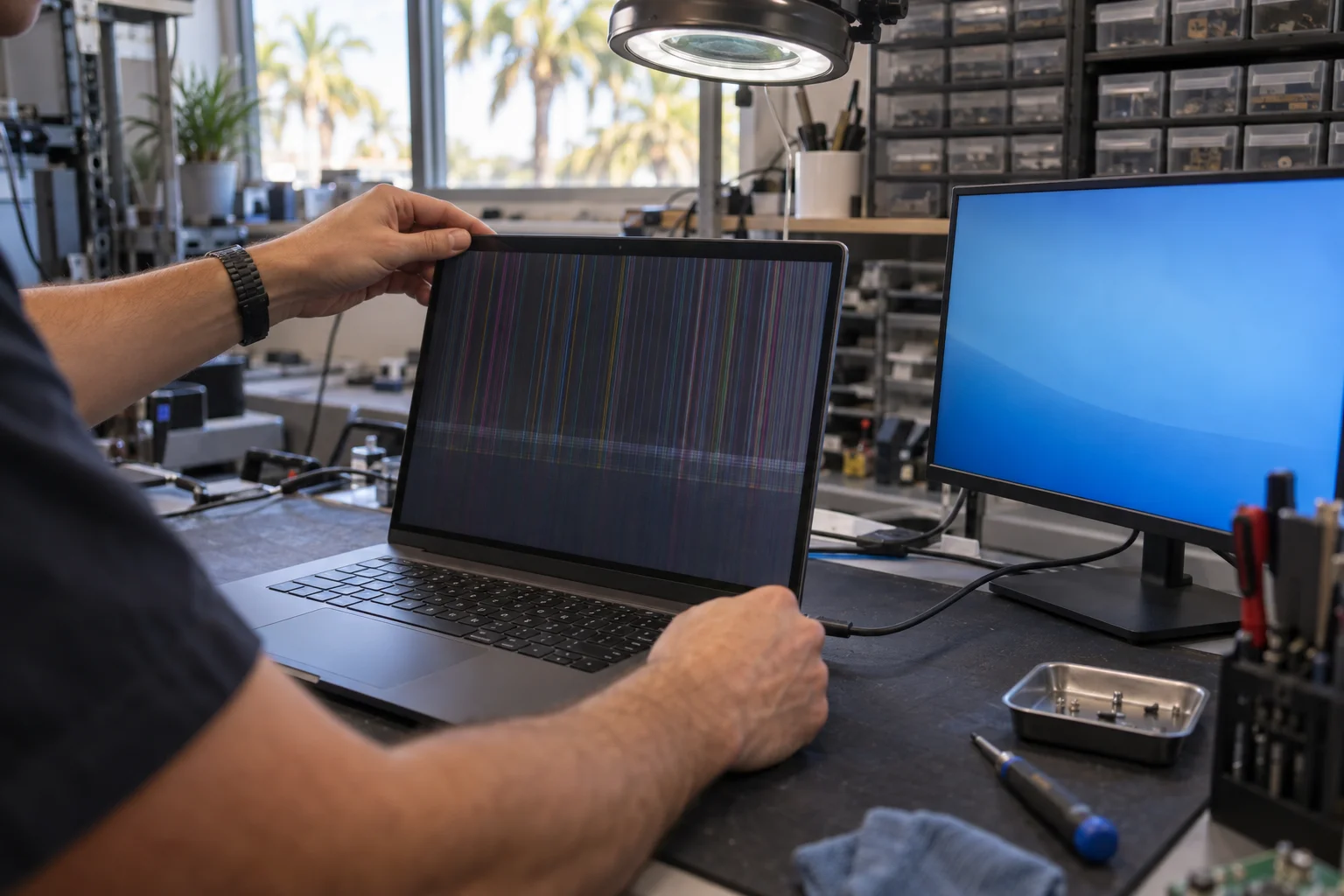
Lines, Flicker, or a Black Screen on Your MacBook or Laptop: Panel, Cable, or Graphics, and What It Costs
Lines, flicker, a dim panel, or a black screen with the fans running comes down to the panel, the display cable, or the graphics, and the three are not priced alike. The at-home tests that tell them apart without tools, and what each fix costs. PC laptop panels $150 to $400; MacBook Pro displays $399 to $599 against Apple's published $599 to $899; board-level graphics or backlight work $120 to $350 on a PC and $349 to $599 on a MacBook. Cables, connectors, and backlight parts are quoted after the free diagnostic.
Read the guide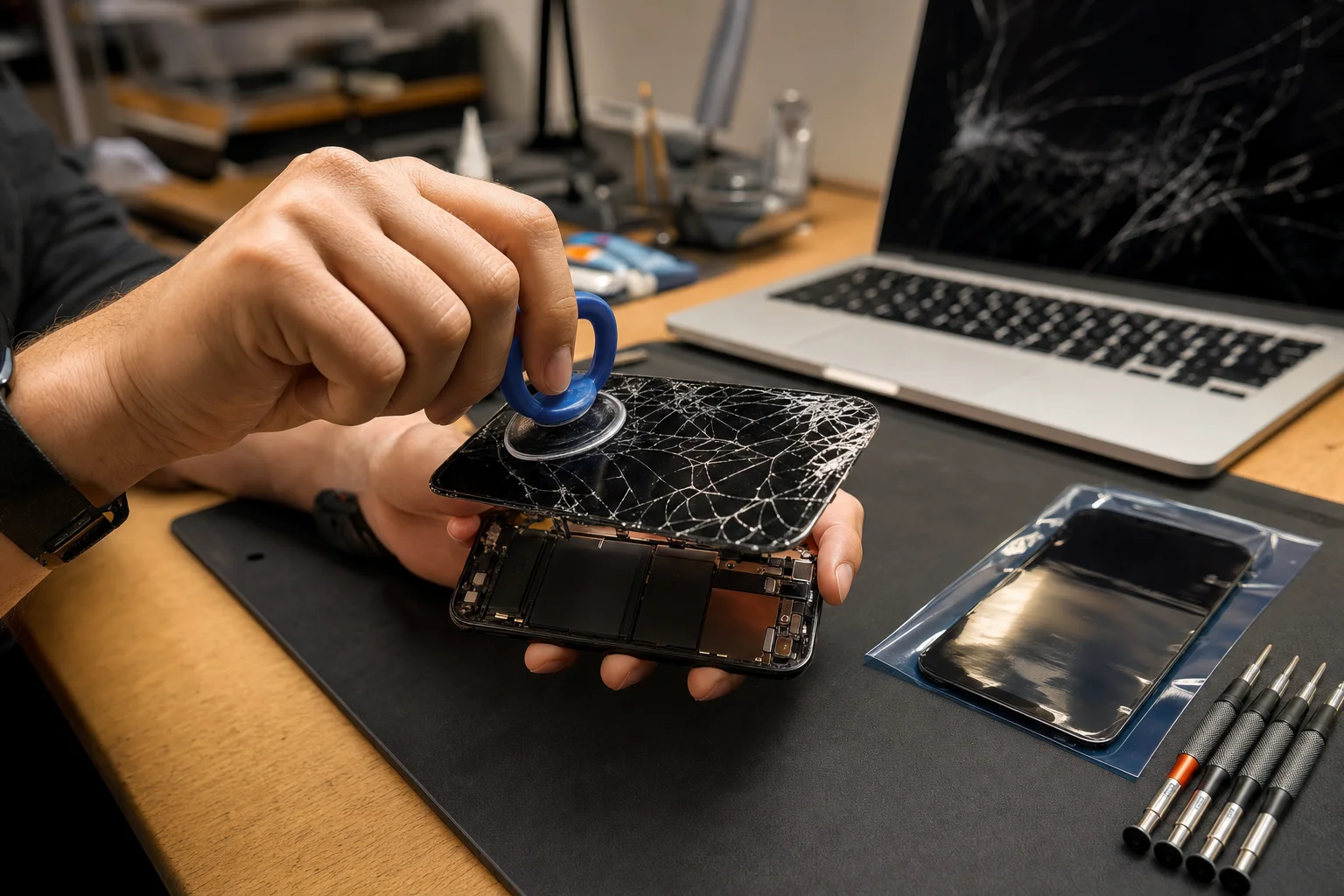
Screen Replacement Costs in 2026: iPhone, iPad, MacBook, and Laptop
Published screen prices for every device type, charted next to Apple's: iPhone $89 to $329, iPad $189 to $279, MacBook $399 to $599, PC laptop $150 to $400. Plus the cracked-but-working trap.
Read the guide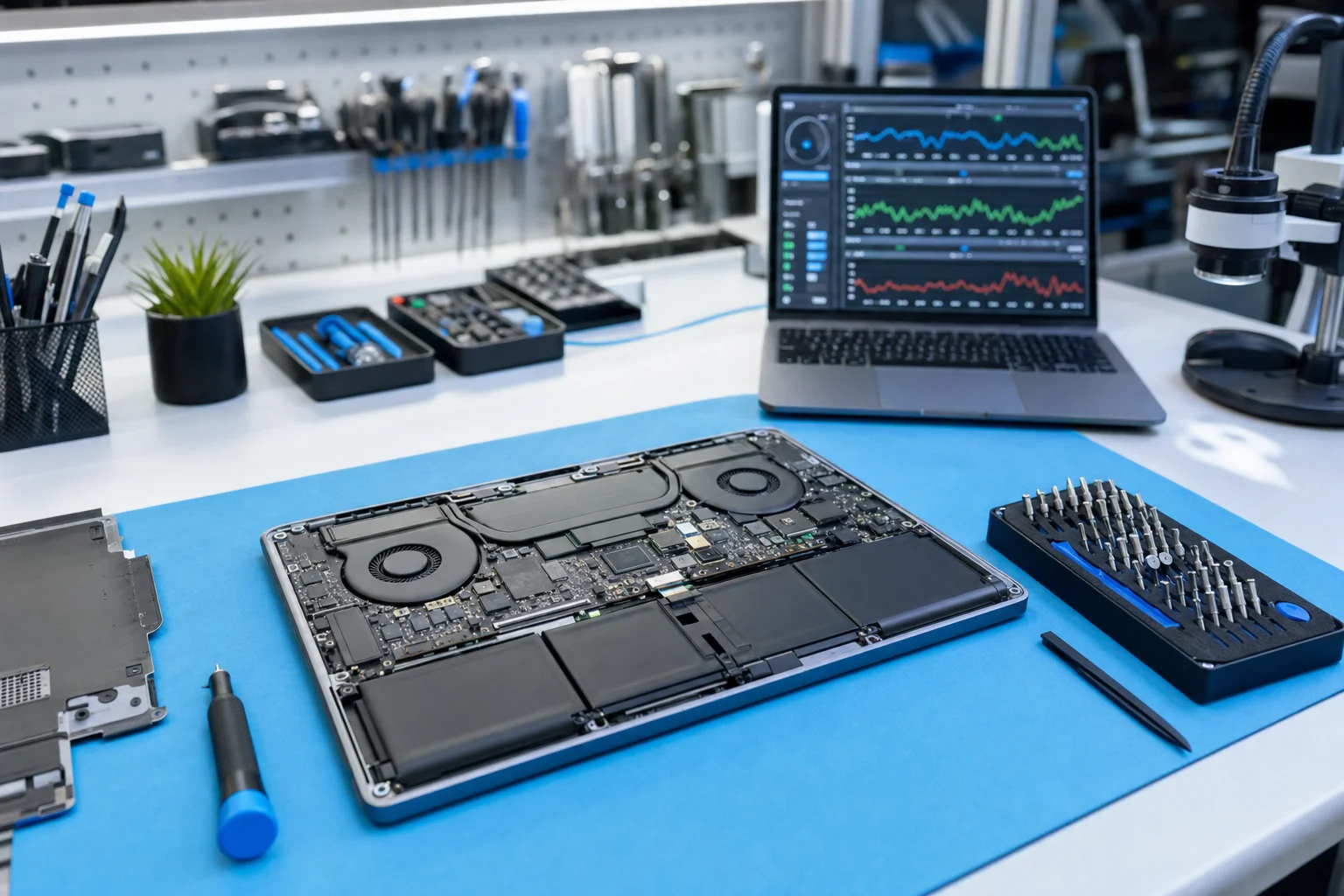
What Laptop Repair Actually Costs in 2026
Published price ranges for every common laptop repair, charted: most fixes land at $89 to $299. What moves a quote up or down, and the four questions that keep any shop honest.
Read the guide