Computer Hardware Upgrades in Irvine
Faster SSDs, more RAM, better graphics cards. Extend a working computer 3 to 5 years for a fraction of the cost of replacement.
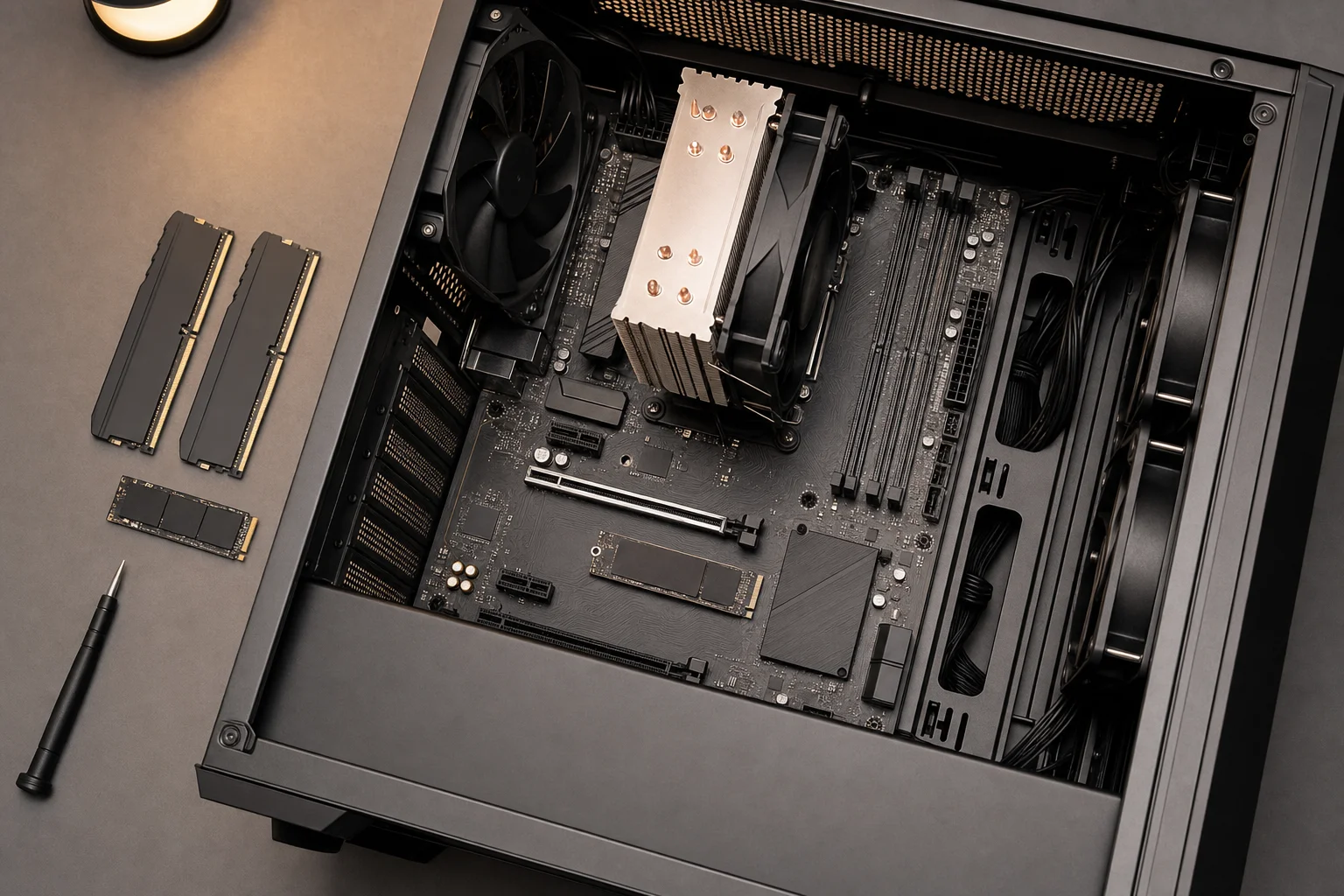
Breathe New Life Into Your Computer
Computer running slow? Before spending $1,000+ on a new machine, consider upgrading. A simple SSD and RAM upgrade can transform a sluggish 5-year-old computer into a fast, responsive system, for a fraction of the cost of replacement.
Computer Clinic Irvine specializes in hardware upgrades that deliver real-world performance improvements. From SSD installations to graphics card upgrades, we help you get the most out of your existing computer while saving money.
Gaming PC? See custom PC builds, gaming upgrades, and build rescue for everything we do for gamers, including GPU swaps, AIO installs, performance tuning, and "I built it, it won't POST" diagnostics.
Popular Hardware Upgrades
SSD Upgrades
Dramatically faster boot and load times
RAM Upgrades
More memory for multitasking
Graphics Cards
Better gaming and video performance
Storage Expansion
More space for files and programs
Cooling Upgrades
Better thermal management
Power Supply
Support for new components
Our Upgrade Process
Performance Assessment
We evaluate your current system and identify the upgrades that will give you the biggest performance boost for your budget.
Component Recommendation
Based on your needs and budget, we recommend specific upgrades with clear explanations of what you'll gain.
Professional Installation
We install your new components with care, ensuring compatibility and proper configuration for optimal performance.
Testing & Optimization
Every upgrade is thoroughly tested. We optimize settings and make sure everything runs perfectly.
Why Upgrade Instead of Replace?
Cost-Effective
A $200 to $400 upgrade can extend your computer's life by 3 to 5 years. Far cheaper than a $1,000+ replacement.
Dramatic Performance Boost
An SSD upgrade alone can make your computer feel 5x faster. Add RAM and it's like having a new machine.
Keep Your Software & Files
No need to reinstall programs or transfer files. Everything stays right where it is.
Environmental Benefits
Upgrading reduces e-waste. Get better performance while being environmentally responsible.
Which Macs can actually be upgraded
The honest matrix. Apple changed the rules year by year, and half the bad advice online comes from mixing the eras up. Find your Mac, and if you are not sure of the year, we check it in thirty seconds from the serial number.
| Mac | SSD upgrade | RAM upgrade | Worth knowing |
|---|---|---|---|
| MacBook Pro 2012 (non-Retina) | Yes | Yes | The last fully upgradeable MacBook, and still a great budget revival. |
| MacBook Pro Retina 2012 to 2015 | Yes (proprietary blade) | No, soldered | Bigger and faster SSDs available. Buy the right adapter path, or let us handle it. |
| MacBook Pro 2016 to 2019 (Touch Bar) | Mostly no, soldered | No | One exception: the 13 inch 2016 to 2017 without Touch Bar has a removable SSD. We check your exact model. |
| MacBook Air 2010 to 2017 | Yes (blade) | No, soldered | An SSD swap plus a fresh battery is the classic Air revival combo. |
| Any Apple Silicon Mac (M1 and newer) | No, soldered | No, unified memory | Storage and memory are part of the board. See the honest note below. |
| iMac 21.5 inch 2012 to 2019 | Yes (drive swap) | Service-level only on most years | The display comes off to reach anything, glued in, a careful bench job we do often. |
| iMac 27 inch 2012 to 2020 | Yes | Yes, user door on the back | The most upgrade-friendly modern Mac. SSD plus RAM transforms these. |
| Mac mini 2010 to 2012 | Yes | Yes | Cheap, fun upgrades. Later minis get progressively more locked down, ask about your year. |
A real example from the bench
A 2017 21.5 inch iMac came in crawling on its original 1TB hard drive. We swapped in a 1TB SSD and migrated everything over, $279 to $399 all-in depending on capacity. Cold boot went from about 90 seconds to under 20, and apps that took a beachball now open instantly. That machine gets several more good years for a fraction of a replacement. The full story of why this works is in our slow iMac guide.
On M1 and newer Macs the storage and memory are soldered to the board, so there is no upgrade path, and anyone selling you one is selling something else. What we can still do on Apple Silicon: batteries, screens, ports, board-level repair, and data recovery. And if you are buying a new Mac, buy the storage and memory you will need in year three, not year one, it cannot be added later.
Make Your Computer Faster Today
Call for expert hardware upgrade consultation and installation in Irvine.