iMac Repair in Irvine
Slow iMac, cracked screen, no power, or liquid damage. We repair and upgrade every iMac, from the 21.5 inch up to the 27 inch and iMac Pro, including the board-level work most shops send out. Free diagnostic, and most repairs are done same day or next day.

What we fix on iMacs
From a quick SSD upgrade to board-level repair, all in house at our Irvine shop.
Slow iMac (the big one)
An SSD upgrade is the single best fix for a sluggish 2015 to 2020 iMac. It replaces the slow hard drive or Fusion Drive and the machine feels new again.
Cracked or bad screen
Display replacement on the 21.5, 24, and 27 inch iMac and iMac Pro. Glued-in panels done in house for well under Apple's price.
Will not turn on
No power, no chime, or a black screen. We find whether it is the power supply, backlight, cable, or logic board before you spend a dime.
Logic board repair
Board-level component repair for power faults, no display, and water-damaged boards that most shops will not attempt.
Liquid damage
Spilled on the keyboard and it reached the iMac, or a leak hit the base. We clean and repair the board to recover the machine and your data.
Slow, freezing, or noisy
Overheating and loud fans, beachballs, failing drives, or a macOS install gone wrong. We diagnose the real cause, not guesswork.
The slow iMac fix worth knowing about
If your iMac takes forever to boot, beachballs when you open apps, and feels slower every year, the problem is usually the drive, not the whole machine. Apple shipped a lot of iMacs with a spinning hard drive or a Fusion Drive that combines a small SSD with a slow hard disk. As the drive fills and ages, performance falls off a cliff.
Swapping in a modern SSD is the highest-value repair we do. A 2015 to 2020 iMac that felt ready for the recycle bin boots in seconds and runs the latest macOS comfortably again, often for far less than a new computer. We can move your files and apps over so nothing is lost. Bring it in for a free diagnostic and we will tell you honestly whether an SSD, more memory, or a fresh install is the right call.
Every iMac job starts with a free diagnostic and an exact quote before any work begins. See common rates on our repair prices page, and remember we are well below the Apple Store on out-of-warranty work.
Related Mac and Apple repair
Mac repair Irvine
MacBook, Mac mini, and Mac Studio repair, plus logic board work and the Apple price comparison.
Fast Apple repair in Irvine
Same-day repair across Mac, iPhone, iPad, and Apple Watch in one shop.
Data recovery Irvine
Recover files from a failed iMac drive, Fusion Drive, or SSD before or after a repair.
Board-level micro soldering
Component-level repair that brings a dead iMac logic board back without a full replacement.
iMac repair questions
My iMac is really slow. Can you fix it?+
Almost always, yes, and it is the most common iMac repair we do. Older iMacs shipped with a slow hard drive or Fusion Drive, and once macOS and your files fill it up the whole machine crawls. Swapping in an SSD makes a 2015 to 2020 iMac feel new again, usually for a fraction of the cost of a replacement. We will tell you at the free diagnostic whether an SSD, more memory, or a clean install is what yours needs.
Can you replace a cracked or damaged iMac screen?+
Yes, on every size, the 21.5 inch, 24 inch, 27 inch, and iMac Pro. iMac displays are glued in, so this is a careful job that many shops send out. We do it in house and we are well below what Apple charges for a screen on an out-of-warranty machine.
My iMac will not turn on or shows a black screen. What is wrong?+
It could be the power supply, the backlight, the display cable, or the logic board, and they are easy to confuse. We run a free diagnostic to find the real cause before you spend anything. A black screen on a machine that still chimes is often a backlight or cable issue, not a dead board, which is good news for the repair cost.
Do you fix older iMacs that Apple calls vintage and will not service?+
Yes. Once Apple marks a model vintage or obsolete they stop repairing it, but the machine is usually still worth fixing. We repair and upgrade iMacs going back many years, including board-level work and SSD upgrades that give an old all-in-one several more good years.
Do you work on both Intel and Apple Silicon iMacs?+
Both. The older Intel iMacs (2012 to 2020) and the newer 24 inch Apple Silicon M1 and M3 models. Intel iMacs get the most out of an SSD and memory upgrade. The Apple Silicon models we handle for screen, power, port, and board-level repair.
How long does an iMac repair take?+
Most repairs are same day or next day. An SSD upgrade or memory upgrade is usually same day. A screen replacement depends on parts but is often next day. Board-level repair takes 2 to 5 days. You get a real timeline at the free diagnostic and we do not start until you approve the quote.
Where are you and do I need an appointment?+
Computer Clinic Irvine, 18021 Sky Park Cir Suite H2, Irvine, CA 92614. Free parking, walk in any time during business hours, no appointment needed. Call (657) 321-9934. We serve all of Orange County, with customers driving in from Newport Beach, Tustin, Costa Mesa, and Mission Viejo.
Bring your iMac back to life.
Walk in for a free diagnostic. Most repairs and upgrades are same day, with an honest quote before any work starts.
18021 Sky Park Cir Suite H2, Irvine, CA 92614. Open Mon-Fri 9 to 6, Sat-Sun 10 to 4. Walk-ins welcome.
Repair guides from our bench
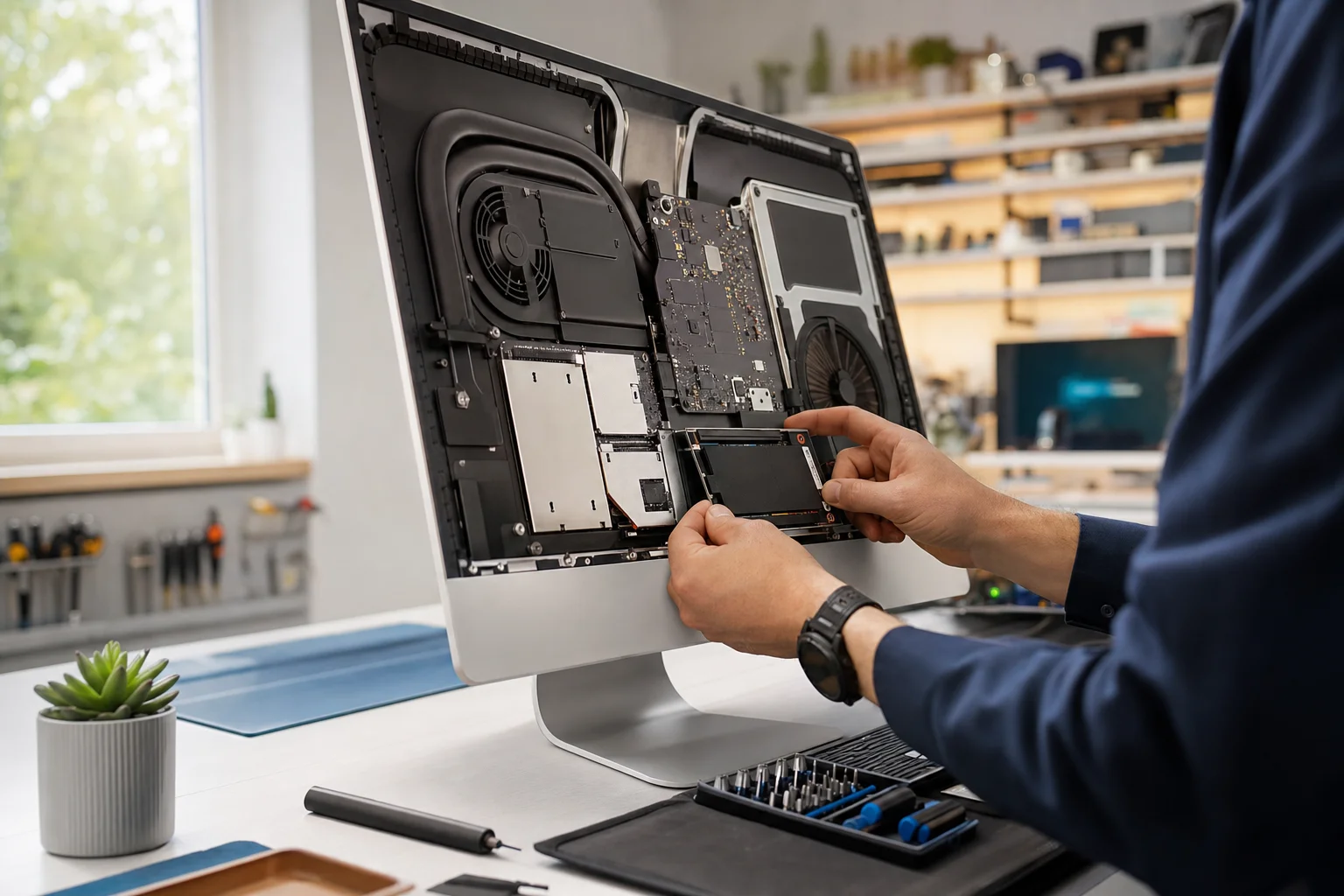
Why Is My iMac So Slow? What Actually Fixes It
Most slow iMacs are slow for one reason, the spinning drive. What an SSD upgrade really does, real cost ranges, upgrade vs buy new, and how to tell when it is something else. The honest version from our bench.
Read the guide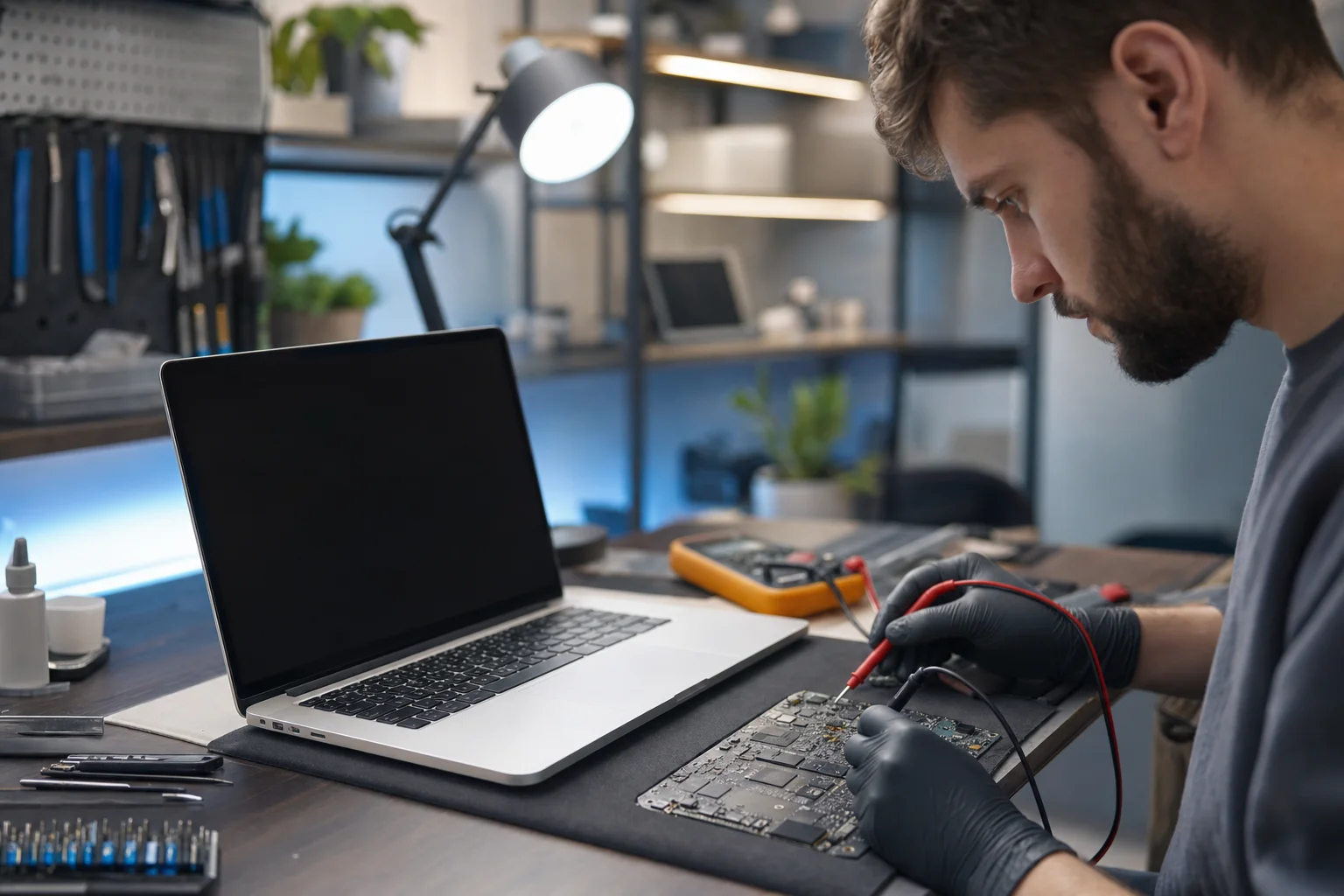
MacBook Not Turning On? Complete Troubleshooting Guide
Step-by-step guide to diagnose and fix a MacBook that won't power on. Common causes, DIY fixes, and when to seek professional repair in Irvine.
Read the guide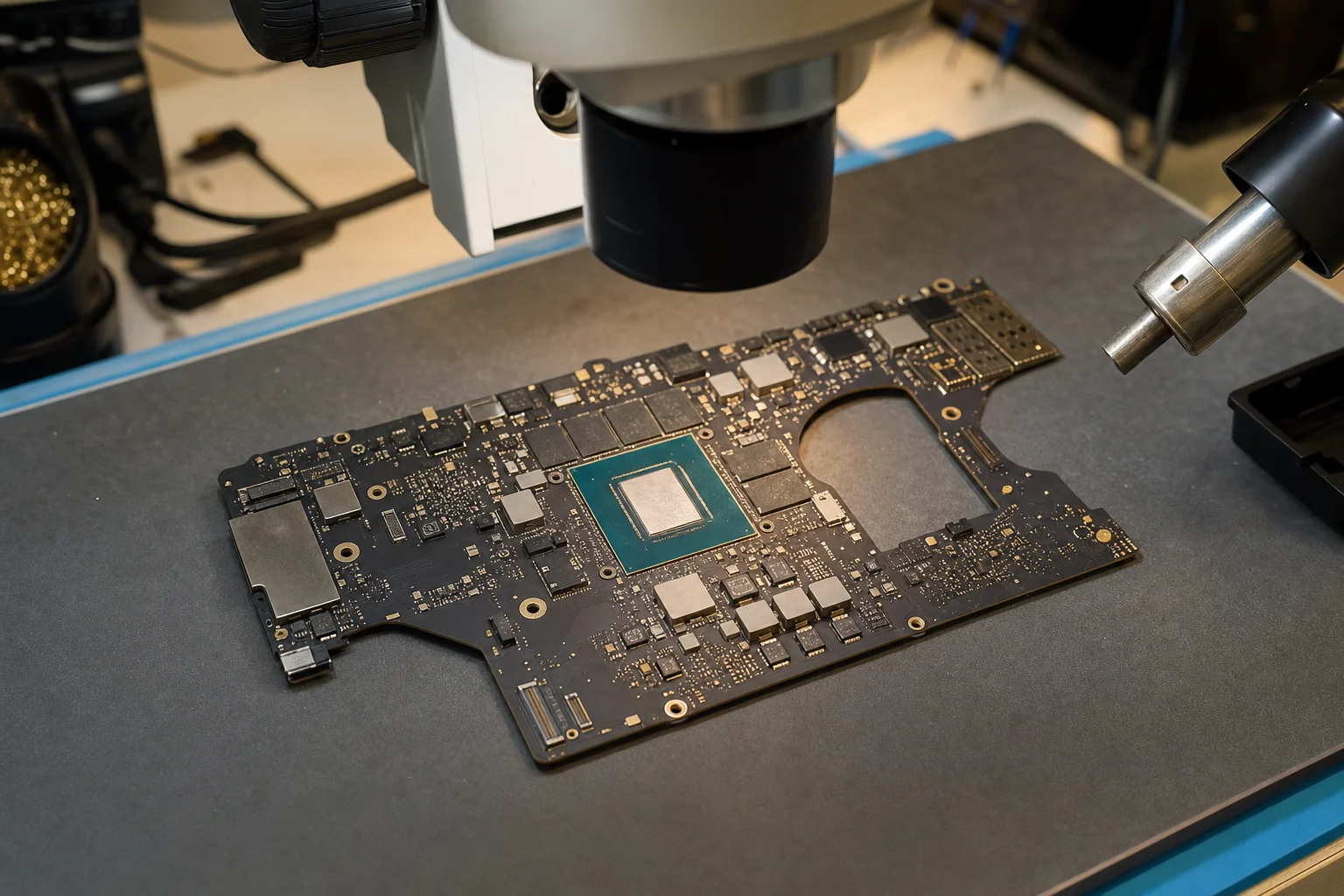
MacBook Pro Logic Board Repair Irvine: When It's Worth It
The clear-eyed version of MacBook logic board repair. Apple's whole-board pricing vs our component-level repair, when to fix and when to replace, what Apple Silicon and Intel boards we work on. Real ranges, real decision framework.
Read the guide