- The cause, almost always: the slow spinning hard drive or Fusion Drive, not the whole computer.
- The fix that works: an SSD upgrade. A 2015 to 2020 iMac feels new again.
- Typical cost: $200 to $450 with your files moved over, versus $1,300 or more for a new iMac.
- Also helps: more memory, freeing up storage, fewer startup items.
- Slow and noisy or freezing? That can be a failing drive. Back up now and bring it in.
You sit down, the screen wakes up, and then you wait. The beachball spins when you open Mail. Safari takes a breath before it loads. Booting up feels like time to make coffee. The strange part is that nothing is broken, the iMac just feels slower every year, and you start wondering whether it is time to spend a thousand dollars on a new one.
Usually it is not. We see slow iMacs on the bench in Irvine constantly, and the cause is the same one most of the time. The good news is that the fix is straightforward and far cheaper than a replacement. Here is the honest breakdown of why iMacs slow down, what actually fixes it, and how to tell when the problem is something else.
The number one reason an iMac gets slow
It is the drive. For years, Apple shipped iMacs with either a spinning hard drive or a Fusion Drive, which pairs a small SSD with a large slow hard disk. Both were fine when the machine was new and mostly empty. As macOS grew, your files piled up, and the drive aged, the spinning disk became the bottleneck for everything. The processor and memory in these iMacs are still perfectly capable. They are just stuck waiting on a slow drive.
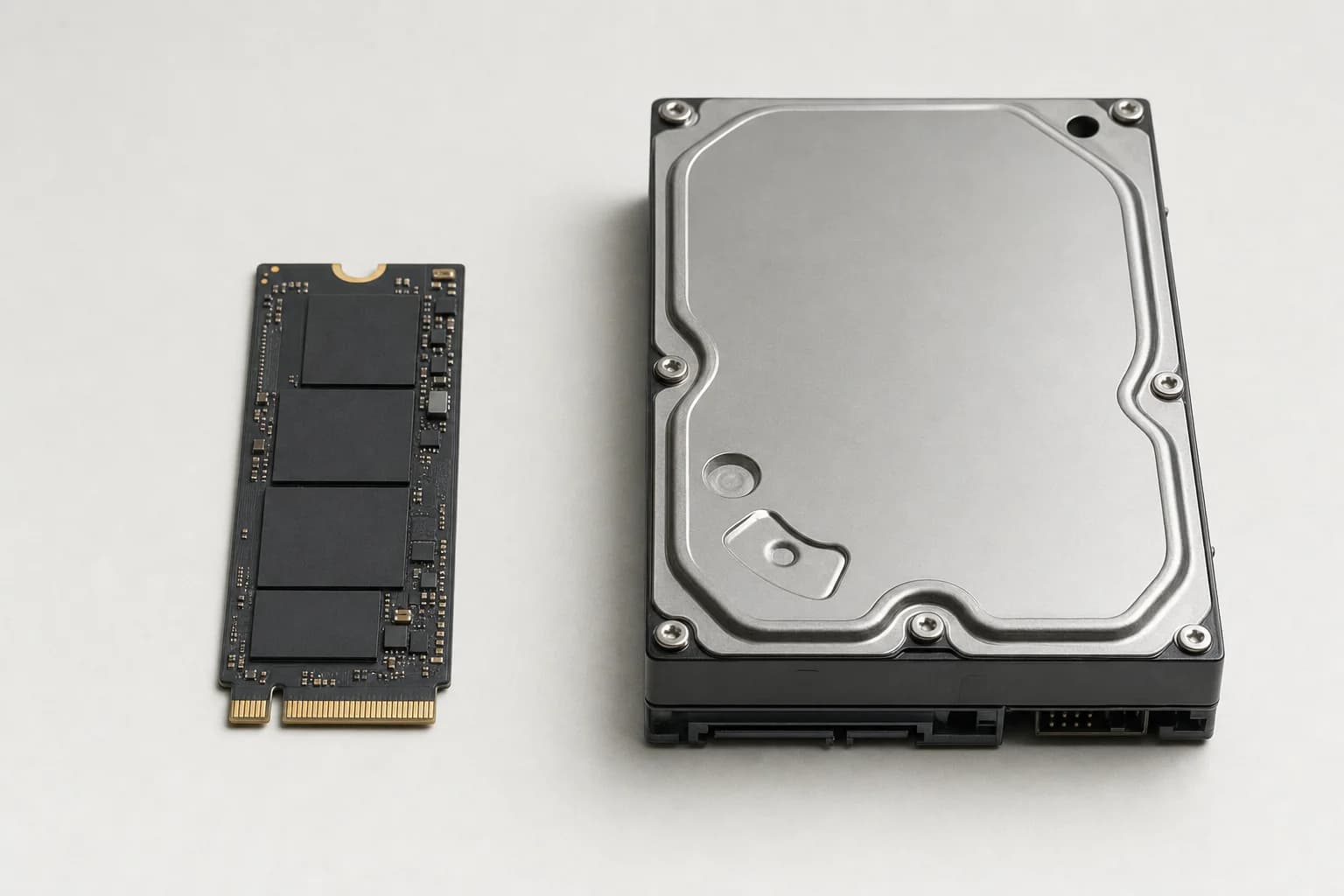
| Drive type | What it is | How it feels | Common in |
|---|---|---|---|
| Hard drive (HDD) | A spinning magnetic disk with moving parts | Slow boot, constant beachballs, laggy | Many 21.5 inch and base iMacs, 2012 to 2019 |
| Fusion Drive | A small SSD glued to a big slow hard disk | Fine at first, then slow as it fills up | Many 27 inch iMacs, 2012 to 2020 |
| SSD (flash) | All flash memory, no moving parts | Instant boot, apps open right away | The upgrade, and standard on Apple Silicon iMacs |
What we see on the bench. Your exact numbers vary by model and how full the drive is, but the gap is always this dramatic.
How to tell what is slowing yours down
Before you spend anything, it helps to know what you are looking at. A few quick checks tell the story.
- Storage: click the Apple menu, About This Mac, then Storage. If the drive is more than about 85 percent full, that alone will slow it down.
- Boot time: if a cold start takes more than a minute, that points straight at the drive.
- Activity Monitor: open it (in Applications, Utilities), click the Disk tab, and watch. A drive pinned at high activity while you do almost nothing is a tired spinning disk.
- The beachball pattern: if it spins on everything, even small tasks, that is the drive. If it spins only on heavy tasks, you may just need more memory.
- Noise: clicking, grinding, or a drive you can hear working hard is a warning sign. See the failing-drive section below.
The fix that actually works: an SSD upgrade
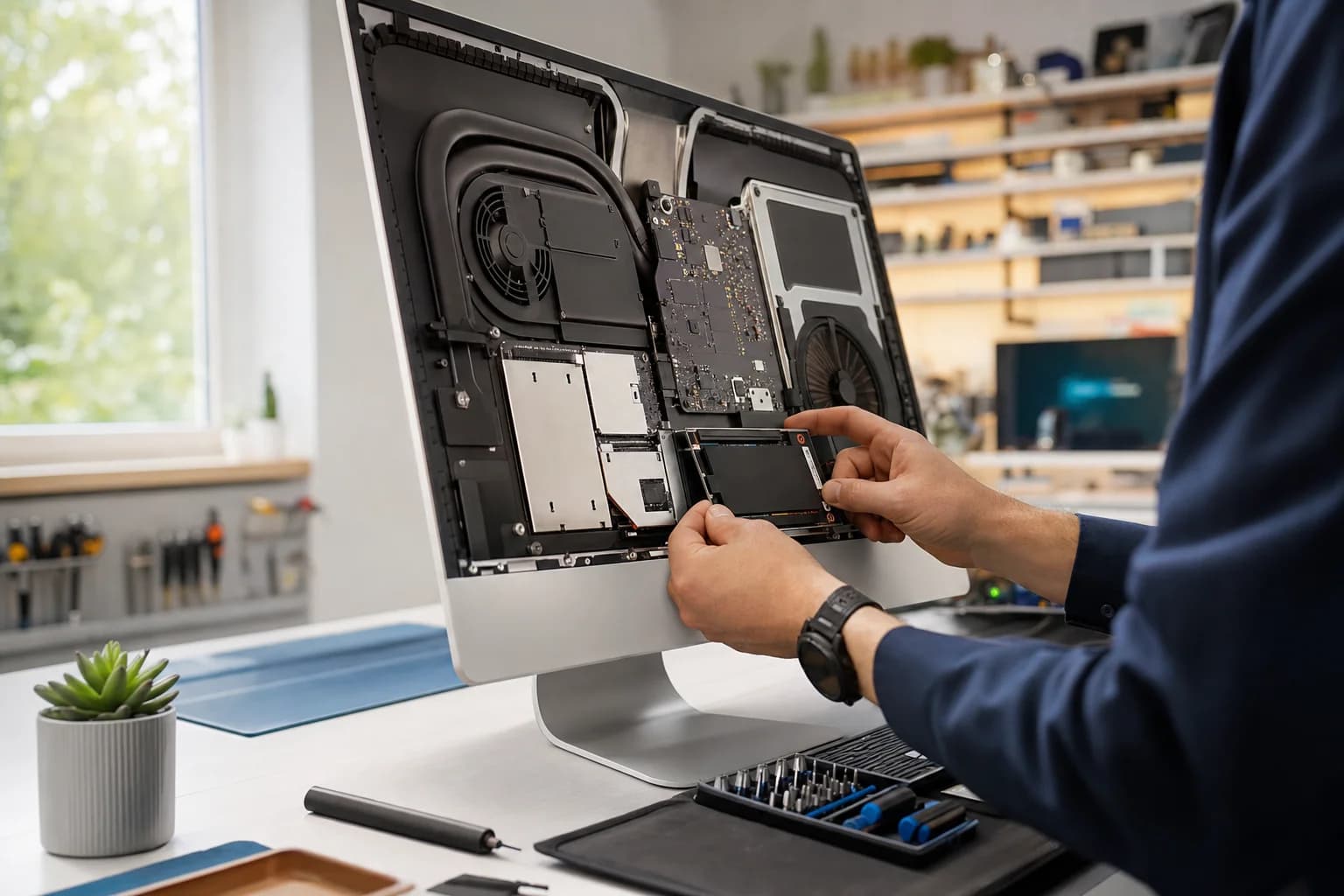
Swapping the spinning drive for an SSD is the highest-value repair we do on an iMac. It is not a small bump. A machine that felt ready for the recycle bin boots in seconds, opens apps instantly, and handles the current macOS comfortably again. We move your files, apps, and settings over so it all comes back exactly as it was, just fast.
Other changes help too, but they are smaller. Here is how the common fixes stack up.
| Fix | How much it helps | Typical cost | Best for |
|---|---|---|---|
| SSD upgrade | Huge | $200 to $450 | Almost any slow 2012 to 2020 iMac |
| Add memory (RAM) | Medium | Varies by model | iMacs on 8 GB, heavy multitaskers |
| Free up storage, clean install | Small to medium | Free to low | A drive that is nearly full |
| Manage startup items | Small | Free | Slow logins, lots of background apps |
Upgrade the old iMac, or buy a new one?
This is the real question, so here is the honest math. For a healthy 2015 to 2020 iMac, an SSD upgrade (and memory if the model allows it) costs a few hundred dollars and buys you two to four more good years. You keep the screen you like and the setup you know. A new iMac starts around $1,300 and means migrating everything to a new machine.
A new iMac is the better call when the screen has problems, the logic board is failing, or you genuinely need the speed and efficiency of Apple Silicon for demanding work like video or large photo libraries. For ordinary web, email, documents, and photos, an upgraded older iMac keeps up just fine. When we run the numbers with a customer, the upgrade wins most of the time.
When it is not the drive
Most of the time it is the drive, but not always. A few other causes show up on the bench, and they are worth knowing.
A failing drive, not just a slow one
There is a big difference between slow and dying. A slow drive is safe. A failing drive puts your files at risk. Clicking or grinding noises, files that will not open, freezes that need a hard restart, or hanging on the Apple logo all point to a drive that is on its way out. If that sounds like yours, stop using it for anything important and back up immediately. We do data recovery on failed iMac drives, but acting before it fully dies is always cheaper and safer.
Overheating and dust
iMacs pull air through the bottom and out the top, and after years on a desk the inside collects dust and the thermal paste dries out. The machine then runs hot, the fans get loud, and it throttles itself to stay cool, which feels like slowness. A cleaning and fresh thermal paste can bring back lost performance.
Graphics or logic board faults
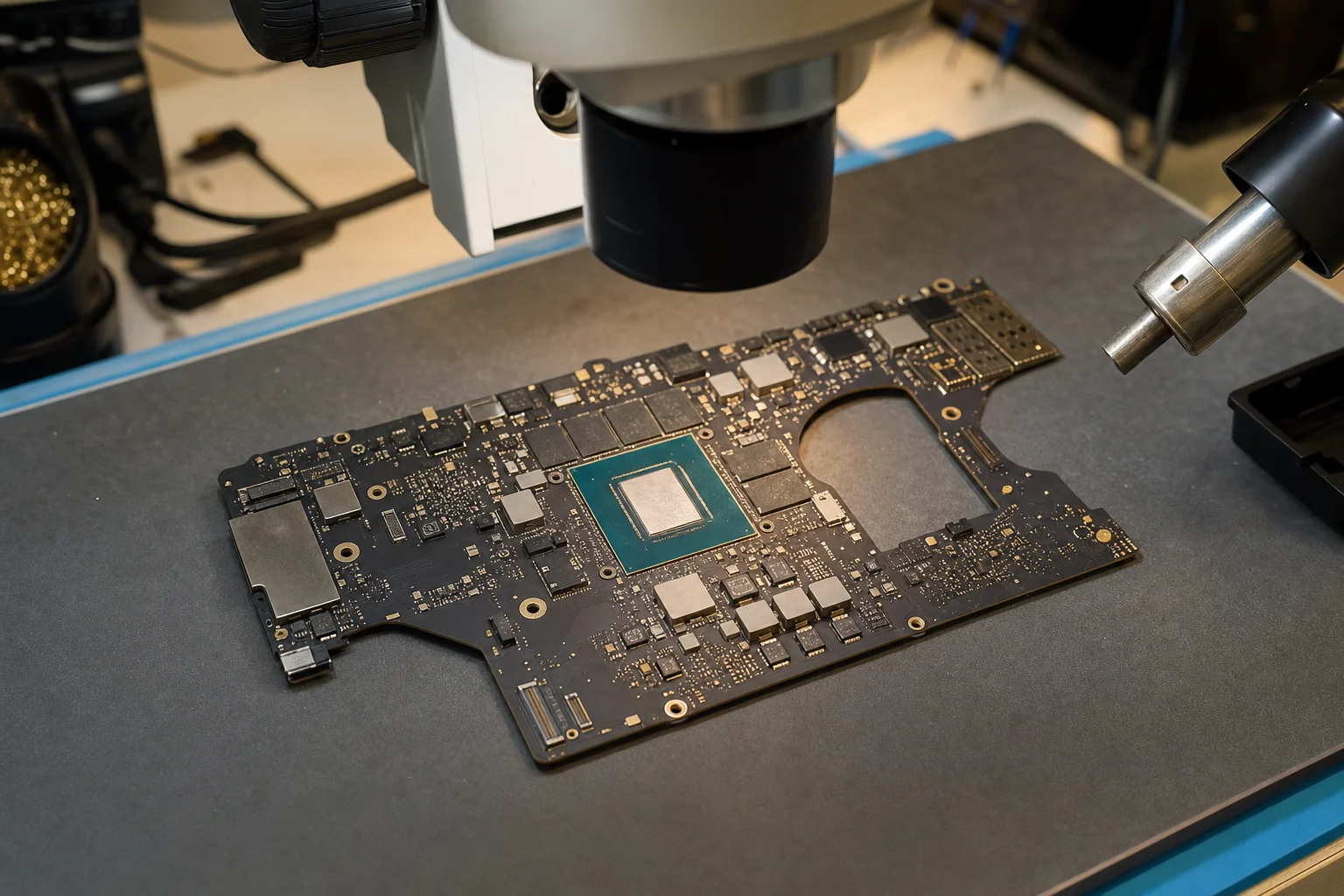
Visual glitches, colored lines, or random restarts can point to the graphics chip or a board-level fault rather than the drive. These need a real diagnosis, which is exactly what the free check is for. See our Mac repair and board-level repair pages for what that work looks like.
The iMac display is glued to the body. To reach the drive you cut the adhesive, lift a heavy glass and panel past fragile cables, then reseal it. The 21.5 inch models are especially tight. People do it, but a cracked screen or a torn display cable erases the savings fast. Given the cost of a replacement panel, this is one upgrade where a shop usually pays for itself.
Free diagnostic on your slow iMac.
We tell you exactly what is slowing it down and what it costs to fix. Most SSD upgrades are same day, with your files moved over and a 90-day warranty. We also work on older iMacs Apple will not touch.
Related reading: our iMac repair page for everything we do on all-in-one Macs, our Mac repair page for MacBook and Mac mini work, and our data recovery page if a slow drive turns out to be a failing one.
Frequently asked questions
Why is my iMac so slow all of a sudden?+
The usual causes are a drive that is nearly full, a hard drive or Fusion Drive that is starting to fail, a single app or process running wild, or a recent macOS update that does not sit well on older hardware. A free diagnostic sorts out which one it is. If the slowdown came on fast and the machine is also freezing or making noise, treat it as a possible failing drive and back up your files now.
Will an SSD really make my old iMac fast again?+
Yes. It is the single biggest improvement you can make to a 2012 to 2020 iMac. A machine that took a minute or two to boot and beachballed on every click will start in under 20 seconds and open apps instantly. The processor and memory in those iMacs are still fine for everyday work. The slow spinning drive is the bottleneck, and removing it transforms the whole experience.
How much does an iMac SSD upgrade cost?+
It depends on the drive size and your specific model, since opening a glued iMac is careful work. Most iMac SSD upgrades land in the range of $200 to $450, including moving your files, apps, and settings over so nothing is lost. The diagnostic is free and you get an exact quote before any work starts. Compared to $1,300 or more for a new iMac, it is usually the clear winner.
Should I upgrade my iMac or just buy a new one?+
For a 2015 to 2020 iMac that is healthy apart from the slow drive, the upgrade almost always wins. You keep your screen, your setup, and your software, and you get two to four more good years for a few hundred dollars. A new iMac makes more sense if the screen has problems, the logic board is failing, or you specifically need the speed and efficiency of Apple Silicon for heavy work. We will tell you honestly which side of that line your machine is on.
Can you add more memory to my iMac too?+
On many models, yes. The 27 inch iMacs have a memory door and are easy to add to. Most 21.5 inch iMacs have the memory soldered to the board, so that is fixed. We check your exact model and tell you what is possible. If you are doing an SSD upgrade and your iMac is on 8 GB, adding memory at the same time is often worth it.
My iMac is slow and also freezing or clicking. Is that different?+
It can be. A slow drive is annoying but safe. A failing drive is a data emergency. Freezing, clicking or grinding noises, files that will not open, or the machine hanging on the Apple logo are signs the drive may be dying. Stop using it for anything important and bring it in, or at least back up immediately. We do data recovery on failed iMac drives, but it is always cheaper and safer to act before the drive is gone.
Do you work on older iMacs that Apple will not service?+
Yes. Once Apple marks a model vintage or obsolete it stops repairing it, but the machine is usually still worth fixing. We upgrade and repair iMacs going back many years, including the SSD upgrades and board-level work that give an old all-in-one a real second life.
Is it safe to open an iMac myself?+
It is riskier than most Mac upgrades. The iMac display is glued to the chassis with adhesive, and you have to cut it loose, work around fragile cables, and reseal it afterward. The 21.5 inch models are especially tight. People do it, but cracked glass, torn display cables, and broken sensors are common first-timer mistakes. Given the cost of a replacement screen, this is one upgrade where a shop usually pays for itself.