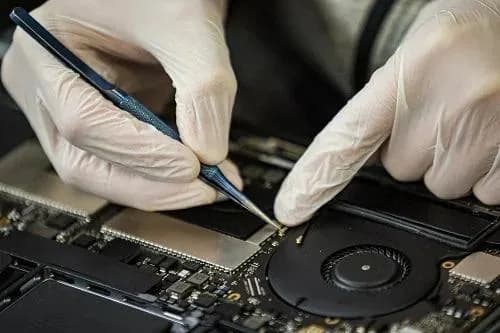
Modern Apple Silicon MacBooks are extraordinary machines, until they aren't. When a 16-inch MacBook Pro A2991 (M3 Pro / M3 Max) refuses to boot, the cause is rarely software. The board is dense, the rails are tightly regulated, and a single failed capacitor can take the entire system down.
This is a real case study from Computer Clinic Irvine. A customer brought in a 16-inch MacBook Pro that briefly powered on, drew abnormal current, and shut down after about a minute. Below is exactly how we diagnosed and resolved it using precision microsoldering, saving the customer hundreds of dollars versus a full logic board replacement.
⚡ Quick Take
A MacBook Pro A2991 drawing 2.5 to 3.0 amps and shutting down after ~60 seconds almost always points to a logic board power-rail fault, usually a leaky capacitor or failed MOSFET. Component-level repair is faster and far cheaper than board replacement.
MacBook Pro Won't Turn On?
Free diagnostics • Board-level repair • 90-day warranty
Customer Complaint & Intake
The customer described three specific symptoms when they dropped off the MacBook:
- MacBook not turning on properly. The Apple logo never appeared.
- Charging light behaving inconsistently. The MagSafe LED would flicker between amber, green, and off.
- Brief power, then shutdown. The fans would spin briefly, then the system would die.
At first glance these symptoms can look like a firmware glitch or a bad battery. But our intake testing immediately suggested otherwise. It is the kind of pattern only a hardware fault produces.
Initial Symptoms Observed
On the bench with a USB-C power meter and bench supply, we measured:
Power Behavior
- • Current draw spiking to ~2.7 A (normal idle: ~0.3 to 0.6 A)
- • Device attempts to start, then shuts down after ~60 seconds
- • Charger LED toggles inconsistently
With Battery Disconnected
- • Device powers on (board is partially alive)
- • Fans run at full speed continuously (failsafe mode)
- • Charger indicator turns solid green
Together, these are textbook signs of a hardware-level power fault. The board is alive enough to negotiate USB-C power, but a regulated rail is collapsing under load.
Understanding the Behavior
High Current Draw
Excessive load on a power rail or partial short to ground.
Delayed Shutdown
PMU/SMC overcurrent or thermal protection trips after the rail destabilizes.
Max Fan Speed
System cannot read sensors or PMU telemetry, so fan controller defaults to 100%.
Together, these symptoms point clearly to a logic board power circuit fault, almost certainly downstream of the main USB-C/PPBUS regulation stage.
Diagnostic Process Step-by-Step
1. Thermal Inspection
We powered the board on a bench supply with current limited to 3 A. Within seconds, a small inductor (coil) on the logic board started heating noticeably.
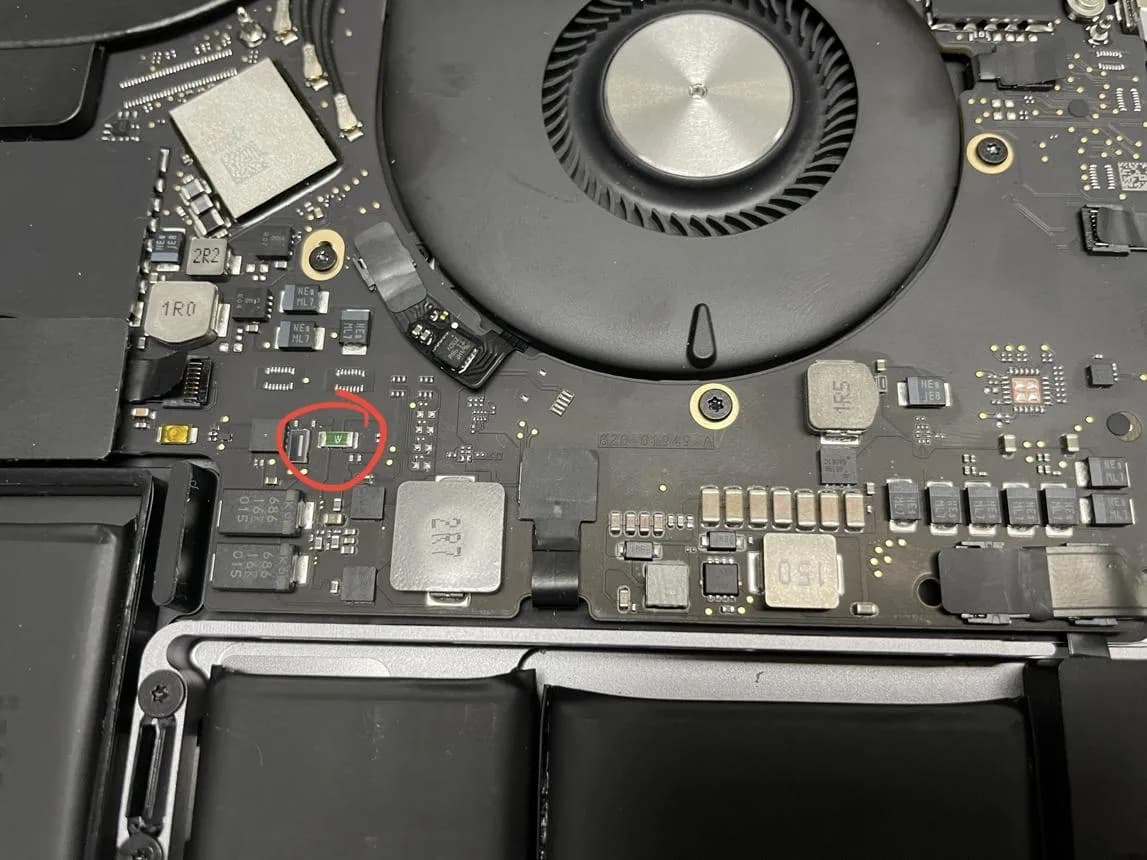
Key insight: coils heat when too much current flows through them. The fault is virtually always downstream of the heating coil, on the rail it feeds.
2. Multimeter Testing (Diode Mode)
- Both sides of the inductor measured around 2.4 V in diode mode (rising slowly).
- This ruled out a hard short to ground (which would have read close to 0 V).
- It indicated a dynamic, load-dependent fault, a leaky component that only misbehaves when the rail comes up.
3. MOSFET Testing
A nearby MOSFET showed temporary continuity between two pins, but the reading changed when re-measured. This is typical of in-circuit readings being influenced by surrounding capacitors and is not, on its own, definitive proof of failure, but it kept the MOSFET on the suspect list.
4. Power Rail Analysis
Behavior under bench supply suggested:
- A power regulator working under stress and partially compensating.
- A likely leaky bypass capacitor on the regulated rail.
- Rail collapsing the moment the SoC requested its full startup current.
5. DFU Preparation (Firmware Sanity Check)
Even though hardware was the prime suspect, we prepared a DFU restore using a second Mac and Apple Configurator 2 to formally rule out firmware corruption. Critically, with this much current draw, you don't even reach DFU reliably, which reinforces the hardware diagnosis.
Final Diagnosis
Diagnosis
The MacBook Pro A2991 has a logic board power regulation fault causing unstable power delivery during startup, triggering overcurrent protection and shutdown.
Likely root causes (ranked):
- Leaky or failing bypass capacitor on the affected rail.
- Faulty power MOSFET / driver IC in the regulation stage.
- Load instability affecting the SoC's main power input.
Microsoldering Repair Strategy
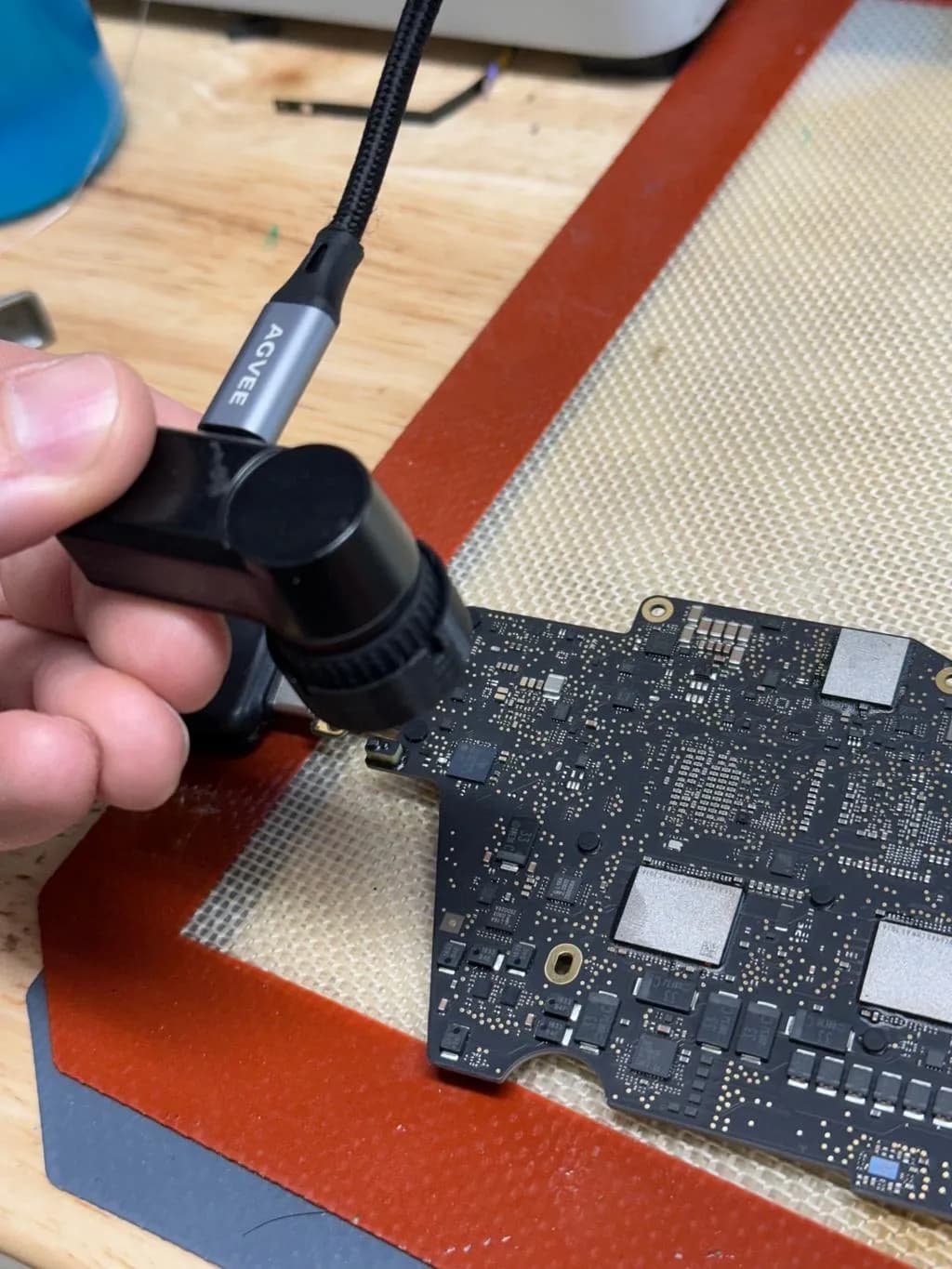
At Computer Clinic Irvine, this class of fault is resolved with a five-step microsoldering workflow:
- Identify the exact failing rail using schematic / boardview cross-reference.
- Voltage injection & thermal tracing to localize the leaky component.
- Isolate the faulty component by lifting one terminal at a time.
- Replace the damaged capacitor, MOSFET, or driver IC with a matched part.
- Full stress testing: idle, charge cycle, and sustained load test before reassembly.
Once the offending component is replaced, current draw returns to normal (~0.3 to 0.6 A at idle), the device boots, and protection circuits stop tripping. We always perform a data integrity check after the first successful boot.
Why This Was NOT a Software Issue
Software cannot:
- Cause the board to draw 2.7 amps before macOS even loads.
- Heat a passive inductor on a power rail.
- Trigger overcurrent protection at the electrical level.
- Make the charger LED toggle inconsistently while idle.
This was 100% a hardware failure, the kind that no SMC reset, NVRAM reset, recovery boot, or macOS reinstall will ever fix.
Repair Summary
| Model | MacBook Pro A2991 (16-inch, M3 Pro / M3 Max, 2023) |
| Issue | No boot, ~2.7 A current draw, fan failsafe |
| Diagnosis | Power rail instability on the logic board |
| Solution | Component-level microsoldering repair |
| Apple Quote | $1,200 to $2,000+ (full board replacement) |
| Computer Clinic Irvine | Typically $349 to $699 for board-level repair |
💡 Pro Insight
Not all "no power" issues require a full logic board replacement. With the right diagnostic equipment and microsoldering skill, most can be resolved at the component level, saving customers hundreds of dollars and preserving original SSD data on Apple Silicon Macs.
About the MacBook Pro A2991 (M3, 16-inch)
The MacBook Pro A2991 is the model identifier for the 2023 16-inch MacBook Pro powered by the M3 Pro and M3 Max chips. It uses unified memory, an integrated SSD soldered to the SoC, and a tightly packed logic board with multiple high-current power rails feeding the SoC, GPU cores, memory, and Thunderbolt controllers.
Because the SSD is paired to the SoC, traditional "swap the drive" recovery isn't possible. That makes board-level repair not just cheaper, it's often the only way to recover the user's data. This is exactly why we invest heavily in microsoldering tools and training.
We also see related symptoms covered in our MacBook not turning on troubleshooting guide and our MacBook Pro repair complete guide.
Why Choose Computer Clinic Irvine
Board-Level Specialists
We fix logic boards Apple replaces. Microscope, hot-air, IR rework, schematic + boardview.
Save 50 to 70% vs Apple
Component repair instead of $1,200+ board swaps.
90-Day Warranty
Every microsoldering repair is stress-tested and warrantied.
Local Irvine Shop
Serving Tustin, Newport Beach, Costa Mesa, Mission Viejo, and all of OC.
Got a MacBook Pro That Won't Boot?
Before you accept Apple's $1,500+ board replacement quote, get a free second opinion from Irvine's board-level repair specialists. We diagnose A2991 and other M-series MacBook Pros every week.
18021 Sky Park Cir Suite H2, Irvine, CA 92614 • Mon to Fri 9AM to 6PM | Sat to Sun 10AM to 4PM
Frequently Asked Questions
What is the MacBook Pro A2991?
The A2991 is Apple's 16-inch MacBook Pro model number for the M3 Pro and M3 Max generation released in late 2023. It uses Apple Silicon, a unified memory architecture, and a tightly integrated logic board where many components are soldered directly. Repairs on the A2991 almost always require board-level work and microsoldering rather than simple part swaps.
What does 'high current draw' mean on a MacBook?
High current draw means the logic board is pulling far more amperage from the charger than it should at a given state. A healthy MacBook Pro typically draws between 0.05A (sleep) and around 1.5 to 2.0A under normal load. When we measure 2.5 to 3.0A on a unit that won't boot, it indicates a short or partial short on a power rail, a leaky capacitor, or a failing power management IC. It is almost always a hardware fault, not software.
Why does a MacBook turn on, then shut off after about a minute?
A delayed shutdown after roughly 30 to 90 seconds usually means an overcurrent or overtemperature protection circuit is tripping. The board sees abnormal current or temperature on a regulated rail and the SMC (or its Apple Silicon equivalent) cuts power to protect the SoC. Common culprits are leaky bypass capacitors, failed MOSFETs, or a damaged PMIC driver.
Why do the fans run at full speed when the battery is disconnected?
When the battery is disconnected and the MacBook only sees the charger, the system enters a failsafe state. Without valid temperature or PMU communication, fans default to maximum RPM to protect the hardware. This behavior is normal for diagnostic mode and tells the technician the board is partially alive and able to enable the fan controller.
Can a coil (inductor) heating up indicate a short?
Yes. An inductor heats when excessive current flows through it. The fault is generally downstream of the coil, on the regulated output rail it feeds. Thermal imaging or simply touching the coil with the back of a finger after 10 to 20 seconds of power can localize the problem to a specific power stage.
How do you find a short on a MacBook logic board?
We combine multiple techniques: thermal imaging or freeze spray, low-voltage current injection from a bench power supply, diode-mode multimeter readings, schematic and boardview analysis, and isolation by lifting suspect capacitors. The goal is to find the exact component dragging the rail down without damaging surrounding parts.
Is logic board repair really cheaper than replacement?
Almost always. Apple's flat-rate quote for an A2991 logic board can exceed $1,200 to $2,000. Component-level repair at Computer Clinic Irvine typically ranges from $349 to $699 depending on the failed rail and parts required. You also keep your original board, your original serial-bound SSD data, and avoid weeks of out-of-warranty back-and-forth.
How long does a MacBook Pro A2991 microsoldering repair take?
Most board-level repairs take 2 to 5 business days. Diagnosis is typically completed within 24 to 48 hours, and the actual rework, removing the failed capacitor, MOSFET, or IC and installing a replacement, takes a few hours plus stress testing. Rare ICs may add lead time if they need to be sourced.
Can you recover my data if the board is being repaired?
On A2991 and other Apple Silicon Macs, the SSD is paired to the SoC, so data lives on the board itself. If we restore the board, your data is preserved. If the board is unrecoverable, specialized chip-off recovery is sometimes possible. We always discuss data priorities before starting any high-risk rework.
Where can I get MacBook Pro A2991 microsoldering repair near Irvine?
Computer Clinic Irvine, located at 18021 Sky Park Cir Suite H2, Irvine, CA 92614, specializes in board-level Apple repair, including the M3-era 16-inch MacBook Pro (A2991). We serve Irvine, Tustin, Newport Beach, Costa Mesa, Lake Forest, Mission Viejo, Santa Ana, and Laguna Hills. Call (657) 321-9934 for a free diagnostic.
Related Articles
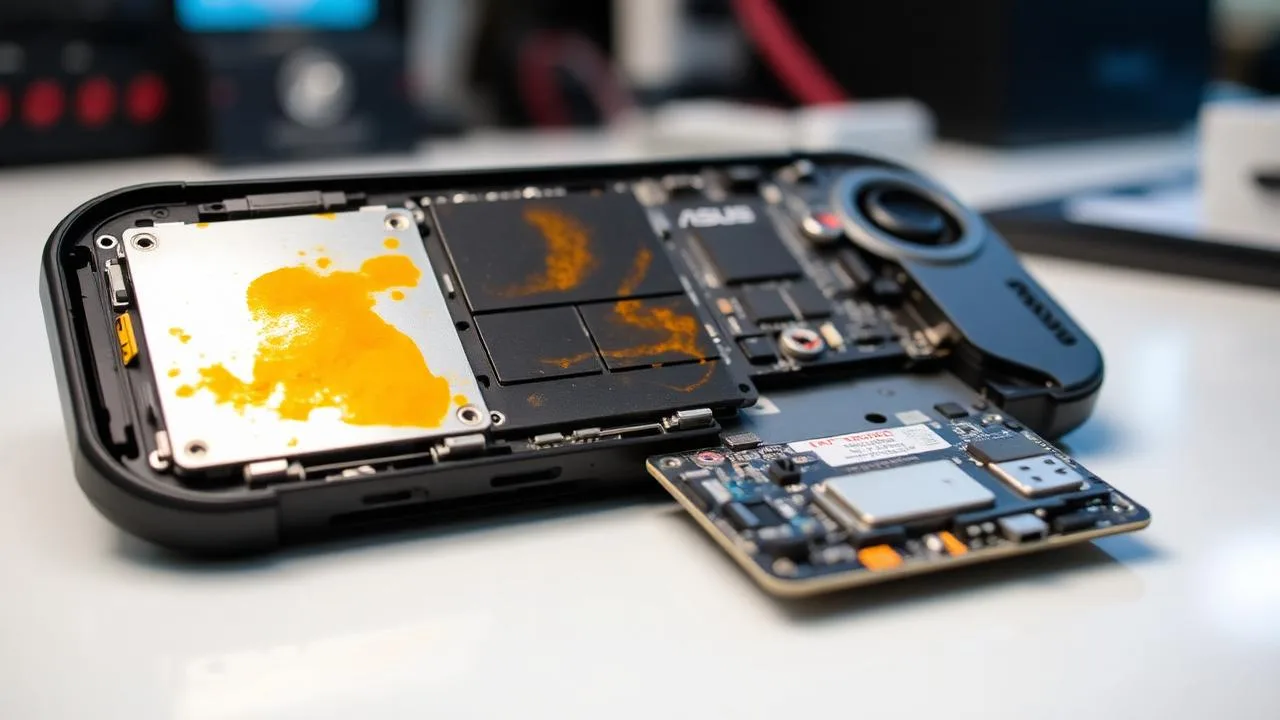
ROG Ally X Liquid Damage Repair: No Power Diagnostic & Board-Level Fix
Real Irvine case: ASUS ROG Ally X dead after a spill. Step-by-step board-level diagnosis, corrosion cleaning, and microsoldering repair for handheld gaming consoles.
Read more
Liquid Damage Laptop Repair: Logic Board Recovery in Irvine
How we saved Angel's liquid-damaged MacBook with logic board cleaning and capacitor replacement. Real case from the Irvine bench.
Read more
What Is My Broken Laptop Worth? Sell It, Fix It, or Keep It Running
Age, graphics card, screen, battery, Windows 11 eligibility, and account locks set the number, and on a laptop you are keeping an SSD upgrade at $149 to $349 or RAM at $200 to $400 changes how it feels; it rarely pays back at sale. When a $150 to $400 screen belongs to the buyer instead, how to part out a gaming PC, and why a laptop that cannot run Windows 11 can stay on Windows 10 with Microsoft's $30 Extended Security Updates through October 12, 2027.
Read more