
Introduction: Why MacBook Pro Repair Matters in 2026
Your MacBook Pro is more than just a laptop. It's the command center for your professional life, creative projects, and personal memories. When something goes wrong, the panic is real. Will you lose your data? How much will this cost? Can it even be fixed?
If you're searching for MacBook Pro repair in Irvine or anywhere in Orange County, you've likely discovered that Apple's official repair options come with significant limitations: long wait times (often 5-7 business days), premium prices, and a "replace, don't repair" philosophy that can turn a $300 fix into a $1,200+ ordeal.
At Computer Clinic Irvine, our technician brings 12+ years of hands-on experience providing expert Mac repair services. In that time, we've seen every MacBook Pro problem imaginable, from the notorious butterfly keyboard failures to complex logic board issues requiring micro soldering expertise. This comprehensive guide shares our accumulated knowledge to help you understand your options, make informed decisions, and get your MacBook Pro back to peak performance.
Whether you're dealing with a cracked screen, a battery that won't hold a charge, mysterious shutdowns, or the dreaded liquid spill, this guide covers everything you need to know about MacBook Pro repair in 2026. We'll walk you through common problems, repair costs, what to expect from the repair process, and how to choose the right repair service for your needs.
💡 Quick Tip:
Before attempting any DIY fixes or accepting a repair quote, always get a professional diagnostic. Many symptoms can have multiple causes, and an accurate diagnosis saves time and money. At Computer Clinic Irvine, we offer free diagnostics. If we can't identify the problem, you don't pay a dime.
Need MacBook Pro Repair Now?
Free diagnostics • Same-day service available • 90-day warranty
Why MacBook Pros Fail: Common Issues by Model Year
MacBook Pros are engineering marvels, but they're not immune to problems. Understanding the common failure points for your specific model helps you anticipate issues and make informed repair decisions. Here's a breakdown of what we see most frequently in our Irvine repair shop:
2016-2019 MacBook Pro (Touch Bar Era)
These models marked Apple's controversial transition to butterfly keyboards and the Touch Bar. While innovative, they introduced several well-documented problems:
- Butterfly Keyboard Failures: Keys sticking, repeating, or not responding. Apple's butterfly mechanism was notoriously sensitive to dust and debris, leading to a class-action lawsuit and an extended repair program (now expired for most models).
- Flexgate Display Issues: The display cables on these models were too short and prone to wear, causing "stage lighting" effects, flickering, or complete display failure when opening the lid beyond 40 degrees.
- Logic Board Failures: Thermal management challenges led to premature GPU and CPU failures, particularly in the 15-inch and 16-inch models used for intensive tasks.
- Battery Swelling: High-density batteries in thin enclosures sometimes swell, causing trackpad issues or case deformation.
2019-2021 MacBook Pro (16-inch & Scissor Switch)
Apple addressed many keyboard complaints with the return to scissor-switch mechanisms, but new challenges emerged:
- Speaker "Popping" Issues: Some units experienced audio anomalies including popping sounds during high-frequency playback.
- Display Cable Improvements: While better than previous generations, display cables can still wear over time with heavy use.
- Thermal Throttling: Intel processors in these models still ran hot under sustained loads, affecting long-term reliability.
2021-2025 MacBook Pro (M1, M2, M3 Apple Silicon)
Apple Silicon revolutionized Mac performance and efficiency, but these models present unique repair considerations:
- Improved Reliability: The M-series chips run cooler and more efficiently, reducing thermal stress on components.
- Unified Memory Architecture: RAM is integrated into the chip, making memory upgrades impossible. Choose wisely when buying.
- SSD Soldering: Storage is soldered to the logic board, emphasizing the importance of regular backups and careful handling.
- Screen & Battery: These remain the most commonly replaced components, with similar repair processes to previous generations.
Understanding your MacBook Pro's specific vulnerabilities helps you maintain it properly and recognize early warning signs before minor issues become major repairs.
MacBook Pro Won't Turn On: Complete Diagnostic Guide
Few tech problems are as alarming as pressing the power button and getting... nothing. Before assuming the worst, let's work through a systematic diagnostic process used by professional technicians:
Step 1: Check the Obvious
- • Verify the charger: Is the MagSafe/USB-C light on? Try a different outlet and cable if available.
- • Look for signs of life: Does the keyboard backlight flicker? Do you hear any fan noise or chiming?
- • Check the display: In a dark room, look closely at the screen while pressing power. A faint image means the display backlight has failed, not the computer.
- • Listen carefully: A clicking hard drive, spinning fans, or startup chime all indicate the system is powering on.
Step 2: Try a Hard Reset
For Intel Macs:
- 1. Disconnect the charger and all peripherals
- 2. Press and hold the power button for 10 seconds
- 3. Wait 10 seconds, then press power again
- 4. If no response, try an SMC reset (hold Shift+Control+Option+Power for 10 seconds)
For Apple Silicon Macs (M1/M2/M3):
- 1. Press and hold the power button for 10 seconds (this forces shutdown)
- 2. Wait 10 seconds
- 3. Press power again, continuing to hold until you see the startup options screen
Common Causes We See in Our Shop
Power-Related
- • Dead or swollen battery
- • Failed charging port (USB-C or MagSafe)
- • Damaged power management chip
- • Corroded charging circuitry
Logic Board Issues
- • Failed GPU/CPU
- • Liquid damage corrosion
- • Component-level failures
- • Blown fuses or capacitors
⚠️ When to Stop DIY Troubleshooting:
If you smell burning, see visible damage, or the MacBook was exposed to liquid, stop immediately. Further attempts to power on could cause additional damage. Bring it to a professional for assessment.
At Computer Clinic Irvine, we use specialized diagnostic equipment to identify the exact cause of power failures. Our micro soldering capabilities allow us to repair many issues that other shops would declare "board-level damage" requiring expensive replacement.
MacBook Pro Screen Problems & Repair Options
The Retina display on your MacBook Pro is one of its most impressive, and most expensive, components. Understanding screen problems helps you make informed repair decisions:
Flexgate: The Most Common 2016-2019 Issue
"Flexgate" refers to the premature failure of display flex cables in 2016-2019 MacBook Pros. Symptoms include:
- • Stage lighting effect: Bright spots at the bottom of the display, especially visible on dark backgrounds
- • Display cuts out: Screen goes black when opened past a certain angle
- • Backlight flickering: Display flickers or pulses intermittently
Apple extended the repair program for 13-inch 2016 models through May 2020, but most affected devices are now out of coverage. The good news: we can often repair Flexgate by replacing just the flex cable, a fraction of the cost of a full display assembly replacement.
Physical Screen Damage
Cracked screens, pressure damage, and impact cracks require display replacement. We offer two options:
OEM Apple Display
- Genuine Apple parts
- True Tone functionality
- Full color accuracy
- Higher cost ($499-$849)
Quality Aftermarket
- 40-50% cost savings
- Excellent display quality
- True Tone may not work
- Great for older models
Other Display Issues
- Dead pixels: Individual pixels that stay black or display the wrong color. Often indicates panel damage.
- Image persistence/burn-in: Ghost images that persist on screen. More common with OLED but can occur on LCD panels with age.
- Color calibration issues: Yellow tint, color banding, or uneven brightness can sometimes be resolved with calibration or software settings.
- External display only: If the external monitor works but not the built-in display, the issue is likely the display cable or LCD panel, not the GPU.
MacBook Pro Battery Replacement: Signs & Solutions
MacBook Pro batteries are designed to retain 80% of their original capacity through 1,000 charge cycles. In real-world use, most users see noticeable degradation after 3-4 years. Here's how to know when it's time for a replacement:
Warning Signs Your Battery Needs Replacement
- "Service Battery" warning: macOS displays this when battery health drops below acceptable levels. Don't ignore this!
- Rapid drain: Battery depletes in 2-3 hours under normal use (down from 8-10+ hours when new).
- Unexpected shutdowns: MacBook dies at 20%, 30%, or even 50% battery.
- Physical swelling: Trackpad becoming unclickable, case warping, or gaps appearing. This is a safety hazard, so stop using immediately!
- Won't charge past 1%: Indicates battery failure or charging circuit issues.
Check Your Battery Health
On macOS Monterey or later: Click the Apple menu → System Settings → Battery → Battery Health. You'll see your maximum capacity percentage and whether the battery is functioning normally.
For detailed cycle count: Hold Option and click the Apple menu → System Information → Power. Look for "Cycle Count" and "Condition."
🔴 Swollen Battery Safety Warning:
A swollen battery is a fire and explosion hazard. If you notice any case deformation, stop using the MacBook immediately. Do not attempt to charge it. Store it away from flammable materials and bring it to a professional repair shop as soon as possible. We handle swollen battery removal with proper safety procedures.
Battery Replacement Costs in Irvine
At Computer Clinic Irvine, MacBook Pro battery replacement ranges from $149-$299 depending on your model (compared to $199-$249+ at Apple, plus potential additional fees). Our replacements include:
- • High-quality replacement battery with capacity matching or exceeding original specifications
- • Professional installation with proper adhesive removal and reapplication
- • Battery calibration and health verification
- • 1-year warranty on battery replacements
- • Same-day service for most models
MacBook Pro Logic Board Repair: Component-Level Solutions
The logic board (motherboard) is the most complex and expensive component in your MacBook Pro. When Apple diagnoses a "logic board failure," they typically recommend full replacement at $500-$1,500+ depending on your model. But here's what they don't tell you: many logic board problems can be repaired at the component level, saving you 50-70% on repair costs.
What is Component-Level Repair?
Component-level (or micro soldering) repair involves diagnosing and replacing individual components on the logic board (capacitors, resistors, chips, and ICs) rather than replacing the entire board. This requires:
- • Advanced diagnostic equipment (oscilloscopes, thermal cameras, multimeters)
- • Specialized micro soldering stations with precise temperature control
- • Detailed schematics and board knowledge
- • Years of training and experience
Most repair shops, including many Apple Authorized Service Providers, lack these capabilities and can only offer board-level replacement. At Computer Clinic Irvine, we've invested in professional-grade equipment and training to offer true component-level repairs.
Common Logic Board Issues We Repair
Power Issues
- • ISL9239 charging chip failures
- • CD3215 USB-C controller issues
- • SMC chip failures
- • Power rail shorts
- • Blown fuses
Display & Graphics
- • GPU failures (reballing/replacement)
- • Backlight circuit repair
- • T-CON board issues
- • eDP connector damage
Liquid Damage
- • Corrosion removal
- • Trace repair
- • Component replacement
- • Ultrasonic cleaning
Data & Storage
- • SSD controller failures
- • NAND chip replacement
- • Data recovery from dead boards
- • Firmware corruption repair
Logic Board Repair Costs
Component-level logic board repairs at Computer Clinic Irvine typically range from $350-$650, compared to $700-$1,500+ for Apple's board replacement. The exact cost depends on:
- • Diagnostic complexity (some faults are easier to trace than others)
- • Component costs (some chips are expensive or difficult to source)
- • Labor time (intricate repairs take longer)
- • Model-specific factors (some boards are more repair-friendly)
MacBook Pro Keyboard & Trackpad Issues
Keyboard problems are among the most frustrating MacBook Pro issues because they directly impact productivity. The 2016-2019 "butterfly" keyboards were particularly problematic, but even newer scissor-switch keyboards can fail.
Butterfly Keyboard Problems (2016-2019)
Apple's butterfly mechanism was designed to be thinner and more stable, but its low-profile design made it vulnerable to:
- • Dust and debris: Tiny particles could jam the mechanism, causing keys to stick or fail
- • Repeating keys: A single keypress registering multiple times
- • Dead keys: Keys that don't register at all
- • Broken keycaps: The thin plastic clips breaking with normal use
Apple's keyboard service program has expired for most models. The permanent fix is a top case replacement, which includes a new keyboard, battery, and trackpad assembly. At Computer Clinic Irvine, we offer this repair at significant savings compared to Apple's out-of-warranty pricing.
Scissor Switch Keyboards (2019+)
The "Magic Keyboard" returned to the more reliable scissor mechanism, but issues can still occur:
- • Liquid spills affecting individual keys or the entire keyboard
- • Physical damage from dropped objects
- • Flex cable damage during improper screen repairs
- • Accumulated debris under keys (especially in dusty environments)
Trackpad Issues
MacBook Pro trackpads are generally reliable, but common issues include:
- • Swollen battery: The #1 cause of trackpad problems, a swelling battery pushes against the trackpad from below
- • Liquid damage: Affects click mechanism and tracking sensitivity
- • Flex cable failure: Intermittent tracking or gesture recognition issues
- • Force Touch sensor failure: Loss of haptic feedback or Force Click functionality
MacBook Pro Liquid Damage Recovery
Spilled coffee on your MacBook Pro? Water damage from a drink knocked over during a video call? Liquid damage is one of the most common, and most time-sensitive, repairs we handle. What you do in the first few minutes can determine whether your MacBook is salvageable.
Immediate Steps (Do This RIGHT NOW)
- 1Power off immediately: Hold the power button for 5 seconds. Don't try to save your work, every second counts.
- 2Disconnect everything: Unplug the charger and any peripherals.
- 3Flip it upside down: Open the laptop to about 45 degrees and place it tent-style on a towel. This helps liquid drain away from the logic board.
- 4Don't use rice: This is a myth. Rice doesn't help and can introduce dust and starch. It also wastes precious time.
- 5Bring it in immediately: Professional cleaning within 24-48 hours dramatically improves recovery chances.
🚫 What NOT to Do:
- • Don't try to turn it on to "see if it still works"
- • Don't use a hair dryer (heat can cause further damage)
- • Don't wait days hoping it will dry out on its own
- • Don't shake the laptop (spreads liquid to unaffected areas)
Our Liquid Damage Recovery Process
At Computer Clinic Irvine, we follow a comprehensive liquid damage recovery protocol:
- 1. Complete disassembly: We remove all components to assess the full extent of damage
- 2. Ultrasonic cleaning: Affected parts are cleaned in specialized solutions that remove residue and corrosion
- 3. Component-level inspection: We examine the logic board under magnification for corrosion, shorts, and damaged components
- 4. Drying and testing: Proper drying followed by systematic testing of all functions
- 5. Repair or replace: Damaged components are repaired via micro soldering or replaced as needed
- 6. Reassembly and verification: Complete functional testing before return
Recovery odds are strong when liquid-damaged devices are brought in within 48 hours of the incident. For more information, see our detailed guide on liquid damage laptop repair in Irvine.
MacBook Pro Repair Cost Comparison: Local Shop vs Apple Store
One of the biggest factors in choosing a repair option is cost. Here's a realistic comparison of what you can expect to pay at Apple versus a quality local repair shop like Computer Clinic Irvine:
| Repair Type | Apple Store | Computer Clinic Irvine | Savings |
|---|---|---|---|
| Screen Replacement (13") | $499-$799 | $299-$449 | 40-45% |
| Screen Replacement (14"/16") | $699-$999 | $399-$649 | 35-45% |
| Battery Replacement | $199-$249 | $149-$219 | 15-25% |
| Logic Board Replacement | $600-$1,500+ | $350-$650* | 50-70% |
| Top Case (Keyboard/Battery) | $399-$699 | $249-$449 | 35-40% |
| Liquid Damage Repair | $750-$1,500+** | $350-$600 | 50-70% |
| Charging Port Repair | $299-$599+ | $149-$299 | 50% |
* Component-level repair; full board replacement available if needed
** Apple often quotes full logic board replacement for liquid damage
Why the Price Difference?
- Component-level repair: We fix what's broken rather than replacing entire assemblies
- Lower overhead: Local shops don't have the corporate structure costs of Apple retail
- Flexible parts sourcing: Access to quality OEM and aftermarket parts
- Repair expertise: Skills that allow fixes Apple doesn't offer
How to Choose a MacBook Pro Repair Shop in Irvine
Not all repair shops are created equal. Here's what to look for, and what to avoid, when choosing a MacBook Pro repair service in Orange County:
Green Flags: What to Look For
- Free diagnostics: Reputable shops diagnose before quoting. Avoid places that charge just to look at your device.
- Transparent pricing: Written quotes with no hidden fees. Ask about diagnosis fees if the repair isn't performed.
- Warranty on repairs: At minimum 30-90 days on parts and labor. We offer 90 days standard, 1 year on batteries.
- Mac specialization: Shops that focus on Apple repairs will have better parts access and expertise.
- Micro soldering capability: This indicates advanced repair skills for logic board issues.
- Strong reviews: Check Google, Yelp, and the BBB. Look for detailed positive reviews mentioning specific repairs.
- Data priority: Good shops understand that your data is often more valuable than the hardware.
Red Flags: What to Avoid
- Prices that seem too good: Rock-bottom quotes often mean cheap parts, inexperienced technicians, or hidden fees.
- No physical location: Mail-in only services make accountability difficult if something goes wrong.
- Pressure tactics: "Your data will be lost if you don't repair today" or similar urgent claims.
- Vague estimates: "It'll cost somewhere between $200 and $800" isn't helpful.
- No warranty: Any shop confident in their work will stand behind it.
Frequently Asked Questions About MacBook Pro Repair
How much does MacBook Pro repair cost in Irvine?
MacBook Pro repair costs in Irvine vary by issue: screen replacement $299-$649, battery replacement $149-$299, logic board repair $350-$650, and keyboard replacement $199-$449. We offer 50-70% savings compared to Apple Store prices, with free diagnostics and no charge if we can't fix it.
How long does MacBook Pro repair take in Irvine?
Most MacBook Pro repairs in Irvine are completed same-day or within 24-48 hours. Simple repairs like battery replacement take 1-2 hours. Screen replacements typically take 2-4 hours. Complex logic board repairs may take 2-5 business days depending on component availability.
Can you fix a MacBook Pro that won't turn on?
Yes, we specialize in fixing MacBook Pros that won't power on. Common causes include failed power management chips, dead batteries, liquid damage, or faulty DC-in boards. Our technicians use advanced diagnostics to identify the exact cause and perform component-level repairs when possible.
Do you offer a warranty on MacBook Pro repairs?
Yes, all our MacBook Pro repairs come with a 90-day warranty on parts and labor. For battery replacements, we offer a 1-year warranty. If any issue related to our repair occurs within the warranty period, we'll fix it at no additional cost.
Is it worth repairing an old MacBook Pro?
It depends on the repair cost versus the device's value. Generally, if the repair costs less than 40-50% of the device's current value, repair makes sense. We provide honest assessments and will tell you if a repair isn't economically viable for your situation.
Can you recover data from a dead MacBook Pro?
Yes, we offer professional data recovery services for MacBook Pros with failed drives, liquid damage, or logic board failures. We recover data in the large majority of cases. We use specialized tools and clean room procedures for severe physical damage.
Do you repair MacBook Pro M1, M2, and M3 models?
Absolutely. We repair all MacBook Pro models including the latest M1, M2, M3, and M3 Max/Pro variants. While Apple Silicon chips are not user-replaceable, we can repair many other components like screens, batteries, keyboards, ports, and perform data recovery.
What causes MacBook Pro screen flickering?
Screen flickering on MacBook Pros is often caused by the infamous 'Flexgate' issue (damaged display flex cables), failing GPU, loose display connections, or software conflicts. 2016-2019 models are particularly prone to Flexgate. We can diagnose the exact cause and provide repair options.
Can you fix liquid damage on MacBook Pro?
Yes, liquid damage is one of our specialties. Time is critical with liquid damage. The sooner you bring it in, the better the chances of full recovery. We perform ultrasonic cleaning, component-level inspection, and replace any corroded parts to restore functionality.
Why choose a local repair shop over Apple Store?
Local repair shops like Computer Clinic Irvine offer several advantages: 50-70% lower prices, faster turnaround (often same-day vs 5-7 days), component-level repair options Apple doesn't offer, data preservation focus, and personalized service. We also repair devices Apple considers 'vintage' or 'obsolete.'
Ready to Fix Your MacBook Pro?
Don't let MacBook Pro problems slow you down. Contact Computer Clinic Irvine for expert diagnosis and repair. We offer free diagnostics, same-day service on most repairs, and significant savings compared to Apple Store prices.
Located in Irvine, CA • Serving all of Orange County • Walk-ins welcome
Related Repair Services
Related Articles
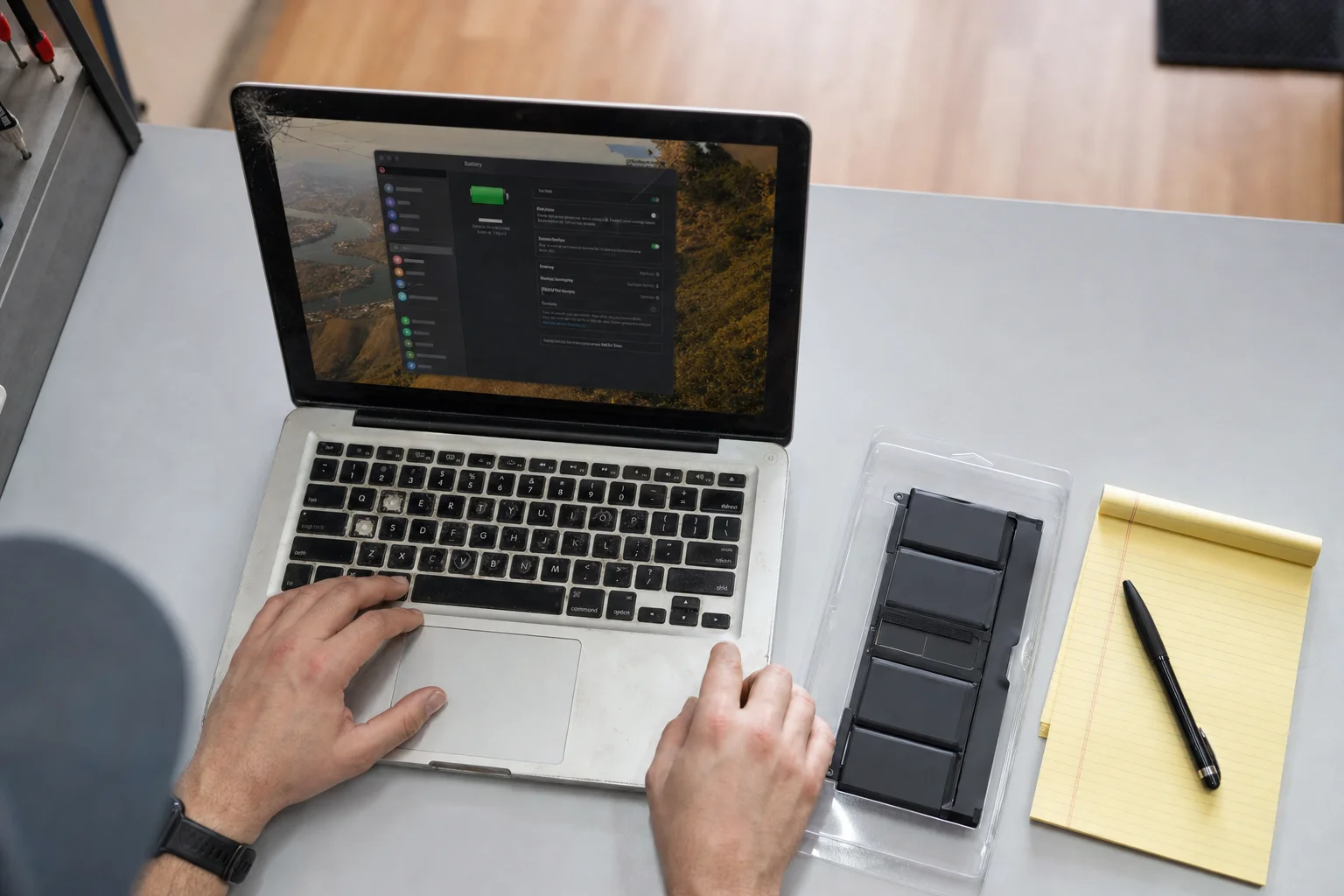
What Is My Broken MacBook Worth? Sell It, Fix It, or Both
What sets a used or broken MacBook's price, when a small repair raises the sale by more than it costs, why a dead Mac still has value to a board-level shop, and how to prep one for sale.
Read more
Apple Upgrade: Lease or Keep? A Repair Bench Does the Math
Apple now leases everything: iPhone, iPad, Mac, Watch. The three fine-print clauses that matter (damage fees, early termination, owning nothing), who leasing genuinely suits, and the keep-vs-replace numbers, charted from published prices.
Read more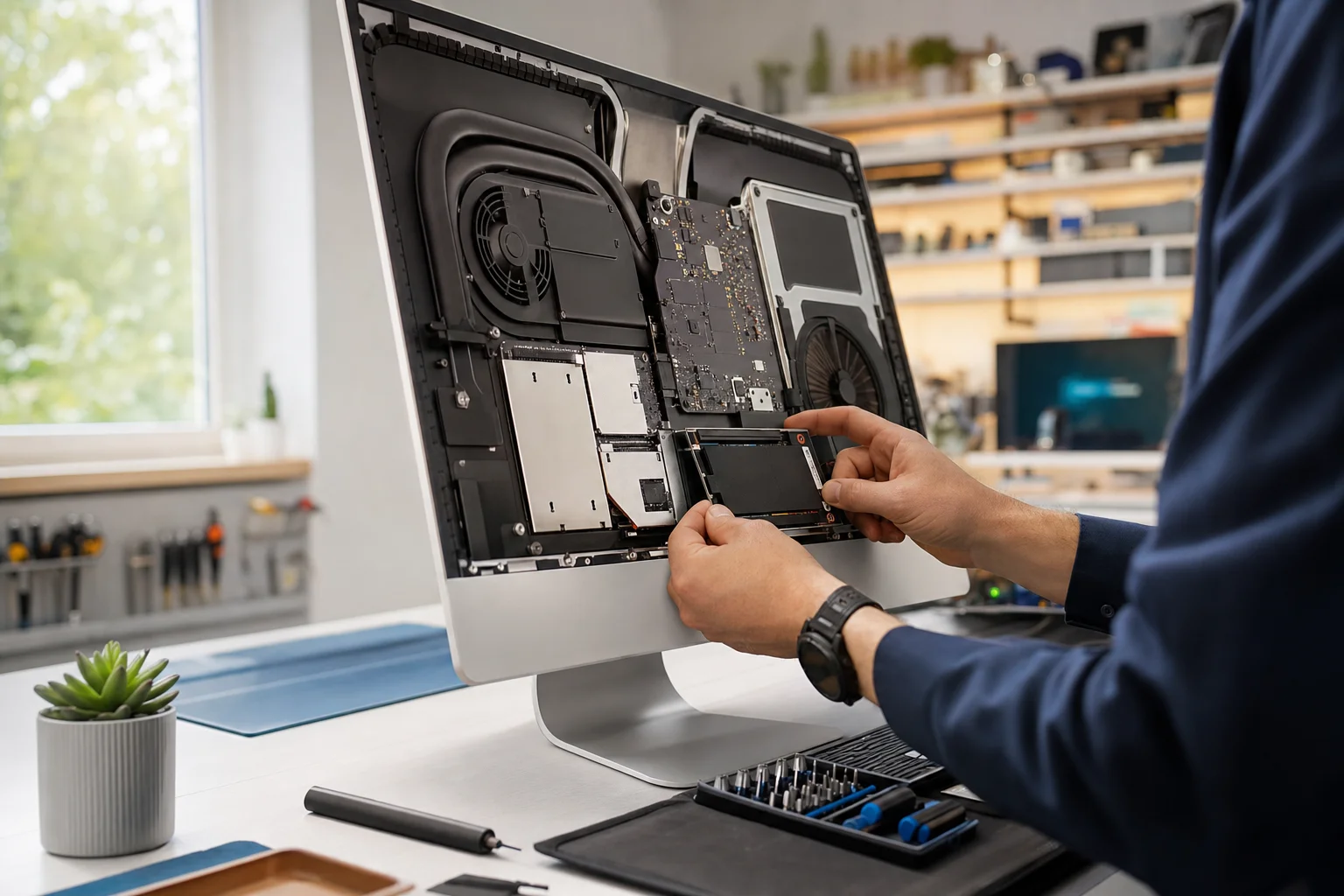
Why Is My iMac So Slow? What Actually Fixes It
Most slow iMacs are slow for one reason, the spinning drive. What an SSD upgrade really does, real cost ranges, upgrade vs buy new, and how to tell when it is something else. The honest version from our bench.
Read more