Another Happy Customer: Angel's Liquid Damage Success Story
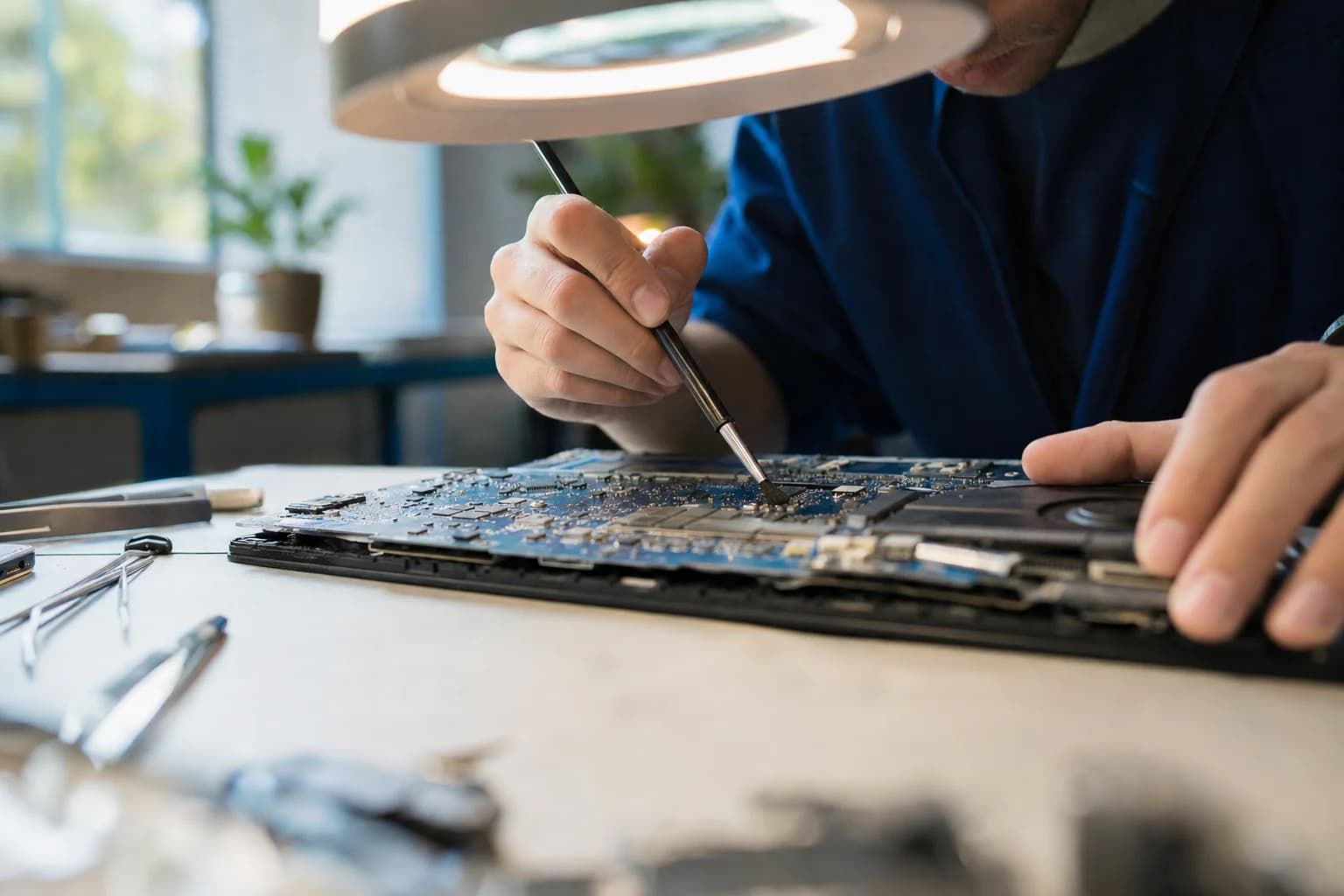
"Angel brought in her laptop after liquid spilled over the keyboard and reached the logic board, which caused the computer to start acting up."
When Angel walked into Computer Clinic Irvine, she was worried her MacBook was beyond repair. A liquid spill had made its way from the keyboard down to the logic board, and the computer had started behaving erratically, with random shutdowns, unresponsive keys, and display flickering.
Many repair shops would have told Angel she needed a complete logic board replacement, a repair that typically costs $800 to $1,200 or more. But at Computer Clinic Irvine, we specialize in board-level micro soldering repairs that can save our customers hundreds of dollars.
Understanding Liquid Damage: Why It's So Destructive
Liquid damage is one of the most common, and most misunderstood, problems we see at our Irvine Mac repair shop. Here's what happens when liquid meets electronics:
Immediate Effects
- Short circuits between components
- Electrical damage to sensitive chips
- Data corruption if drive is affected
Long-Term Corrosion
- Corrosion begins within hours
- Spreads to nearby components over days
- Can cause failures weeks later
This is why time is critical with liquid damage. The sooner you bring your device to a professional, the better your chances of a successful repair. Angel did the right thing. She didn't try to power on her MacBook after the spill and brought it to us quickly.
Our Diagnostic Process: What We Found
When we opened Angel's MacBook, our technicians conducted a thorough inspection of the logic board. Here's what we discovered:
Diagnostic Findings
- 1Liquid residue found on the logic board: Evidence of the spill had spread across multiple areas of the board
- 2Corrosion present around keyboard connector: The liquid had traveled from the keyboard and pooled near the connector
- 3Two damaged capacitors identified: Under our microscope, we found two capacitors that had been compromised by the liquid
- 4SSD and data intact: Fortunately, the storage drive was unaffected
With our diagnosis complete, we had good news for Angel: her MacBook was repairable without replacing the entire logic board. We could clean the board, remove the corrosion, and replace the two damaged capacitors.
The Repair Process: Deep Cleaning & Capacitor Replacement
Our repair process for liquid damage involves several specialized steps that require professional equipment and expertise:
Complete Disassembly
We carefully removed the logic board from the MacBook chassis to access all affected areas. This requires specialized tools and knowledge of Apple's internal design.
Ultrasonic Cleaning
The logic board was placed in our ultrasonic cleaner with specialized cleaning solution. This removes all liquid residue, corrosion, and contaminants from even the smallest spaces between components.
Microscope Inspection
After cleaning, we inspected every component under high magnification to identify any remaining damage. This is where we confirmed the two damaged capacitors needed replacement.
Micro Soldering Repair
Using precision micro soldering equipment, our technicians carefully removed the damaged capacitors and soldered new ones in their place. These components are tiny, smaller than a grain of rice, requiring steady hands and specialized training.
Comprehensive Testing
Before reassembly, we tested all circuits and functions to ensure the repair was successful. We checked power delivery, keyboard response, display output, and all ports.
Reassembly & Final Testing
The MacBook was carefully reassembled and put through our full battery of tests to verify stability under real-world use conditions.
The Result: Full Functionality Restored
Repair Successful!
The computer tested stable after the repair and full functionality was restored. Angel's MacBook was back to working perfectly, with a responsive keyboard, crisp display, no more random shutdowns, and all her data intact.
Angel was thrilled to have her MacBook back in working condition. More importantly, she saved hundreds of dollars compared to what Apple or other repair shops would have charged for a complete logic board replacement. For more information about MacBook repair options, check out our comprehensive MacBook Pro Repair Guide.
Cost Comparison: Board-Level Repair vs. Replacement
Apple / Most Shops
$800 - $1,200+
Full logic board replacement. The entire board is swapped out, even if only a few components are damaged.
Computer Clinic Irvine
$149 - $399
Board-level repair. We fix the actual problem by cleaning corrosion and replacing only damaged components.
That's a savings of 50-80% on liquid damage repairs. This is possible because we have the specialized equipment, training, and 12+ years of hands-on technician experience to perform component-level repairs that most shops simply can't do.
Liquid Damage Prevention: Protecting Your Laptop
While we're always here to help when accidents happen, prevention is the best approach. Here are some tips to protect your laptop:
🚫 Keep Drinks Away
Establish a "no drinks" zone around your laptop. If you must have beverages nearby, use a spill-proof container.
🛡️ Use a Keyboard Cover
A silicone keyboard cover can provide some protection against minor spills and crumbs.
📍 Work on Stable Surfaces
Avoid working with drinks nearby on unstable surfaces like beds or couches where spills are more likely.
💾 Back Up Your Data
Regular backups ensure your data is safe even if your laptop suffers damage. Use Time Machine or cloud backup.
What To Do If You Spill Liquid on Your Laptop
Emergency Steps
- 1Power off immediately: Hold the power button or unplug the battery if possible. Do NOT try to save your work first.
- 2Unplug everything: Remove the charger, USB devices, and any other connected accessories.
- 3Flip it upside down: Open the laptop like a tent (upside-down V shape) to let liquid drain away from internal components.
- 4Do NOT use a hair dryer: Heat can cause additional damage and push liquid deeper into the device.
- 5Do NOT put it in rice: Rice dust can cause more problems, and it doesn't address corrosion.
- 6Bring it to a professional ASAP: Time is critical. The sooner we can clean and inspect it, the better your chances.
Why Choose Computer Clinic Irvine for Liquid Damage Repair?
12+ Years Experience
Over a decade of experience repairing liquid-damaged laptops in Orange County.
Board-Level Repair Capability
Specialized micro soldering equipment and training for component-level repairs.
Free Diagnostic
We assess the damage at no cost before recommending any repairs.
Save 50-80% vs. Replacement
Our repair approach saves you hundreds compared to full board replacement.
Data Recovery Priority
We prioritize saving your data during every liquid damage repair.
Honest Assessment
If repair isn't possible, we'll tell you upfront, with no unnecessary charges.
Frequently Asked Questions About Liquid Damage Repair
Can a laptop be fixed after liquid damage?
Yes, in many cases laptops can be repaired after liquid damage. The key is acting quickly and getting professional help. At Computer Clinic Irvine, we specialize in board-level repairs including ultrasonic cleaning and component replacement. Success rates are highest when the device is brought in within 24-48 hours of the spill and hasn't been powered on while wet.
How much does liquid damage laptop repair cost in Irvine?
Liquid damage repair costs vary based on the extent of damage. At Computer Clinic Irvine, our board-level repairs typically range from $149-$399, compared to $800-$1,200+ for full logic board replacement at Apple or other shops. We provide a free diagnostic to assess the damage before any repairs begin.
How long does liquid damage repair take?
Most liquid damage repairs at Computer Clinic Irvine are completed within 2-5 business days. This includes thorough diagnostic, ultrasonic cleaning, component-level inspection, and any necessary micro soldering repairs. Complex cases with multiple damaged components may take longer.
Should I try to dry my laptop myself after a spill?
If liquid spills on your laptop, immediately power it off and unplug it. Do NOT try to turn it on to check if it works. Do NOT use a hair dryer or put it in rice (rice dust can cause additional damage). Instead, bring it to a professional repair shop like Computer Clinic Irvine as soon as possible. Time is critical. Corrosion begins within hours.
What liquids cause the most damage to laptops?
Sugary drinks (soda, juice, coffee with sugar) cause the most damage because sugar residue is corrosive and sticky. Water is actually the least damaging if addressed quickly. Alcohol-based drinks can damage coatings. Salt water is extremely corrosive. Regardless of the liquid, professional cleaning is essential to prevent long-term corrosion.
Will I lose my data if my laptop has liquid damage?
Not necessarily. In many liquid damage cases, the storage drive (SSD or hard drive) remains intact even if other components fail. At Computer Clinic Irvine, data recovery is a priority during liquid damage repairs. If the drive is affected, we offer professional data recovery services to retrieve your important files.
Why do most repair shops replace the whole logic board instead of repairing it?
Board-level repair requires specialized micro soldering equipment, training, and experience that most repair shops don't have. It's faster and easier to swap the entire board. However, this approach costs customers $800-$1,200+ when often only a few small components need replacement. Computer Clinic Irvine has the expertise and equipment for component-level repairs, saving our customers hundreds of dollars.
Related Resources
Spilled Liquid on Your Laptop?
Don't wait. Corrosion begins within hours. Bring your device to Computer Clinic Irvine for a free diagnostic. We've helped hundreds of customers save their liquid-damaged laptops.
📍 18021 Sky Park Cir Suite H2, Irvine, CA 92614 | Open Mon-Fri 9AM-6PM, Sat-Sun 10AM-4PM
Related Articles
What Is My Broken Laptop Worth? Sell It, Fix It, or Keep It Running
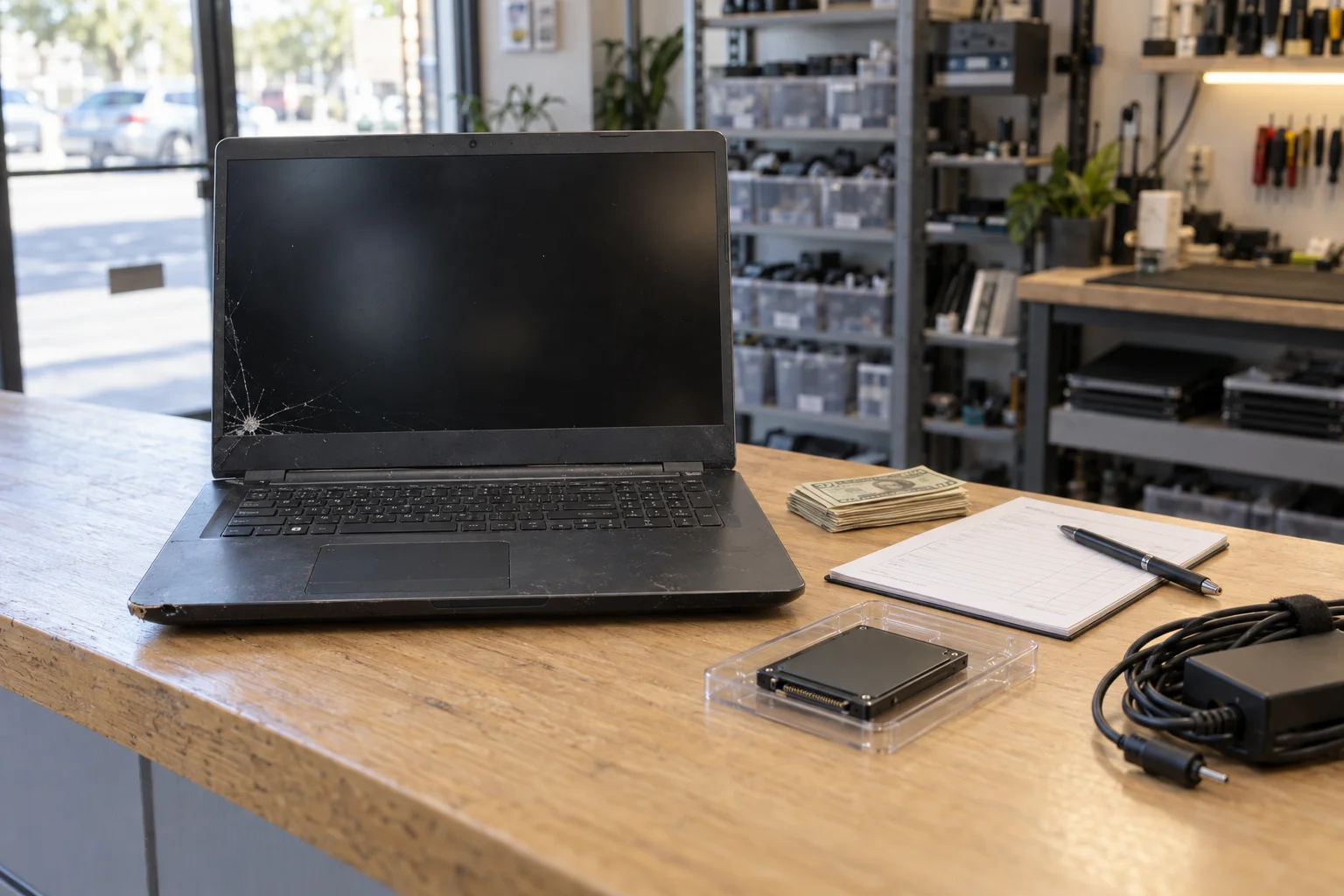
Age, graphics card, screen, battery, Windows 11 eligibility, and account locks set the number, and on a laptop you are keeping an SSD upgrade at $149 to $349 or RAM at $200 to $400 changes how it feels; it rarely pays back at sale. When a $150 to $400 screen belongs to the buyer instead, how to part out a gaming PC, and why a laptop that cannot run Windows 11 can stay on Windows 10 with Microsoft's $30 Extended Security Updates through October 12, 2027.
Read more
The Fall-Quarter Laptop Checklist: Ten Things to Do Before Midterms
UCI instruction runs September 24 to December 4, finals December 5 to 11. The checklist takes one evening in the first two weeks: back up and verify it, check battery health against the 80 percent line, find out if the drive spins, run updates now. The planned fixes are same or next day and priced before the student discount: MacBook battery $149 to $209, SSD upgrade $199 to $249, iPhone battery $69 to $89, malware removal $89 to $149. The emergencies the skipped checks turn into are not: data recovery $149 to $799, liquid damage board repair $399 to $799.
Read more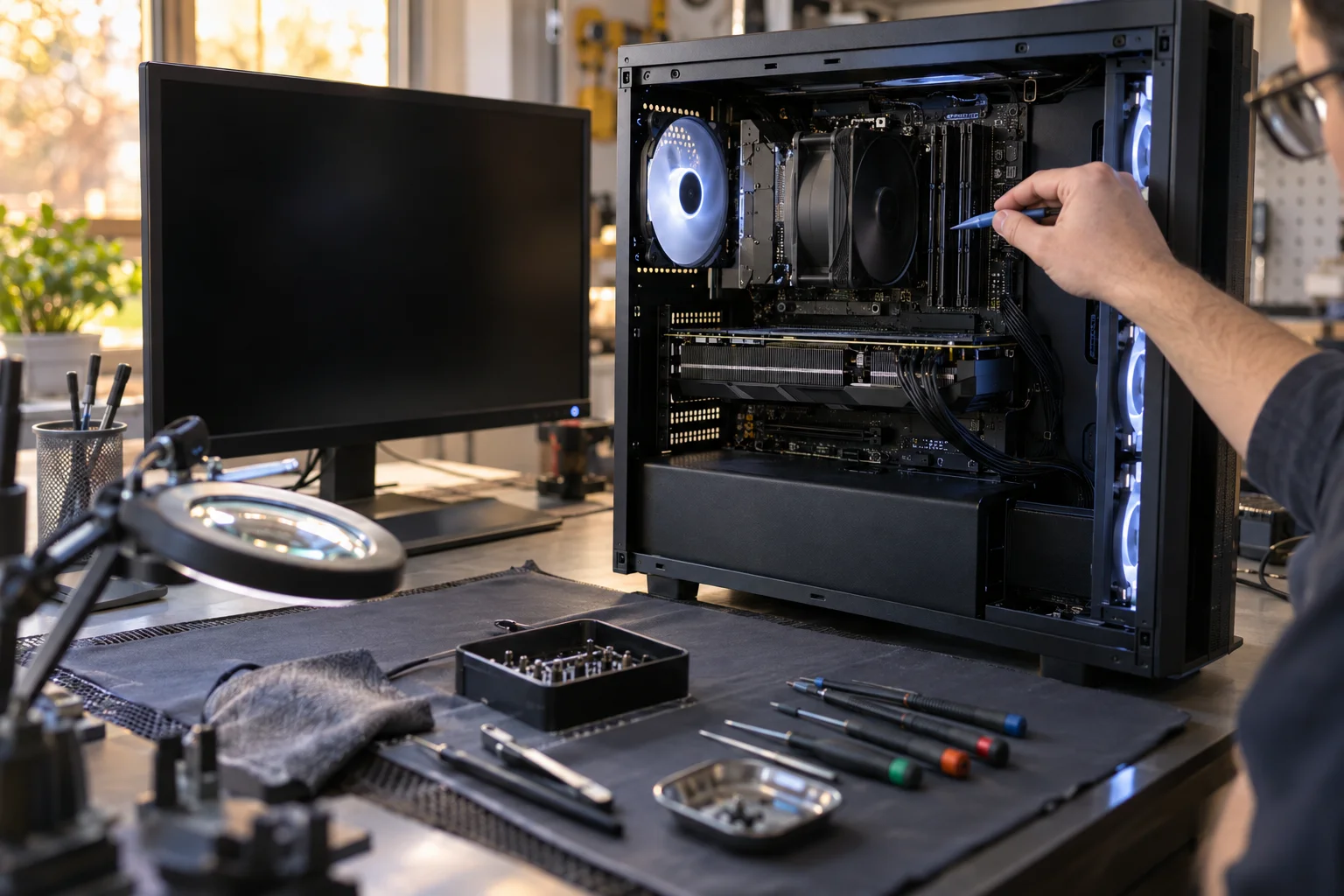
PC Turns On but No Display: What It Can Be, and What It Costs to Fix
Fans spin, the monitor says No Signal, and the fault is one of four parts: the graphics card, the RAM, the power supply, or the board. The five-minute checks that cost nothing, how to read debug LEDs and beep codes, and what each fix costs: most computer repairs $89 to $299, graphics card board-level repair $120 to $350, build rescue $129 to $349.
Read more