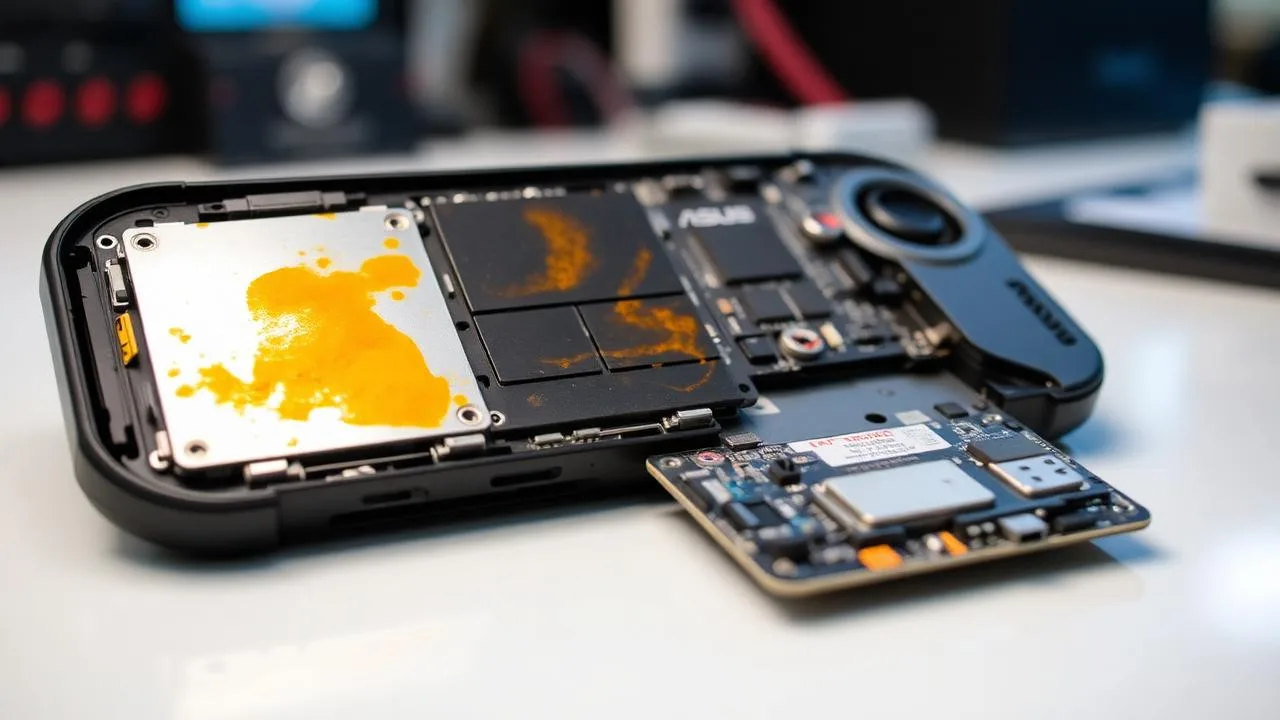
Liquid damage is one of the most serious things that can happen to a handheld gaming console. Modern devices like the ASUS ROG Ally X are essentially full Windows gaming PCs compressed into a controller-sized chassis: dense, multi-layer motherboards with dozens of fine-pitch power components packed inches from the user's hands.
Recently, a customer brought us a ROG Ally X that had been exposed to liquid and was completely dead, with no boot, no LED, and no response from the power button or charger. This is the full case study from Computer Clinic Irvine: how we approached the diagnostic, what we found, and how board-level repair gave the device a second life.
If your handheld is dead and liquid was not involved, start with our Steam Deck and Legion Go won't turn on fix order first. A surprising number of "dead" handhelds revive with the 60-second checks in that guide.
⚡ Quick Take
A ROG Ally X with no power after liquid exposure usually has corrosion on the USB-C charging IC, battery connector, or main power rails. Continuing to charge or press the power button makes the damage permanent. The faster a board-level technician opens, cleans, and treats the board, the higher the recovery rate.
ROG Ally X Won't Turn On?
Free diagnostics • Board-level repair • 90-day warranty
Customer Concern & Intake
The customer described a now-familiar scenario for handheld gamers:
- Device: ASUS ROG Ally X (AMD Ryzen Z1 Extreme).
- Reported issue: Liquid exposure followed by total loss of power.
- Symptoms: No boot, no charging LED, no response from power or volume buttons, no sign of life when connected to the original 65W charger.
Out of the gate, a "100% dead" Ally X after liquid usually points to one of three things: a shorted power rail on the main board, a damaged USB-C / power delivery (PD) controller, or a compromised battery management circuit. All of those are board-level problems, not something a factory reset, BIOS update, or charger swap can fix.
Liquid Damage First Aid (Do This First)
If your ROG Ally X (or any laptop, phone, tablet, or handheld) has just been exposed to liquid, the next 60 seconds matter more than the next 60 days:
Do
- Power off immediately (long-press if needed).
- Unplug the charger and any USB-C accessories.
- Wipe exterior dry with a soft cloth.
- Hold it screen-down so liquid can drain away from the board.
- Bring it in for inspection within 24 to 48 hours.
Don't
- Don't keep pressing the power button.
- Don't plug the charger in to "test" it.
- Don't put it in rice or in the freezer.
- Don't blow-dry it, since heat spreads liquid into chips.
- Don't shake or tap it on the table.
Every charge attempt after liquid exposure pushes current through corroded paths and creates new, often permanent, shorts. The earlier a technician opens, disconnects, cleans, and inspects the device, the higher the chance of a clean recovery.
Initial Inspection
At the bench, the first action on any liquid-damage handheld is the same: safely open the device and disconnect the battery. With the battery isolated, the board can be inspected without further current flow worsening the damage.
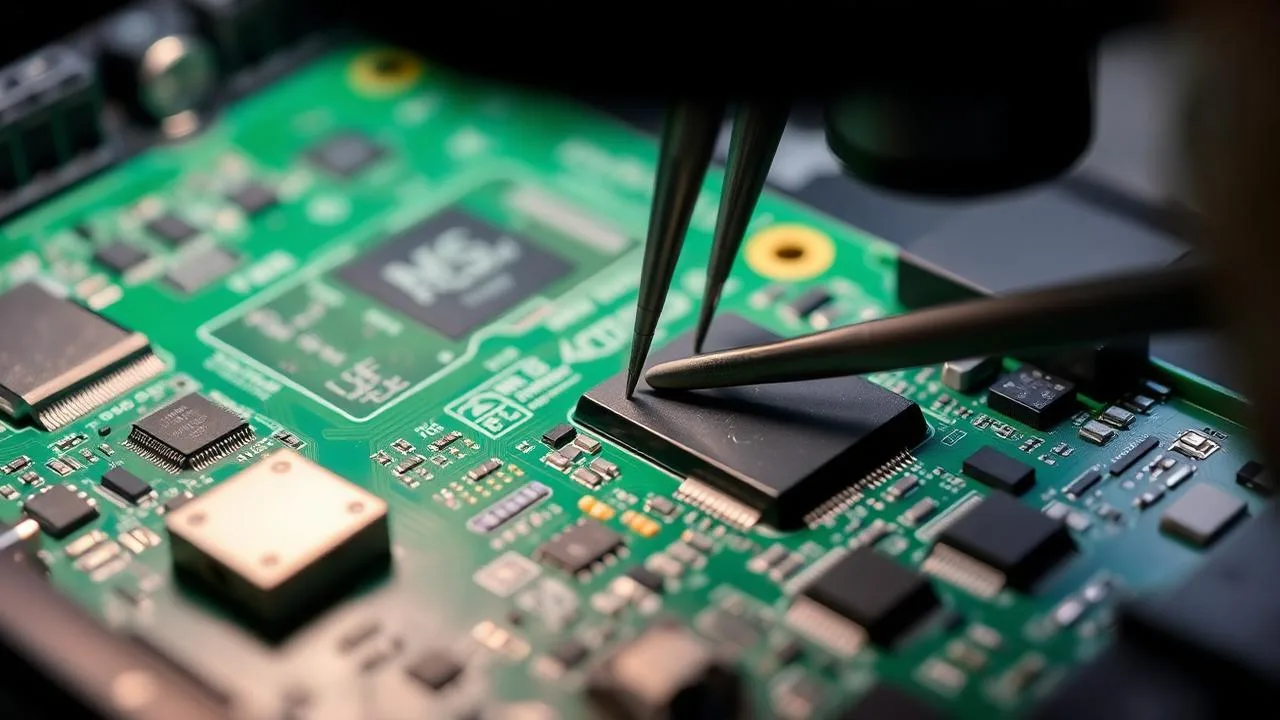
During inspection we systematically check every high-risk zone:
- USB-C charging port and surrounding shield
- Battery connector and battery management IC
- Power delivery (PD) controller
- Main power rails and inductors
- Internal flex cables (display, joysticks, triggers, fans)
- Solder joints around large BGAs and the APU shield perimeter
- Small board-level capacitors and MOSFETs near power stages
Liquid is sneaky. It can travel under chip shields and connectors and start corroding solder joints long after the surface looks dry. A careful, magnified inspection is non-negotiable.
Diagnostic Findings
This particular ROG Ally X showed symptoms consistent with liquid exposure on the power side of the board. Because the customer attempted to charge the device a few times after the spill, the corrosion had progressed and likely created a partial short on the power management circuit, matching the "fully dead, no LED" presentation we observed.
Common liquid-related failures on handheld gaming consoles include:
Power-Side Failures
- Shorted MOSFETs or capacitors on main rails
- Damaged USB-C / PD charging IC
- Failed battery management IC
- Corroded battery connector contacts
Board-Wide Failures
- Corrosion under chip shields
- Damaged solder joints around BGAs
- Broken display/joystick flex connectors
- Hidden creep corrosion on power rails
Because the device wouldn't even attempt to power on, a full board-level liquid damage repair was the right path forward.
Board-Level Repair Process
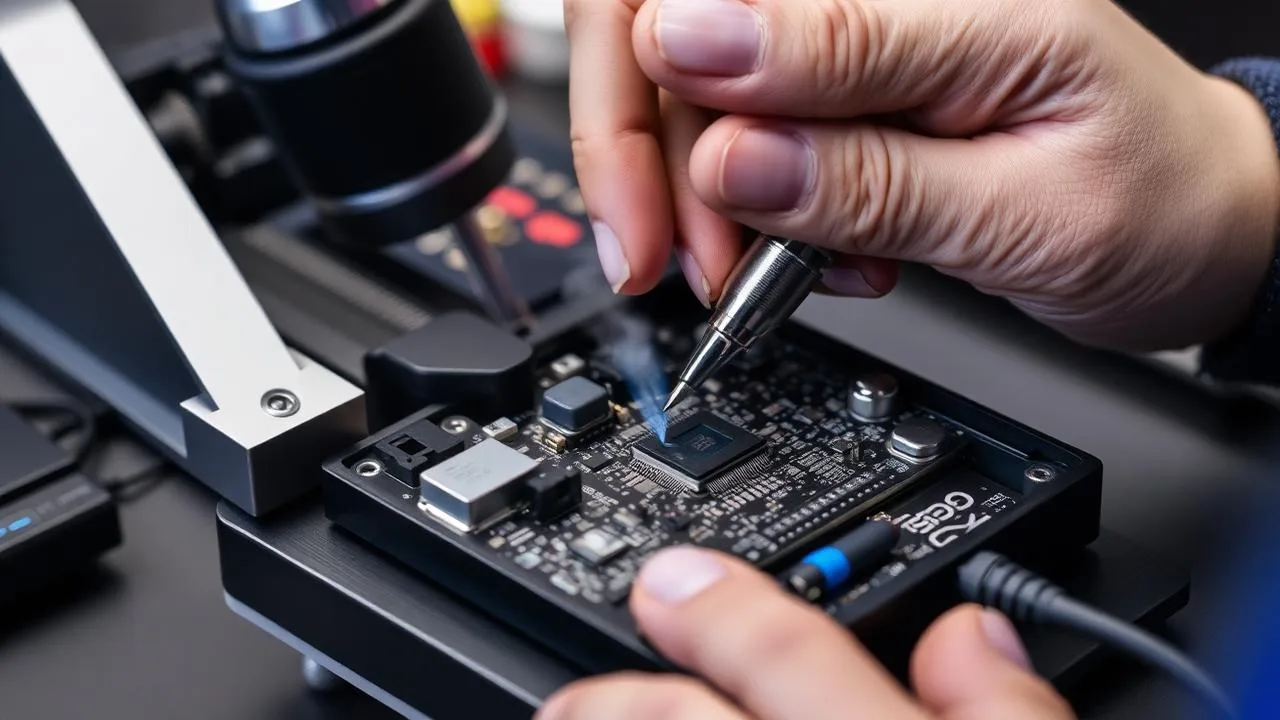
Every liquid damage repair at Computer Clinic Irvine follows the same disciplined workflow:
- Complete disassembly of the handheld, with each screw and connector tracked.
- Battery disconnection for safety before any board work.
- Microscope inspection of every shield, connector, and IC perimeter.
- Liquid residue and corrosion removal using ultrasonic cleaning and electronics-safe solvents.
- Short detection on main power rails using a bench supply with current limiting.
- Component-level repair: replacing damaged capacitors, MOSFETs, charging ICs, or PD controllers.
- Functional and stress testing across charge cycles, gameplay load, and thermal soak before reassembly.
The goal is always the same: restore normal power and operation while preserving the customer's data and game saves wherever possible.
Important note about liquid damage
Liquid damage can be unpredictable. Even when a device powers back on after cleaning, hidden corrosion may continue developing weeks later. We always perform extended post-repair testing, and if additional damage is uncovered mid-repair, we contact you with options before any extra work is performed.
Why Handhelds Are Especially Vulnerable
Compared to a laptop or desktop, a handheld like the ROG Ally X concentrates an enormous amount of computing power into a tiny enclosure. That comes with three structural risks for liquid damage:
- High thermal density. The APU runs hot, which means active cooling vents that can also act as liquid entry points.
- Fine-pitch components. Power management ICs, capacitors, and MOSFETs are tiny and packed close together, so even small corrosion bridges can short multiple rails.
- Always-on USB-C / PD. The charging circuit is permanently powered as long as the battery has charge, so liquid keeps current flowing through corroded paths even when the device "looks" off.
This is the same family of failures we see on Steam Deck, Lenovo Legion Go, MSI Claw, and the Nintendo Switch, just with different layouts. The diagnostic and repair philosophy is identical: open it, isolate the battery, clean it properly, find the short, fix the short.
Repair Cost vs. Replacement
| Service | Typical Range at Computer Clinic Irvine |
| Diagnostic-only inspection | Free |
| Cleaning & corrosion treatment | $149 to $249 |
| USB-C / charging IC replacement | $249 to $399 |
| Board-level power repair (caps / MOSFETs / PMIC) | $299 to $549 |
| ASUS motherboard replacement | Often $600+ or full unit replacement |
In many cases, board-level repair costs less than half of an ASUS motherboard swap, and you keep your original SSD, saved games, and Windows installation. Final pricing always depends on the specific failed components and is confirmed before work begins.
How to Prevent Future Liquid Damage
- Keep drinks, sauces, and skincare products off the same surface as your handheld.
- Use a hard-shell carry case during travel or commuting.
- Avoid charging on kitchen counters, bedside tables with open glasses, or near pets.
- Wipe sweat off the device after long sessions, since humidity adds up over time.
- If liquid does hit it, follow the First Aid steps above immediately.
Why Choose Computer Clinic Irvine
Handheld Console Specialists
ROG Ally, Ally X, Steam Deck, Legion Go, MSI Claw, Switch. We repair what others replace.
Real Microsoldering Lab
Stereo microscopes, hot-air rework, IR preheating, and ultrasonic cleaning on-site in Irvine.
90-Day Warranty
Every board-level repair is stress-tested and warrantied.
Local Orange County Shop
Serving Tustin, Newport Beach, Costa Mesa, Mission Viejo, Lake Forest, and all of OC.
Already had a no-power experience on another device? Our liquid damage laptop repair case study and MacBook Pro A2991 board-level case study show the same diagnostic philosophy applied to other platforms.
ROG Ally X Dead After a Spill?
Don't replace the whole console. Bring it to Irvine's board-level handheld repair specialists for a free diagnostic. Most liquid-damaged Ally X units can be saved if they're inspected quickly.
18021 Sky Park Cir Suite H2, Irvine, CA 92614 • Mon to Fri 9AM to 6PM | Sat to Sun 10AM to 4PM
Frequently Asked Questions
What is the ASUS ROG Ally X?
The ROG Ally X is ASUS's high-performance Windows handheld gaming PC powered by an AMD Ryzen Z1 Extreme APU, 24GB LPDDR5X memory, and a 1TB NVMe SSD. It runs full Windows 11 and acts more like a gaming laptop than a console, which means liquid damage can affect dozens of fine-pitch components on a densely packed motherboard.
Can a liquid-damaged ROG Ally X be repaired?
Yes, in most cases. If the device is brought in quickly, powered off, unplugged, and not charged after exposure, we can typically save the motherboard with ultrasonic cleaning, corrosion treatment, and component-level microsoldering. Recovery rates are highest within the first 24 to 72 hours after exposure.
Why won't my ROG Ally X turn on after liquid spilled on it?
Liquid creates micro-shorts across power rails, corrodes the USB-C charging IC, and can damage the battery management circuit. Even a small amount of moisture under a chip shield can cause the system to refuse to power on or to shut down immediately when charging is attempted.
Should I keep trying to charge or power on my ROG Ally X after liquid damage?
No. Every press of the power button or insertion of the charger pushes current through corroded paths and creates new shorts. Power off, unplug, do not press buttons, and bring the device in for board-level inspection as soon as possible.
Does putting the ROG Ally X in rice fix liquid damage?
No. Rice does not pull moisture out of densely packed handheld motherboards and does nothing for corrosion that is already forming. Professional disassembly, ultrasonic cleaning, and corrosion treatment are required to actually stop and reverse the damage.
How much does ROG Ally X liquid damage repair cost in Irvine?
Diagnostic-only cleaning and corrosion treatment usually starts around $149 to $249. Full board-level repair involving USB-C charging IC replacement, MOSFET work, or power management repair typically falls in the $249 to $549 range, far less than ASUS's flat-rate motherboard replacement, which can exceed the cost of a new unit.
How long does ROG Ally X liquid damage repair take?
Initial inspection and cleaning is usually completed within 24 to 48 hours. If board-level microsoldering or part sourcing is required, total turnaround is typically 3 to 7 business days. We always confirm scope and pricing with you before any chargeable work begins.
Will I lose my game data if my ROG Ally X is repaired?
In most successful repairs, the NVMe SSD and Windows installation are preserved. If the board is unrecoverable, we can usually transfer the M.2 SSD to recover game saves, screenshots, and personal files.
Do you repair other handheld consoles besides ROG Ally X?
Yes. We service ASUS ROG Ally and Ally X, Steam Deck (LCD and OLED), Lenovo Legion Go, MSI Claw, Nintendo Switch and Switch OLED, and other handheld gaming devices for liquid damage, charging port replacement, and board-level repair.
Where can I get ROG Ally X liquid damage repair near Irvine?
Computer Clinic Irvine, located at 18021 Sky Park Cir Suite H2, Irvine, CA 92614, specializes in board-level handheld gaming console repair. We serve Irvine, Tustin, Newport Beach, Costa Mesa, Lake Forest, Mission Viejo, Santa Ana, and Laguna Hills. Call (657) 321-9934 for a free diagnostic.
Related Articles
MacBook Pro A2991 Repair Case Study: High Current Draw & No Boot
Real Irvine repair case: 16-inch M3 MacBook Pro (A2991) drawing 2.7A and shutting down. Step-by-step board-level diagnosis and microsoldering fix.
Read more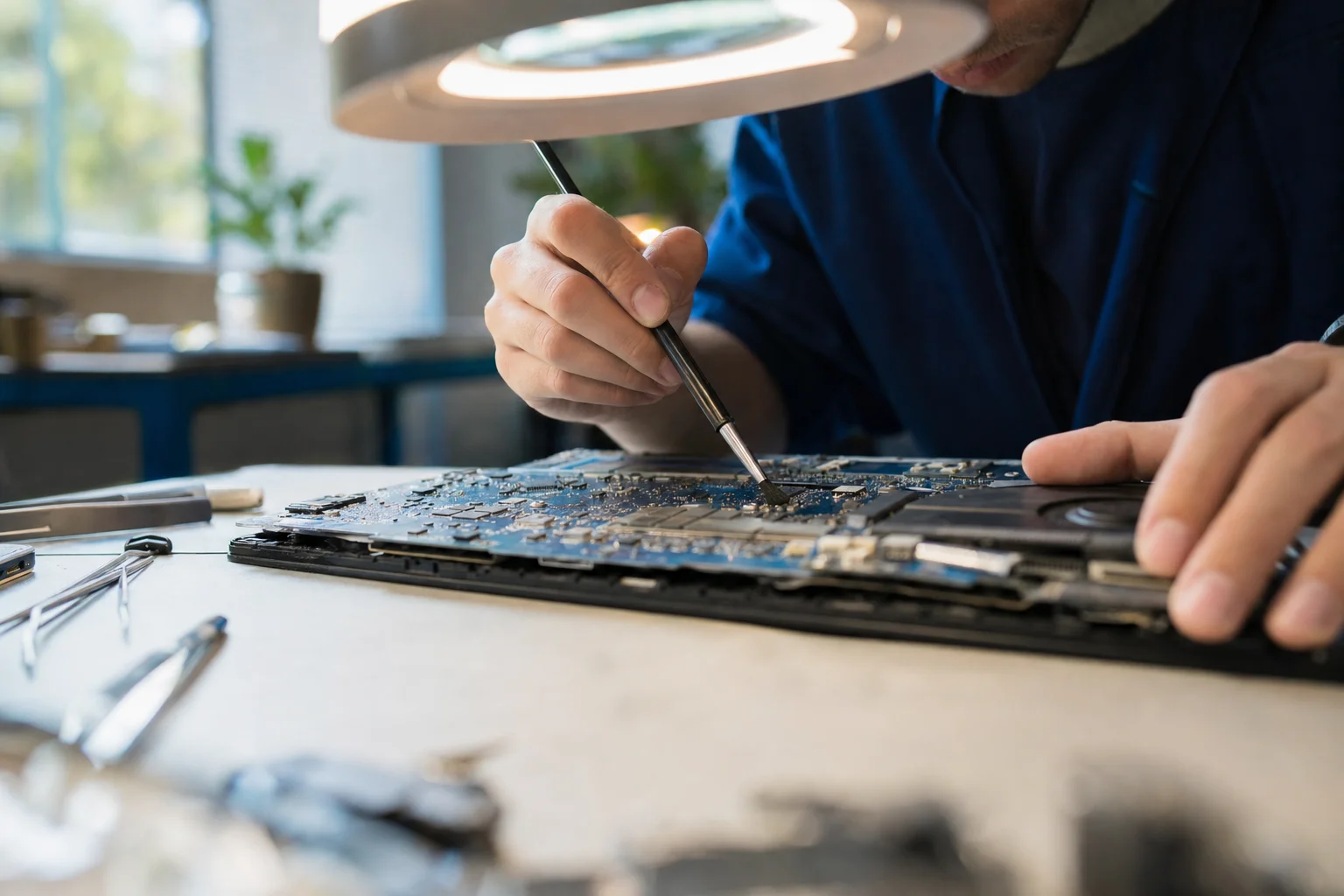
Liquid Damage Laptop Repair: Logic Board Recovery in Irvine
How we saved Angel's liquid-damaged MacBook with logic board cleaning and capacitor replacement. Real case from the Irvine bench.
Read more
What Is My Broken Laptop Worth? Sell It, Fix It, or Keep It Running
Age, graphics card, screen, battery, Windows 11 eligibility, and account locks set the number, and on a laptop you are keeping an SSD upgrade at $149 to $349 or RAM at $200 to $400 changes how it feels; it rarely pays back at sale. When a $150 to $400 screen belongs to the buyer instead, how to part out a gaming PC, and why a laptop that cannot run Windows 11 can stay on Windows 10 with Microsoft's $30 Extended Security Updates through October 12, 2027.
Read more