- Most Newport Beach homes need 3 to 5 access points. Stucco, multi-story, and outdoor areas all push the count up.
- Outdoor APs need to be outdoor-rated. Salt air kills consumer indoor units fast.
- Newport Coast hillside homes usually want 5+ nodes plus selective Ethernet drops.
- Free on-site walkthrough. Real quote after we see the property.
- Where we are: Computer Clinic Irvine, 15 minutes from Fashion Island.
Newport Beach is one of the harder places in Orange County to get WiFi right. The homes are large, the construction is heavy, and the lifestyle assumes you can be on a Zoom call from the back deck overlooking the bay. The 3-pack mesh that works fine in a tract home in Irvine is rarely enough for a 4,500 sq ft Newport Coast property with a pool deck and a detached casita.
We do these installs every month. This post is what we have learned about what these homes actually need.
Why coastal homes are different
Three structural realities push the WiFi requirements above what a typical mesh handles.
Stucco with metal lath
Most Newport Beach homes from the 1990s onward have thick stucco exteriors built over metal lath. Metal lath is essentially a Faraday cage for the lower frequencies WiFi runs on. Signal that travels through one stucco wall is degraded; signal through two or three is often unusable. A router in a central closet does not actually reach the corners of the home through the walls.
Concrete decks between floors
Many multi-story Newport Beach homes have post-tensioned concrete decks between floors. Concrete with rebar blocks WiFi almost as well as stucco. A mesh that depends on wireless backhaul between floors often struggles. The fix is wired backhaul where possible, which means a Cat6 run between floors.
Outdoor as primary living space
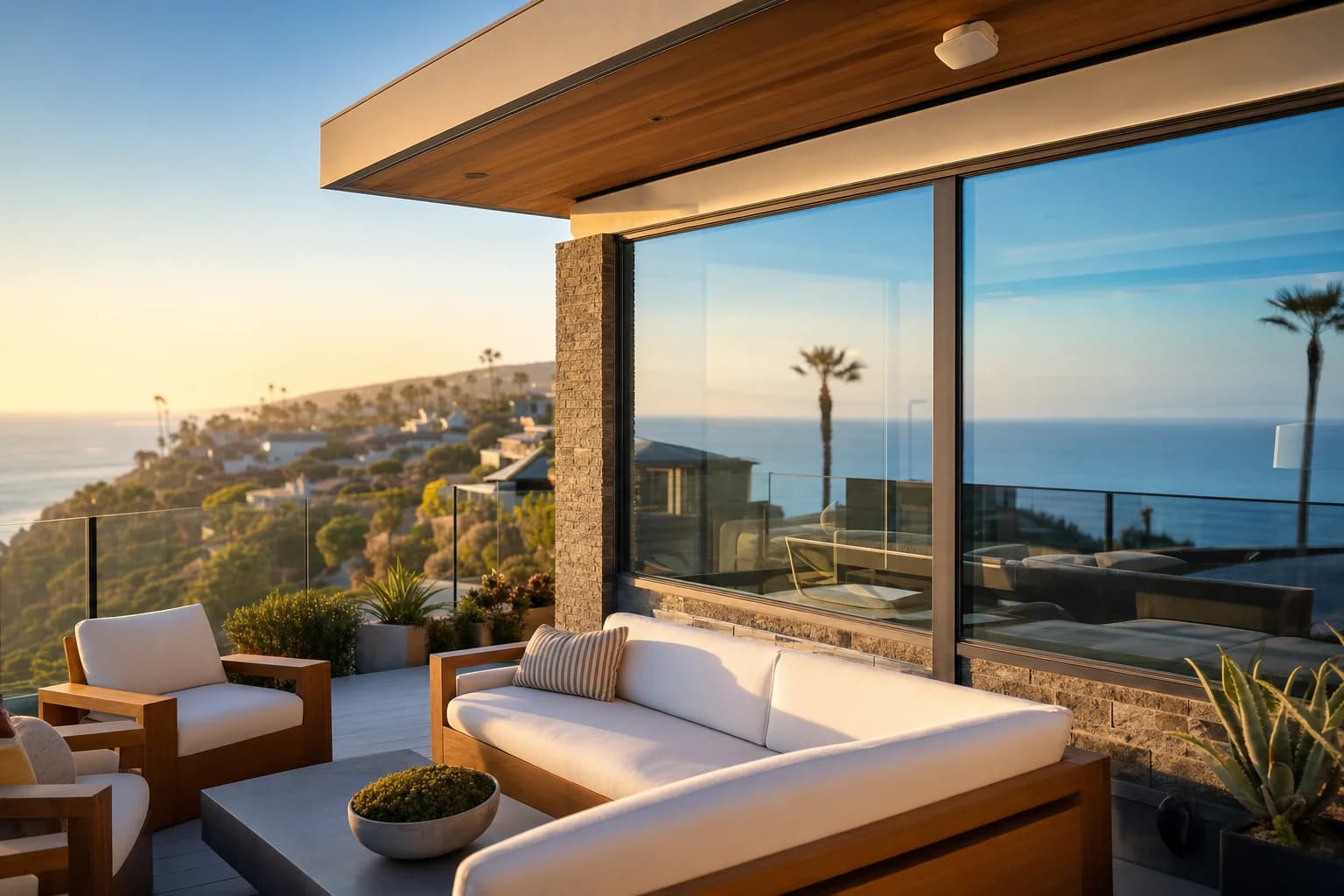
In most of the country, outdoor WiFi is a nice-to-have. In Newport Beach, the back patio, pool deck, BBQ station, and balcony are primary living spaces year-round. Customers want full streaming, video calls, and smart home control in those areas. That usually means a dedicated outdoor-rated access point.
What we install
We are brand-neutral. Different homes call for different systems. A few common picks:
- Eero Pro 6E or Eero Max 7. Strong pick for most Newport Beach homes. Clean Apple-friendly app, smooth roaming, supports wired backhaul. Works very well in homes with 3 to 5 nodes.
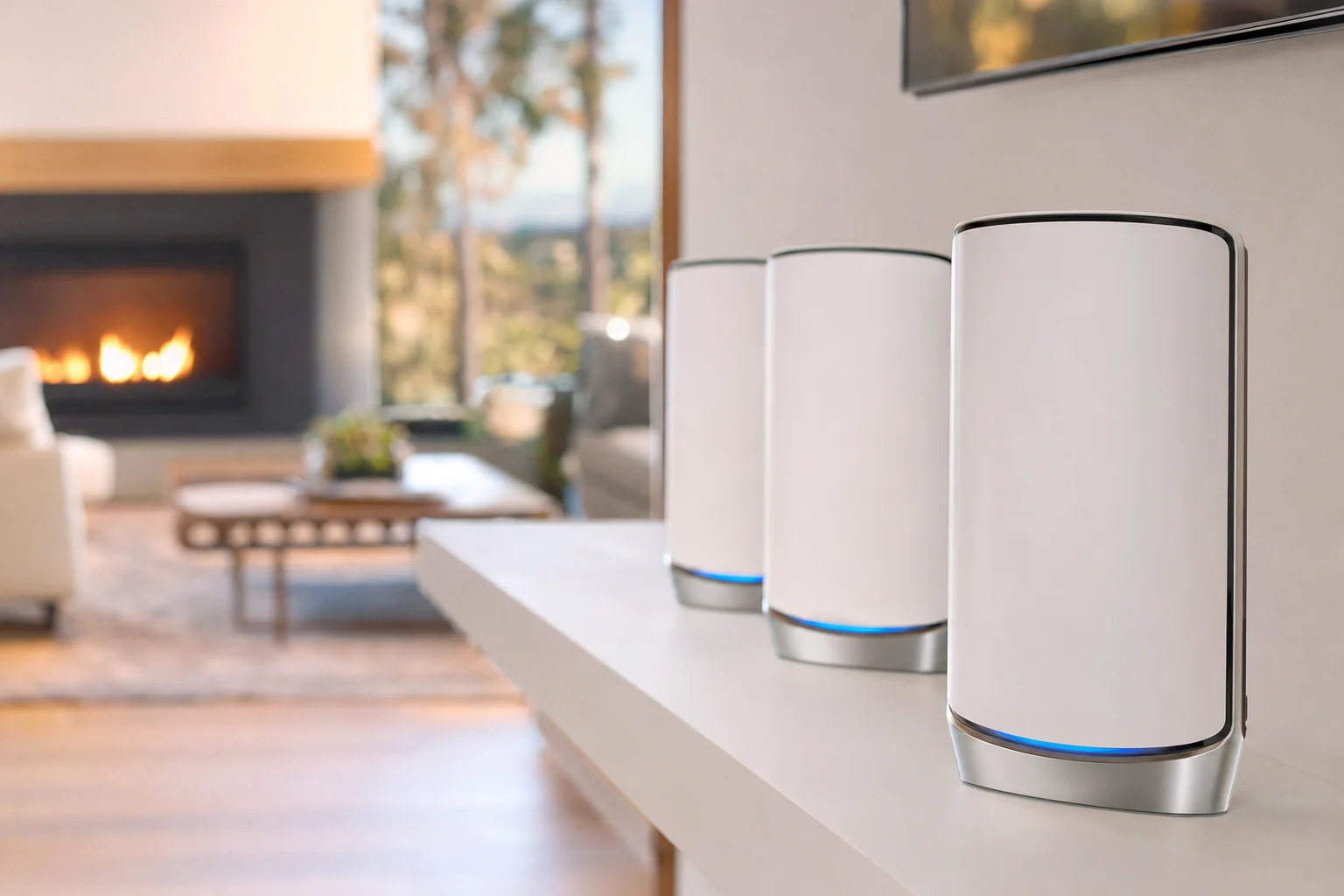
- NETGEAR Orbi 970. For the largest installs and homes with the highest device counts. Wi-Fi 7, dedicated high-bandwidth backhaul, excellent on multi-acre properties. See our Orbi 970 case study from a 1-acre Irvine property for what these installs look like.
- Ubiquiti UniFi. The right call for the most complex homes, especially multi-structure properties (main house + casita + pool house + garage office). Outdoor-rated AP-AC-M units handle salt air well. Requires more setup, runs longer.
- TP-Link Deco or ASUS ZenWiFi. Good budget-tier picks for smaller homes that still need 3 to 4 nodes.
Outdoor APs and salt air
The single biggest mistake we see on Newport Beach installs that someone else did: a consumer indoor mesh node mounted on an exterior wall or under a patio cover. Within 12 to 18 months the salt air corrodes the plastics, the electronics, and the antennas. The AP slowly stops working.
Outdoor-rated access points are designed for this environment. Sealed housings, treated PCBs, and antenna designs that handle weather. The price difference is real (a Ubiquiti UAP-AC-M is around $179, an outdoor-rated Eero Pro setup is a different conversation), but the lifetime of the equipment in coastal conditions makes it worth it.
If a patio has any roof structure that protects the AP, an indoor unit can sometimes work. If the AP is fully exposed, it has to be outdoor-rated. We make this call at the walkthrough.
Hillside homes and Newport Coast
Newport Coast and parts of Corona del Mar have hillside lots where the structure spans significant elevation. A typical three-story Newport Coast home might have a garage and entry on the lowest level, the main living and kitchen on the middle level, and the primary bedroom on the top level, with a back yard or pool on the lowest level outside.
The challenge: WiFi has to span multiple concrete floors AND reach the outdoor area at the lowest level AND the rooftop deck at the highest level. Wireless backhaul between floors rarely keeps up. The right answer is usually a wired backhaul Ethernet run between two or three central locations on different floors, with mesh nodes acting as access points off those runs.
We do the Ethernet runs as part of the install when needed. Crawling through an attic or fishing through a stucco wall is part of the work.
Balboa Island, the Peninsula, and older Newport Beach
Older homes on Balboa Island, Balboa Peninsula, and the bay side of Newport Beach have a different problem. Many are small bungalows or older townhomes with shared walls. The constraint is space, not coverage. The wrong move is dropping in a 6-node mesh that overlaps itself heavily.
These homes typically do well with 2 to 3 nodes plus careful channel and band selection. The work is more about doing less, but doing it correctly.
How the install actually works
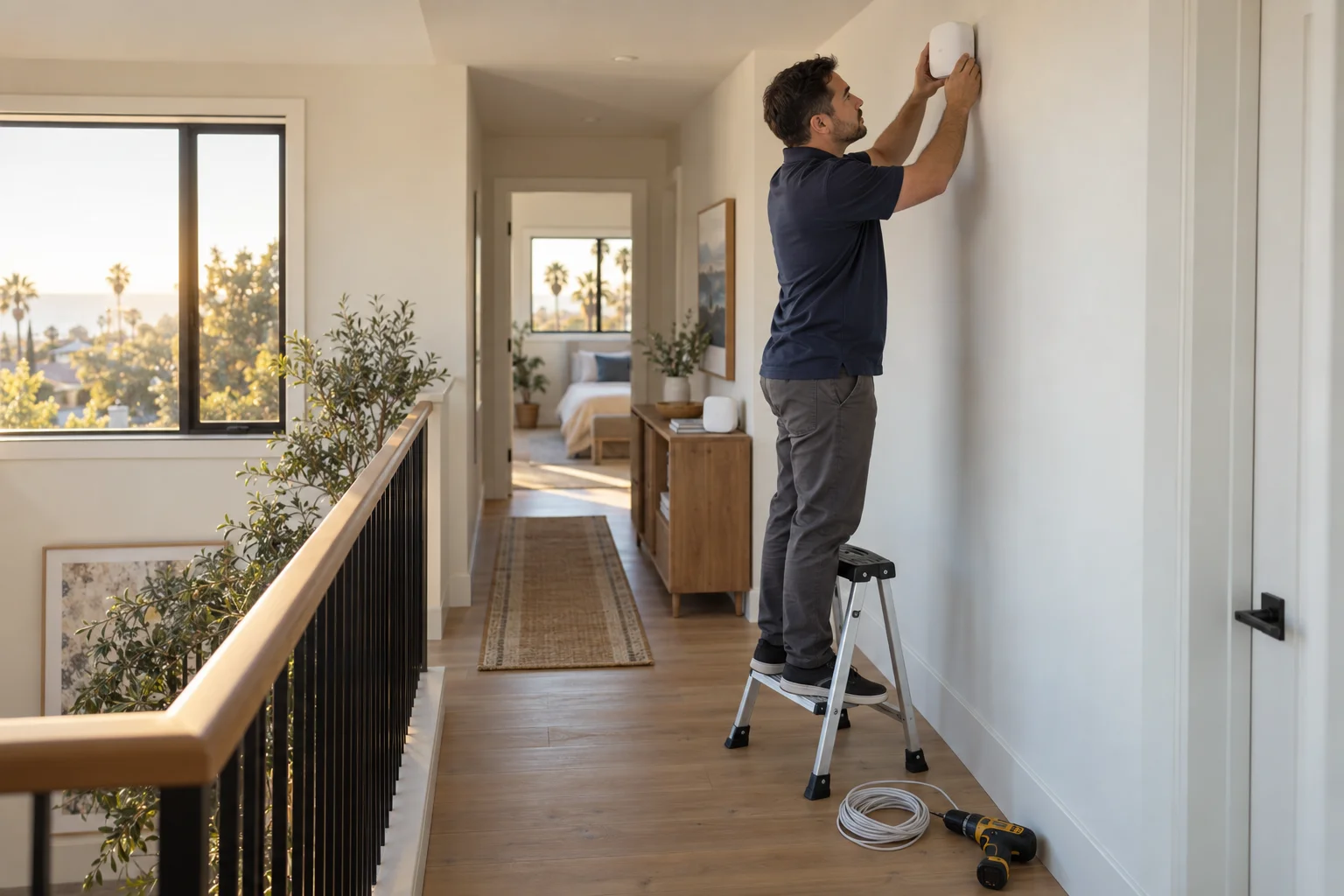
- Free on-site walkthrough. We come to your home, see the layout, ask how you actually use the internet, identify the dead zones and the priority coverage areas. About 45 to 60 minutes.
- Written quote. Equipment options at different price points, where each AP goes, any cabling required, and a flat-quote price. You decide.
- Install day. We coordinate with the ISP if a modem swap is needed. New router and APs set up under your account so you own the system. Each AP placed in the location we agreed on, signal-meter verified, and tested with a device walk.
- Outdoor APs and Ethernet drops. If part of the install includes cabling or outdoor work, this is when it happens. Drywall is patched neatly. Cable holes are sealed.
- Final testing. Speed test from every device on the list. Smart home devices reconnected to the new SSID. Guest network set up. App credentials handed over to you with a written setup summary.
The single most common rework we do on existing Newport Beach installs is rebuilding a mesh because the homeowner has no access to the app account it was installed under. Whoever installs your system (us or anyone else), make sure the credentials are saved somewhere you control. Five minutes at install time saves a full reset later.
Weak WiFi in your Newport Beach home? Free walkthrough.
On-site across every Newport Beach neighborhood. Brand-neutral, no equipment hard-sell, install designed for your specific home.
Related: see our home network and WiFi installation page for Orange County for the full service overview, our Orbi 970 case study for a real 1-acre install, or our Newport Beach computer repair page for everything else we do for Newport Beach customers.
Frequently asked questions
Why is WiFi in Newport Beach homes harder than in tract homes?+
Three reasons. Coastal Newport Beach homes are often larger and multi-story. The construction usually involves thick stucco walls with metal lath, which blocks WiFi much more than drywall. And the lifestyle assumes WiFi works in places it has to fight to reach: outdoor patios, pool decks, detached casitas, balconies overlooking the water, and the corners of the property closest to the beach.
How many access points does a typical Newport Beach home need?+
Single-story bungalows under 2,000 sq ft can sometimes get by with a strong 2-node mesh. Multi-story homes over 3,000 sq ft typically need 3 to 4 access points. Newport Coast hillside homes with multiple floors, outdoor areas, and a detached structure often need 5 to 6 nodes. The right number comes from a walkthrough, not a square footage chart.
Do you install in Newport Coast, Corona del Mar, Crystal Cove, Balboa Island?+
Yes, every Newport Beach neighborhood. We come on-site for the walkthrough and the install. Newport Coast and Crystal Cove with their hillside lots and multi-story layouts are some of the most challenging WiFi projects we do.
What about outdoor WiFi for patios, pool decks, and balconies?+
We use outdoor-rated access points for areas exposed to the elements. Salt air on the coast is real, and consumer indoor APs do not last on a Newport Beach patio. Outdoor-rated Ubiquiti UAP-AC-M, EnGenius, or properly mounted Eero outdoor units are the right tools.
What mesh systems do you recommend?+
We are brand-neutral. For most Newport Beach homes Eero Pro 6E or Eero Max 7 covers the use case well with a clean Apple-friendly app. For larger homes or homes with multiple outdoor areas, Ubiquiti UniFi gives more control and outdoor support. For the highest-end installs, NETGEAR Orbi 970 is excellent (see our case study). We size the system to your home, not the other way around.
What does it cost?+
Basic mesh installs (2 to 3 nodes, single story, no outdoor work) typically run $199 to $399 for labor. Whole-home installs with multi-story coverage and outdoor APs run $399 to $899 for labor depending on complexity. Equipment is separate and you can buy it yourself or we can source it. Free on-site walkthrough first so the quote is real.
Can you fix a setup someone else installed?+
Yes, this is a regular request. Common cases: an installer set the system up with credentials the homeowner does not have, satellite placement was wrong, mesh nodes do not stay connected, smart home devices keep dropping off. We can usually rework an existing install without buying new equipment.
Do you also do Ethernet for important devices?+
Yes. Many Newport Beach homes benefit from Ethernet runs to specific points: home office, AV cabinet for Apple TVs or game consoles, mesh nodes themselves (wired backhaul is more reliable than wireless backhaul on large properties), outdoor cameras. We do new Cat6 runs through attics, crawlspaces, and where possible through existing walls.
Do you install in Balboa Island and the Peninsula?+
Yes. Older bungalows and condos on Balboa Island and the Peninsula have their own challenges (small spaces, sometimes shared walls in condos, concrete floors between stories). We adjust the install to fit.
How long is the install?+
A 2 to 3 node install in a single-story home is 1 to 2 hours. A whole-home install with outdoor APs and Ethernet runs is most of a day. We schedule with the homeowner so the work fits around your day.