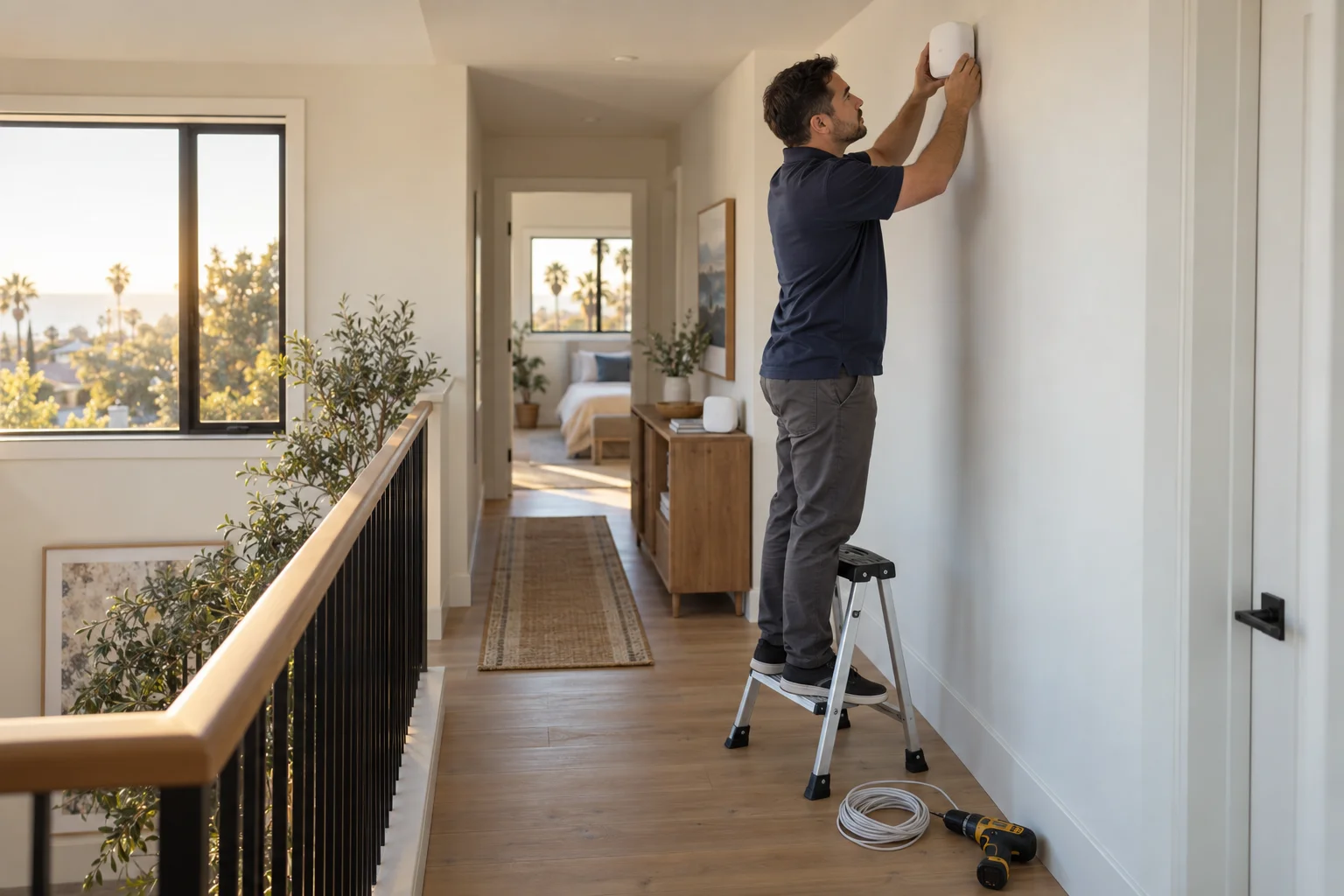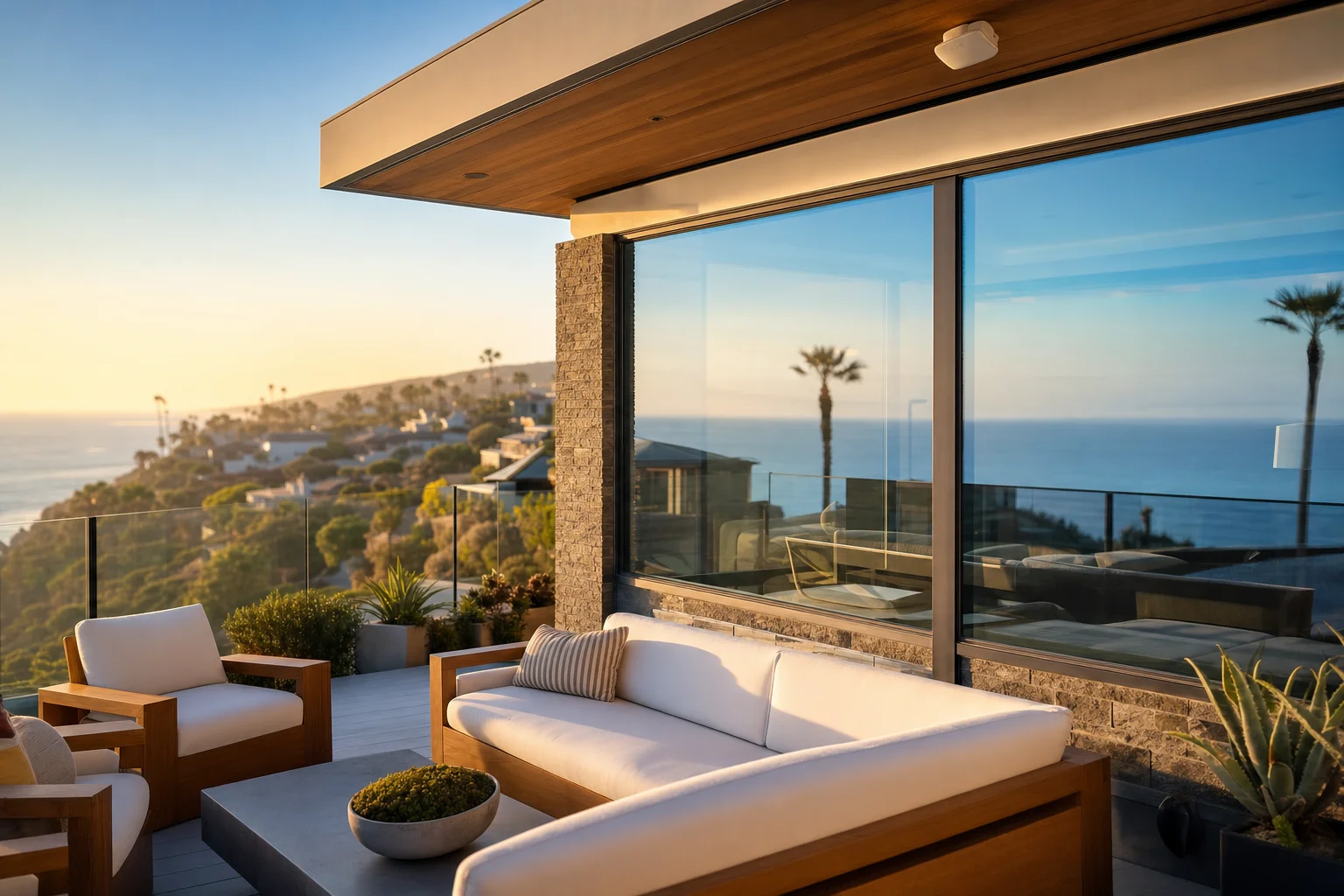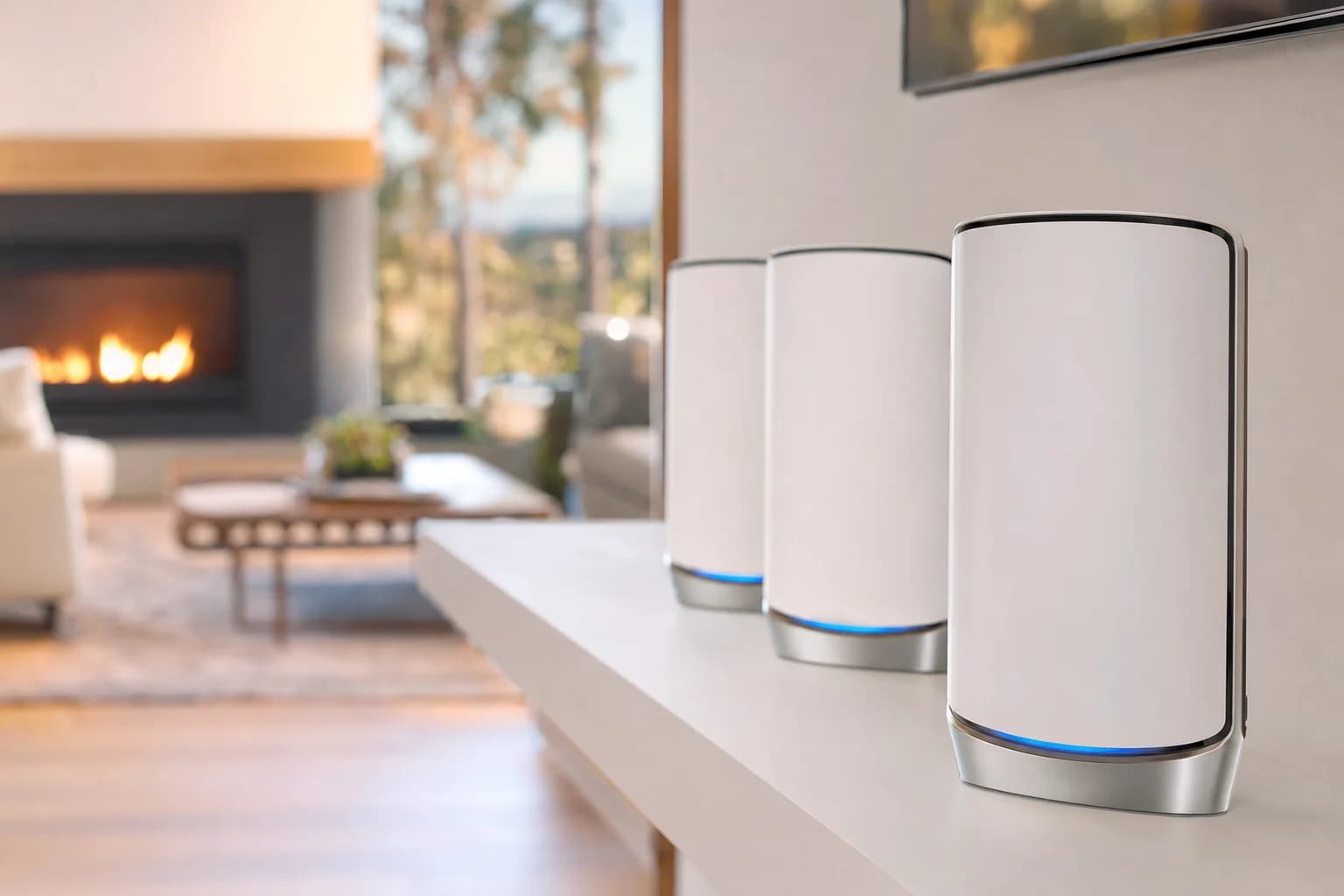
- Property: Large Irvine residence, close to 1 acre, multi-zone coverage needs.
- Existing setup: NETGEAR Orbi 970 3-pack, no admin access, dead zones throughout.
- What we did: Factory reset, rebuilt the mesh from scratch, added Orbi 970 RBE970 satellites, redesigned placement.
- Final layout: 1 router + 4 satellites covering the home and grounds.
- Outcome: Uniform Wi-Fi 7 coverage, strong backhaul, clean roaming between nodes.
Wi-Fi is no longer just for laptops and phones. Cameras, smart TVs, doorbells, garage openers, irrigation controllers, outdoor speakers, work-from-home setups, and the family's tablets all depend on it. For larger properties, a single ISP router or a basic 3-node mesh is usually not enough to cover everywhere the customer actually wants signal.
We recently completed a Wi-Fi installation on a large residential property in Irvine. The home was nearly an acre in total footprint, with both indoor coverage needs and significant outdoor areas that the existing setup did not reach. The customer already had a NETGEAR Orbi 970 3-pack installed, but the Wi-Fi was uneven, with dead zones inside the house and almost nothing usable in the outdoor entertainment areas.
The starting point
The customer was already on the right hardware: NETGEAR Orbi 970, the current flagship Wi-Fi 7 tri-band mesh. The problem was placement and coverage. Three nodes were not enough for the property footprint, and we could see in the survey that several rooms and the outdoor patio were getting signal in the -75 to -85 dBm range, which is the band where modern devices stop working reliably.
The other issue: the customer no longer had access to the original Orbi app account or admin credentials. That meant we could not simply add new satellites to the existing network. Anything we added would not bind correctly, and we could not change any settings on the existing nodes either.
Always save your mesh admin app credentials. Whoever installed your network may not be reachable later. The default move when credentials are lost is a full reset, which means redoing every device, every guest network, and every reservation on the network. Worth a five-minute step at install time.
Our recommendation
After walking the property, we recommended expanding the Orbi 970 system with two additional matching RBE970 satellites and rebuilding the mesh from scratch. The reasons:
- Matching satellites preserve mesh performance. The Orbi 970 series uses a high-bandwidth dedicated backhaul. Mixing in older Orbi satellites or third-party extenders would have dropped the mesh down to the slowest unit's capability. Same-series satellites is the right call.
- Rebuilding from scratch fixed the admin access problem. Setting up the system fresh under the customer's account meant they could manage everything going forward, add devices, change passwords, and check on satellite health from the Orbi app.
- A redesigned placement was needed regardless. Even if we had access to the existing setup, the satellite placement was working against the home's layout. A factory reset gave us a clean slate.
Installation process
The install took the better part of a day. The work was straightforward but methodical.
- Factory reset the existing Orbi 970 mesh. Each node individually, to make sure none of the old state was hanging around.
- Set up the main Orbi 970 router from scratch. New customer Orbi account, fresh network configuration, 10 GbE WAN port handshake confirmed with the ISP modem.
- Configure the Wi-Fi network name and password. One unified SSID across all bands and nodes so devices roam seamlessly. WPA3 on, legacy 802.11b disabled where possible.
- Add and sync all Orbi 970 satellites. Original 3-pack plus the two new RBE970 satellites, each paired through the Orbi app while close to the router, then moved to their final positions.
- Place satellites strategically. Walked the property with a signal meter, tested each candidate position, and confirmed each satellite had a strong backhaul connection to the next.
- Verify everything. Tested coverage in every room and outdoor zone. Confirmed roaming worked cleanly as we walked from node to node. Checked internet speed at every mesh point.
Why placement matters more than the number of units
For large homes and properties, simply adding more Wi-Fi units does not fix the problem. Satellite placement is what does the work.
If satellites are placed too far apart, the backhaul between them is weak and the whole mesh slows down. If they are placed too close together, they double-cover the same area and leave other zones still dark. Walls, floors, metal ductwork, electrical panels, kitchen appliances, and outdoor distance all affect signal in ways that are not obvious from a floor plan.
For this Irvine install, the right answer was to use stucco walls and a stairwell as natural breakpoints between satellites, place one node in line of sight of the outdoor entertainment area, and put another in a position that covered both the garage and the backyard. The whole pattern was designed so that every part of the property had at least one node within solid signal range, and adjacent nodes had strong backhaul to each other.
Final result
The final layout was 1 Orbi 970 router plus 4 Orbi 970 satellites. The customer now has a single Wi-Fi 7 mesh network covering the entire home and the surrounding property, with the home's primary devices on the matching set of nodes they originally bought into.
What changed for the customer:
- Better Wi-Fi coverage throughout the property, including previously dead outdoor zones
- Stronger signal in rooms that were previously weak
- More stable connections for phones, laptops, TVs, and smart home devices
- Smooth roaming as they walk from one node's coverage area to the next
- Cleaner setup compared to the patchwork of old extenders that some homes accumulate over time
- Easier management through the Orbi app under their own account
- Headroom for future Wi-Fi 7 devices as they upgrade phones and laptops
Weak Wi-Fi in your Irvine or OC home? We can fix it.
Free walkthrough, brand-neutral recommendation, on-site install across Orange County. Whether it is Orbi, Eero, TP-Link Deco, ASUS, or Ubiquiti, we design the placement that actually works for your home.
See also our home network and WiFi installation page for Orange County for service details across Newport Beach, Laguna Beach, Costa Mesa, and the rest of OC.
Frequently asked questions
What is the NETGEAR Orbi 970?+
The Orbi 970 is NETGEAR's flagship Wi-Fi 7 (802.11be) tri-band mesh system. It uses a 10 Gigabit WAN port, a dedicated high-bandwidth backhaul, and supports MLO (Multi-Link Operation) on Wi-Fi 7 capable clients. Built for large homes where Wi-Fi 7 phones, laptops, and access points can actually move serious bandwidth.
How many Orbi 970 satellites does a large home need?+
Rule of thumb: a 3-pack covers up to about 3,300 sq ft well in a standard layout. For homes over 4,000 sq ft, or homes with thick stucco, two-story canyon homes, or detached structures (casita, guest house, garage office), you typically want 4 to 5 nodes. The actual number depends on layout and construction, which is why we do a free walkthrough before quoting.
Why did you rebuild the customer's existing mesh from scratch?+
The customer no longer had access to the original Orbi app or admin credentials, which meant we could not safely add new satellites to the existing network. A factory reset and fresh setup was the only reliable path. It also gave us a clean opportunity to redesign satellite placement for better coverage, which the existing setup was missing.
What does proper mesh placement look like?+
Satellites should be placed so each one has a strong backhaul connection to the next while extending coverage into a previously weak area. Common mistakes: putting nodes too close together (no coverage gain), too far apart (weak backhaul, poor roaming), behind a wall full of metal ductwork, or low to the ground. We use a signal meter during the install to confirm placement before final mounting.
Will adding more units always improve Wi-Fi?+
No. Past a certain density, more units cause more interference and roaming confusion, not better coverage. The right answer is the right number of units in the right places. If you have 4 routers and 2 extenders and the Wi-Fi still has dead zones, the problem is placement and topology, not adding a 7th device.
Can you install a mesh system at my home in Orange County?+
Yes. We install Orbi, Eero, TP-Link Deco, ASUS ZenWiFi, and Ubiquiti UniFi across Orange County. Free on-site walkthrough first so the design fits your space. Brand neutral. Common service area includes Irvine, Newport Beach, Costa Mesa, Tustin, Lake Forest, Mission Viejo, Laguna Hills, and Laguna Beach.
What does mesh installation cost?+
Basic 3-node mesh installs (homes up to about 3,000 sq ft) typically run $199 to $499 for labor depending on complexity, plus equipment. Larger installs (4 to 5 nodes, multi-story, outdoor coverage) are quoted after the walkthrough. We do not charge to come look.
Do you also do business networks?+
Yes. Small office Wi-Fi, multi-AP installs, VLANs for guest networks, switch and router setup, and Ethernet runs. The walkthrough is free for offices too.