When your laptop breaks down, your productivity comes to a halt. Whether you're a Mission Viejo professional working from home, a student at Saddleback College, or simply someone who depends on their laptop for daily tasks, getting it fixed quickly and affordably is essential. Computer Clinic Irvine, located just minutes from Mission Viejo, offers expert laptop repair services for all major brands with same-day service available.
With a technician who brings 12+ years of hands-on experience repairing laptops, we've seen just about every type of problem imaginable. From cracked screens to dead batteries, slow performance to complete system failures, our experienced technicians have the tools and expertise to get your laptop running like new again. Check out our Lake Forest computer repair guide for more information about our PC services, or our MacBook Pro repair guide for Apple-specific repairs. For a complete overview of all our services, visit our Mission Viejo computer repair page.
Laptop Problems?
Get a free diagnostic and same-day repair for most issues.
1. Common Laptop Problems We Fix
Laptops can fail in many ways, but some problems are more common than others. Here are the issues we see most frequently from Mission Viejo customers:
Broken Screens
Cracked, flickering, or dead displays. We replace screens for all laptop brands, including touchscreens and high-resolution panels.
Battery Problems
Won't hold charge, drains quickly, or won't charge at all. Battery replacement restores your laptop's portability.
Slow Performance
Lagging, freezing, long boot times. Often caused by failing hard drives, malware, or insufficient RAM. Usually fixable with upgrades.
Connectivity Issues
WiFi not working, Bluetooth problems, USB ports failing. Hardware or driver issues we can diagnose and repair.
Other common issues we repair include:
- Keyboard problems: Stuck keys, spilled liquid, non-responsive keys
- Overheating: Fan noise, thermal shutdowns, performance throttling
- Power jack issues: Loose charging ports, broken power connectors
- Hard drive failures: Clicking sounds, data corruption, boot failures
- Virus and malware infections: Popups, slowdowns, ransomware
- Hinge damage: Cracked hinges, wobbly screens
2. Laptop Brands We Repair
We service all major laptop brands. Our technicians are experienced with the unique designs and common failure points of each manufacturer:
We also repair gaming laptops from ASUS ROG, Alienware, Razer, and other high-performance brands. Whether it's a budget Chromebook or a premium MacBook Pro, we have the expertise to fix it.
3. Laptop Screen Repair
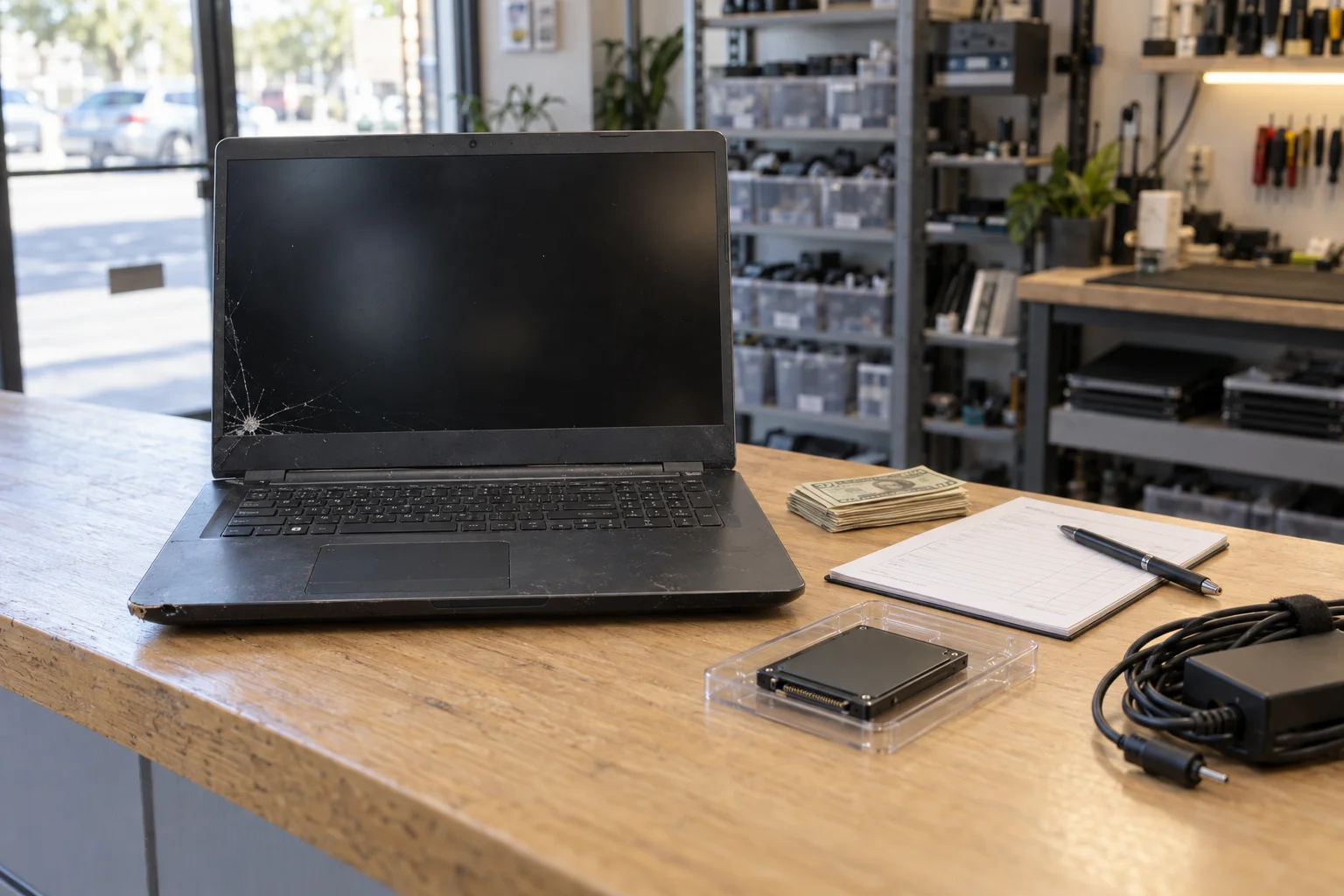
Screen damage is one of the most common laptop repairs we perform. Whether your screen is cracked from a fall, displaying lines or dead pixels, or completely black, we can help.
Types of Screen Damage We Repair:
- Physical cracks: Visible damage to the LCD panel from impact
- Dead pixels: Small dots that don't display correctly
- Flickering: Screen flashing or unstable display
- Backlight failure: Very dim display or completely dark screen
- Touch screen issues: Unresponsive or ghost touches on touchscreen models
- Color problems: Discoloration, pink/green tints, or washed-out display
Screen replacement costs vary by model and type. Standard HD screens typically cost less than 4K displays or touchscreens. We source quality replacement screens and complete most repairs same-day.
Cracked Screen? We Can Fix It Today
Same-day screen replacement available for most laptop models.
4. Battery & Power Issues
Battery problems are frustrating because they defeat the purpose of having a portable computer. Here's what we commonly see and fix:
Common Battery Problems:
- Battery won't charge: Could be battery, charger, or charging port issue
- Drains quickly: Battery capacity has degraded over time
- Swollen battery: Dangerous condition requiring immediate replacement
- Laptop only works plugged in: Dead battery or charging system fault
- Random shutdowns: Battery or power management issues
Important: If your laptop battery is swollen (trackpad is raised, case is bulging), stop using it immediately and bring it in for service. Swollen batteries can be dangerous.
Power Jack Repair
Another common issue is the charging port itself. Over time, the power jack can become loose from plugging and unplugging the charger. Symptoms include:
- Having to wiggle the charger to get it to charge
- Intermittent charging connections
- Charger falls out easily
- Visible damage to the port
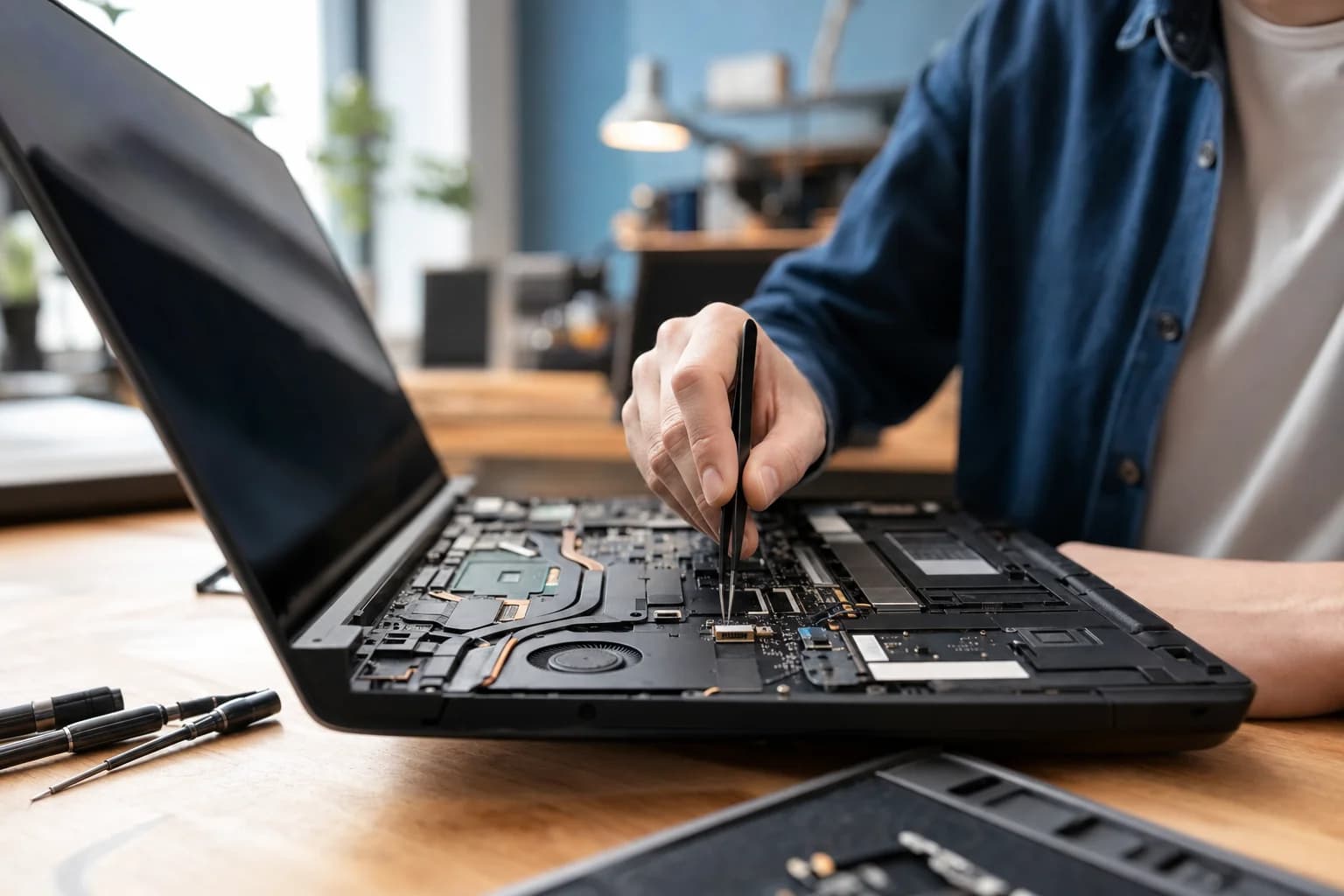
We can repair or replace power jacks on most laptop models. This typically requires soldering work, which is a specialty of our micro soldering service.
5. Speed & Performance Problems
Is your laptop frustratingly slow? This is one of the most common complaints we hear, and there are several potential causes:
Why Laptops Slow Down:
- Failing hard drive: Traditional HDDs degrade over time, causing slowdowns before complete failure
- Insufficient RAM: Running too many programs for available memory
- Malware/viruses: Malicious software consuming resources
- Full storage: Nearly full hard drives perform poorly
- Overheating: Thermal throttling reduces performance to prevent damage
- Bloatware: Unnecessary programs running in the background
Our virus removal service can clean up malware, and our hardware upgrade options can dramatically improve performance.
6. Laptop Upgrades
Sometimes the best "repair" is an upgrade. We offer several upgrade options that can extend your laptop's useful life:
SSD Upgrade
Replacing an old hard drive with an SSD is the single best upgrade for most laptops. Expect boot times to drop from minutes to seconds, and overall system responsiveness to improve dramatically.
RAM Upgrade
If your laptop is slow when running multiple programs, a RAM upgrade can help. We can upgrade compatible laptops to 16GB or more for smooth multitasking.
Battery Replacement
Restore your laptop's portability with a new battery. We source quality replacement batteries that meet or exceed original specifications.
7. Repair vs. Replace: Making the Right Decision
One of the most common questions we get is "Should I repair my laptop or just buy a new one?" Here's our honest advice:
Consider Repair If:
- Repair cost is less than 50% of replacement cost
- Your laptop still meets your performance needs
- The laptop is less than 5 years old
- It's a high-quality model worth preserving
- You want to avoid data transfer hassles
Consider Replacement If:
- Multiple components are failing
- The laptop no longer meets your needs
- Repair cost exceeds 50% of a new laptop
- It's an older model with no upgrade path
- You need features your current laptop lacks
We'll always give you an honest assessment. If repair doesn't make sense, we'll tell you, and we can help with data transfer to your new machine.
8. Why Mission Viejo Residents Choose Computer Clinic
Same-Day Service
Most repairs completed the same day you bring it in
Free Diagnostics
Know the problem and cost before committing to repair
All Brands Welcome
HP, Dell, Lenovo, ASUS, MacBook, Surface, and more
12+ Years Experience
Thousands of successful repairs for Orange County residents
Convenient Location
Just 15 minutes from Mission Viejo via I-5 or El Toro Road
Warranty on Repairs
All repairs backed by our satisfaction guarantee
Our Irvine location at 18021 Sky Park Circle, Suite H2 is easily accessible from Mission Viejo via the I-5 freeway (exit Alton Parkway) or El Toro Road. Most Mission Viejo residents reach us in about 15-20 minutes.
9. Frequently Asked Questions
Ready to Get Your Laptop Fixed?
Bring it in today for a free diagnostic. Most repairs completed same-day.