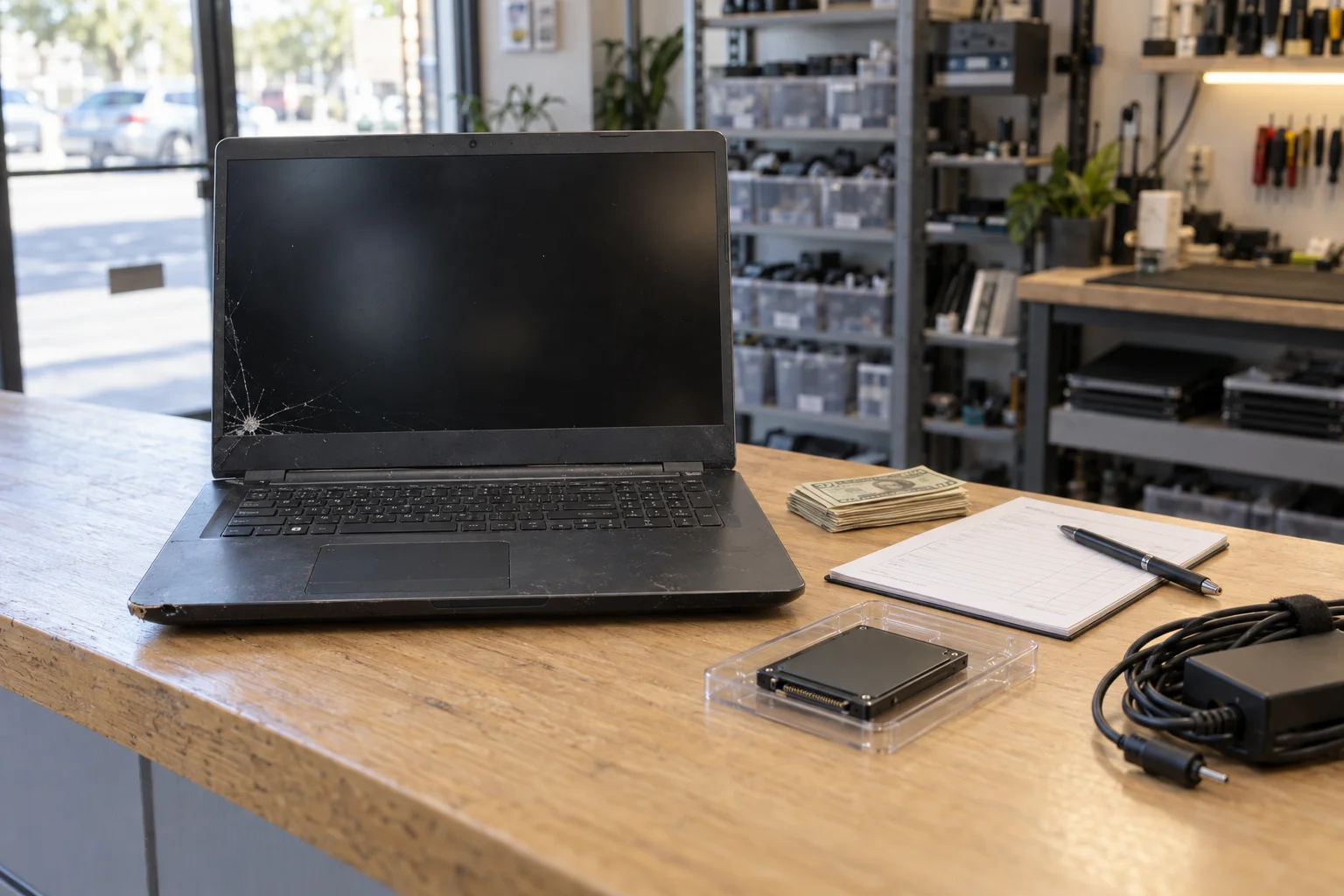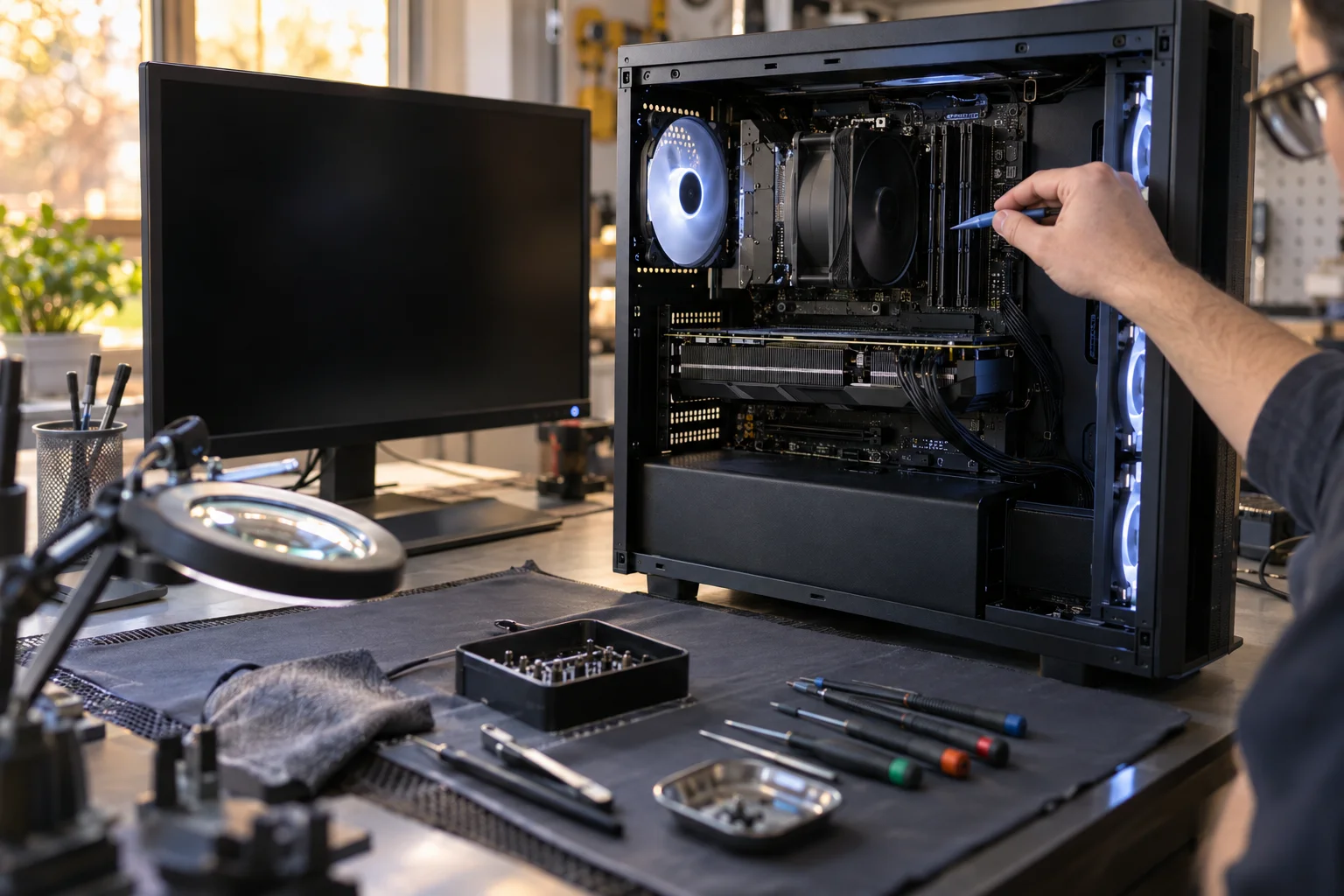
In today's digital world, cyber threats are more sophisticated and prevalent than ever. For Santa Ana residents and businesses, a virus or malware infection can mean lost data, stolen identity, financial loss, and countless hours of frustration. At Computer Clinic Irvine, just a short drive from Santa Ana, our technician brings 12+ years of hands-on experience protecting Orange County computers from cyber threats.
Whether you're dealing with annoying popups, suspicious computer behavior, or a full-blown ransomware attack, our experienced technicians can help. We don't just remove the immediate threat. We secure your system to help prevent future infections and give you peace of mind. Visit our dedicated virus removal service page to learn more about our comprehensive malware protection services. For a complete overview of all our services for Santa Ana, see our Santa Ana computer repair page.
Think Your Computer Is Infected?
Get a free diagnostic and same-day virus removal service.
1. Signs Your Computer Is Infected
How do you know if your computer has a virus or malware? Here are the most common warning signs we see from Santa Ana customers:
Slow Performance
Computer suddenly running much slower than normal, programs taking forever to open, system freezing frequently.
Popups & Ads
Unexpected popup windows, especially outside your browser. Ads appearing where they shouldn't, new toolbars installed.
Strange Behavior
Browser redirects to unfamiliar sites, unknown programs appearing, settings changing on their own, antivirus disabled.
Security Warnings
Fake security alerts demanding payment, locked files with ransom demands, contacts reporting spam from your email.
If you notice any of these signs, don't ignore them. The longer malware remains on your system, the more damage it can cause, including stealing personal information, financial data, or spreading to other devices on your network.
2. Types of Malware We Remove
"Malware" is the umbrella term for all malicious software. Here are the main types we encounter and remove:
Viruses
Traditional viruses attach themselves to legitimate programs and spread when those programs run. They can corrupt files, slow your system, and spread to other computers.
Spyware
Spyware secretly monitors your activity, tracking keystrokes, capturing passwords, recording browsing history, and sending this information to criminals. This can lead to identity theft and financial fraud.
Adware
Adware bombards you with unwanted advertisements, hijacks your browser, and often comes bundled with free software. While less dangerous than other malware, it's annoying and can slow your system significantly.
Trojans
Named after the Trojan Horse, these programs disguise themselves as legitimate software but contain hidden malicious functions. They can create backdoors for hackers, steal data, or install additional malware.
Rootkits
Rootkits hide deep in your operating system, making them extremely difficult to detect and remove. They give attackers administrator-level access to your computer while remaining invisible to antivirus software.
3. Ransomware: The Growing Threat
Ransomware deserves special attention because it's one of the most devastating forms of malware, and attacks are increasing rapidly.
How Ransomware Works
Ransomware encrypts your files (documents, photos, everything) and demands payment (usually in cryptocurrency) for the decryption key. Without the key, your files are essentially permanently locked.
Important: Don't Pay the Ransom
FBI and security experts advise against paying ransoms. Payment doesn't guarantee you'll get your files back, and it funds criminal enterprises. Bring your computer to us first, we may be able to recover your data without payment.
Our Ransomware Response:
- Identify the specific ransomware variant
- Check for available decryption tools
- Attempt recovery from backups or shadow copies
- Remove the ransomware from your system
- Secure your system against future attacks
Don't Let Malware Control Your Computer
We can remove infections and restore your computer to safe, fast operation.
4. Our Virus Removal Process
Our comprehensive virus removal service goes beyond just running an antivirus scan. Here's our proven process:
Free Diagnostic Assessment
We identify all infections present on your system. Many computers have multiple types of malware simultaneously.
Data Backup
We secure your important files before beginning the removal process to prevent any accidental data loss.
Complete Malware Removal
Using professional-grade tools and manual techniques, we remove all infections, including those that hide from consumer antivirus software.
System Optimization
We clean up the damage, remove leftover files, repair system settings, and optimize performance.
Security Hardening
We update your operating system, install security patches, configure proper protection, and educate you on safe computing practices.
5. Protecting Your Computer From Future Infections
Prevention is always better than cure. Here are our top recommendations for staying safe:
Essential Security Practices:
- Keep everything updated. Operating system, browsers, and all software should be kept current. Updates often patch security vulnerabilities.
- Use strong, unique passwords. Different passwords for different accounts, and use a password manager to keep track of them.
- Be skeptical of emails. Don't click links or open attachments from unknown senders. Even emails that appear to be from known contacts can be spoofed.
- Download carefully. Only download software from official sources. Free software often comes bundled with adware or worse.
- Use an ad blocker. Many malware infections come through malicious advertisements (malvertising).
- Regular backups. Keep backup copies of important files. This is your ultimate protection against ransomware.
- Enable two-factor authentication. Add an extra layer of security to your important accounts.
6. Business Cybersecurity in Santa Ana
For Santa Ana businesses, the stakes are even higher. A malware infection can mean:
- Compromised customer data and legal liability
- Business disruption and lost productivity
- Reputation damage and lost customer trust
- Regulatory compliance violations
- Spread to other systems on your network
We offer business-focused security services including network security assessment, employee security training, backup solutions, and ongoing monitoring. For businesses with multiple computers, we can service your entire network.
7. Why Professional Virus Removal Matters
Can't you just run antivirus software yourself? Sometimes, but often not effectively. Here's why professional removal is worth it:
- Multiple infections. Most infected computers have several types of malware, not just one. Consumer antivirus often misses some of them.
- Rootkits and hidden malware. Some malware specifically hides from antivirus software. Professional tools and techniques can find them.
- Incomplete removal. Consumer software may remove the obvious malware but leave behind components that reinfect your system.
- System damage. Malware often damages system settings, registry entries, and other components that need repair after removal.
- Proper security setup. A professional can ensure your system is properly secured against future threats.
8. Why Santa Ana Residents Choose Computer Clinic
12+ Years Experience
We've seen and removed every type of malware out there
Comprehensive Service
Complete removal, cleanup, and protection, not just a quick scan
Free Diagnostics
Know exactly what's wrong and what it costs before committing
Data Safe
We protect your files during the removal process
Quick Turnaround
Most removals completed within 24-48 hours, same-day available
Close to Santa Ana
Just 10-15 minutes via I-5 or 55 freeway
Our Irvine location at 18021 Sky Park Circle, Suite H2 is easily accessible from Santa Ana via the I-5 or 55 freeways. Most Santa Ana residents can reach us in 10-15 minutes.
9. Frequently Asked Questions
Take Back Control of Your Computer
Don't let malware compromise your security or slow you down. Get expert help today.