- DIY kit (iFixit): $35 to $65, 1 to 2 hours of careful work, real risk of damaging the screen.
- Apple Store: $99 most current iPhones, usually next-day appointment, no warning in Settings.
- Computer Clinic Irvine: $69 to $89, 30 to 60 minutes while you wait, 90-day warranty.
- Swollen battery? Do not DIY. Fire risk. Bring it in.
- Active AppleCare+ and battery below 80%? Apple does it free. Go to Apple.
Replacing an iPhone battery is one of the few Apple repairs that is genuinely accessible to a confident DIYer. iFixit sells the kit, the guides are detailed, and the parts are inexpensive. It is also one of the repairs where the cost gap between DIY, Apple, and a local shop is small enough that the decision is not purely about money.
We do a lot of these in Irvine. We also see a lot of customers walking in after a DIY attempt did not go the way they planned. This post is the honest version of when each path is the right one.
The three options, side by side
| Option | Cost | Time | Warranty |
|---|---|---|---|
| DIY (iFixit kit) | $35 to $65 | 1 to 2 hours | Yours alone |
| Apple Store | $99 (current iPhones) | Same/next day with appointment | 90 day Apple |
| Computer Clinic Irvine | $69 to $89 | 30 to 60 min walk-in | 90 day parts & labor |
Honest about DIY: what can go wrong
If you are mechanically inclined and willing to read the iFixit guide twice, DIY is a real option. We are not anti-DIY. But the failure modes are specific and worth knowing.
Cracking the screen during removal
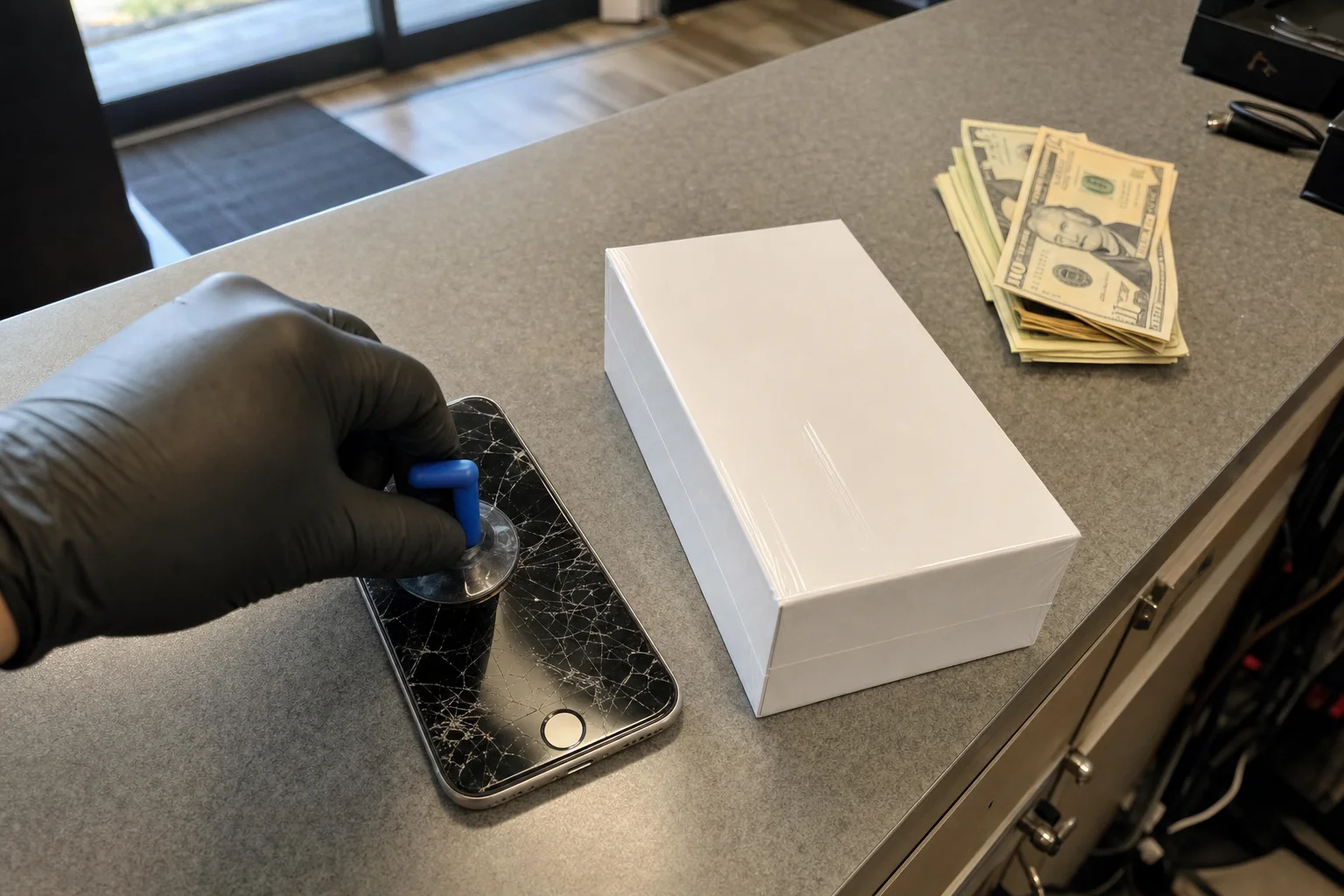
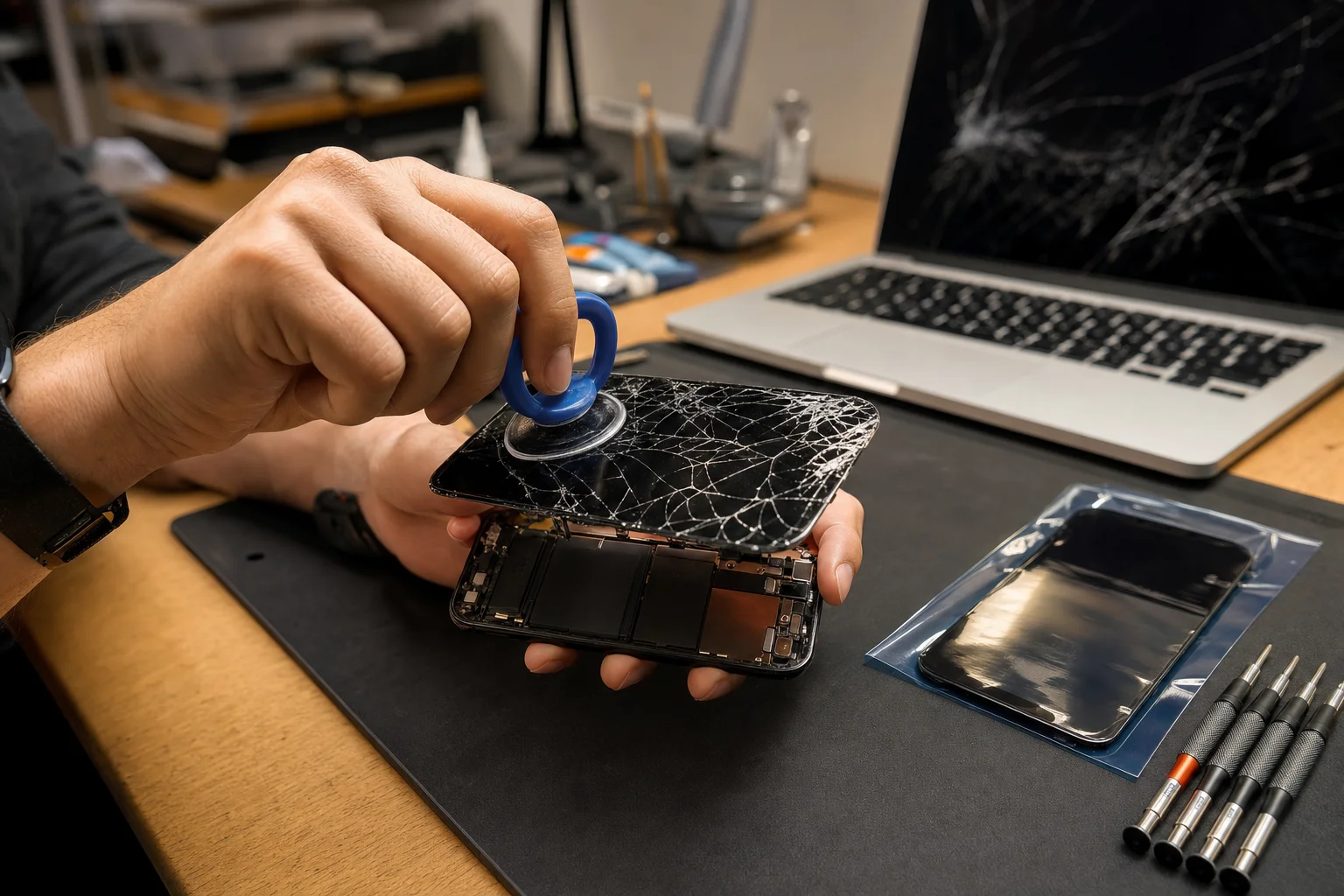
The most common DIY mistake. The screen is held in by a strong adhesive seal around the entire perimeter. To lift it, you use a suction cup, gently pull up at the right angle, and slide a plastic spudger under the edge to break the seal. Pull too hard, at the wrong angle, or before the heat or solvent has loosened the seal, and you crack the glass. A screen replacement runs $80 to $300 depending on model. A cracked screen instantly erases the savings of a DIY battery.
Damaging the battery during removal
The battery is held to the chassis by stretch-release adhesive strips (on most models) or a more aggressive adhesive that requires isopropyl alcohol to dissolve. The right move is to pull the adhesive strips slowly and parallel to the battery surface. Pulling too fast snaps the strips and leaves the battery glued. From there, the temptation is to lever it out with a metal tool, which can puncture the cell. A punctured lithium-ion cell can vent, smoke, or catch fire.
Losing water resistance
Modern iPhones have IP67 or IP68 water resistance, sealed at the factory with adhesive gaskets around the screen and rear glass. Every time the phone is opened, that seal has to be replaced. iFixit's kit includes the replacement adhesive strips, and the guides cover the resealing process. Done correctly, water resistance comes back. Done sloppily, it does not. After a DIY repair, treat the phone as if its water resistance is degraded regardless.
The "Important Battery Message"
From iPhone XR onward, iOS reads a serial chip embedded in the battery to verify it is an Apple-provisioned cell. Aftermarket batteries (including most DIY kits) do not pair correctly with this system. The result: a permanent notice in Settings > Battery > Battery Health that reads "Apple has updated the device information for this iPhone" or similar. Maximum capacity may show as "Unknown." The phone works fine, but the warning does not go away.
A swollen iPhone battery puffs up, can crack the screen from the inside, and can rupture if punctured. The right response is to power the phone off, stop charging it, keep it cool, and bring it to a professional. We replace swollen iPhone batteries every week. Same-day service. Do not pry at a swollen cell with a metal tool.
When DIY is genuinely the right call
We are honest: there are situations where DIY makes sense.
- You enjoy this kind of work and have done similar repairs before.
- The iPhone is a backup or secondary device, so a long downtime is fine.
- The battery is not swollen and the screen is in good shape.
- You have a clean, organized workspace and good lighting.
- You can read the iFixit guide for your specific model the whole way through before starting.
When paying a shop is the better call
Most of the iPhones we see at our shop fit one of these.
- The iPhone is the primary phone and you need it back today.
- The battery is swollen or showing pressure on the screen.
- You want the water resistance reseal done by someone who does it every day.
- You want a real 90-day warranty on parts and labor.
- The savings on a DIY kit ($35-65) compared to our price ($69-89) are not enough to justify the risk and time.
- You have an iPhone 12, 13, 14, or 15 series with the strongest adhesive seals (harder DIY than older models).
When Apple Store is the better call
Two situations send people to Apple instead of us.
Active AppleCare+ and battery below 80%. Apple replaces the battery free in this case. There is no scenario where any third party (us included) beats free.
You absolutely cannot tolerate the "genuine part" warning in Settings. Apple's own battery replacement does not trigger the warning. Ours and DIY both can on iPhone XR and newer.
Real customers we see most often
The most common iPhone battery customers at our Irvine shop break into a few patterns.
The 3-to-4 year old iPhone 11 or 12. Battery health has dropped into the 70s, screen-on time is now half what it used to be, sometimes shuts down at 20%. Walk in, $79, out in an hour, another two years of useful life.
The swollen battery surprise. Customer noticed the screen was lifting at the edge or the back glass was bulging. Brought it in immediately. We replaced the cell, restored the seal, made sure the screen was not damaged.
The DIY rescue. Customer ordered a kit, started the repair, hit a snag (often a torn adhesive strip or a slightly cracked screen), and brought the rest of the work to us. We finish the job, often with a new screen or back glass installed at the same time at a discount because the phone is already open.
Walk in for a 60-minute battery swap.
Most current iPhones in stock. $69 to $89 typical. 90-day warranty. No appointment, no upsell.
Related: see our iPhone and iPad repair service page for everything we do beyond battery (screens, charging port, water damage, back glass), our MacBook battery replacement guide if you are weighing similar questions for a Mac, or our same-day iPhone screen repair post for what to expect on screen repairs.
Frequently asked questions
How much does iPhone battery replacement actually cost?+
Three real numbers. Apple's out-of-warranty service: $99 for most current iPhones. A DIY kit from iFixit: $35 to $65 depending on model. Our shop in Irvine: $69 to $89 for most iPhone models, while you wait. Each option has different tradeoffs that go beyond price.
Can I really replace my own iPhone battery?+
Technically, yes, on most iPhone models from the iPhone 5 through iPhone 15 series. iFixit sells the kit, the guides are good, and the tools are not exotic. But there are real risks: damaging the screen on removal, puncturing the swollen battery (fire hazard), losing or stripping screws, breaking adhesive seals that compromise water resistance, and triggering an iOS warning that the battery is not genuine. Whether the savings are worth the risk depends on your tolerance and the model.
How long does a DIY iPhone battery replacement take?+
Plan for 1 to 2 hours if you have never done one before. The actual swap is 30 to 45 minutes for someone experienced, but the first time always takes longer. Don't start when you are tired or rushed.
What tools do I need?+
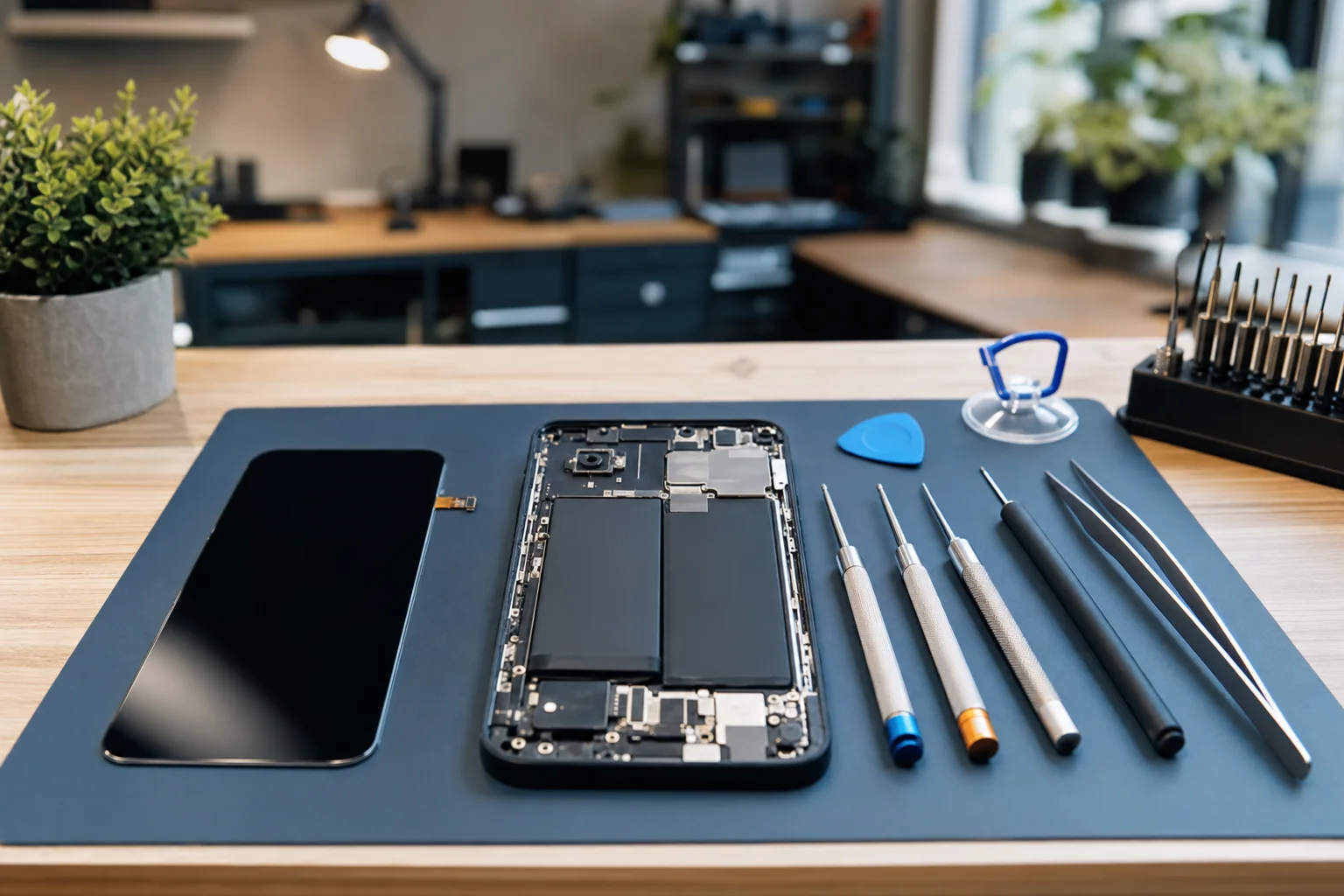
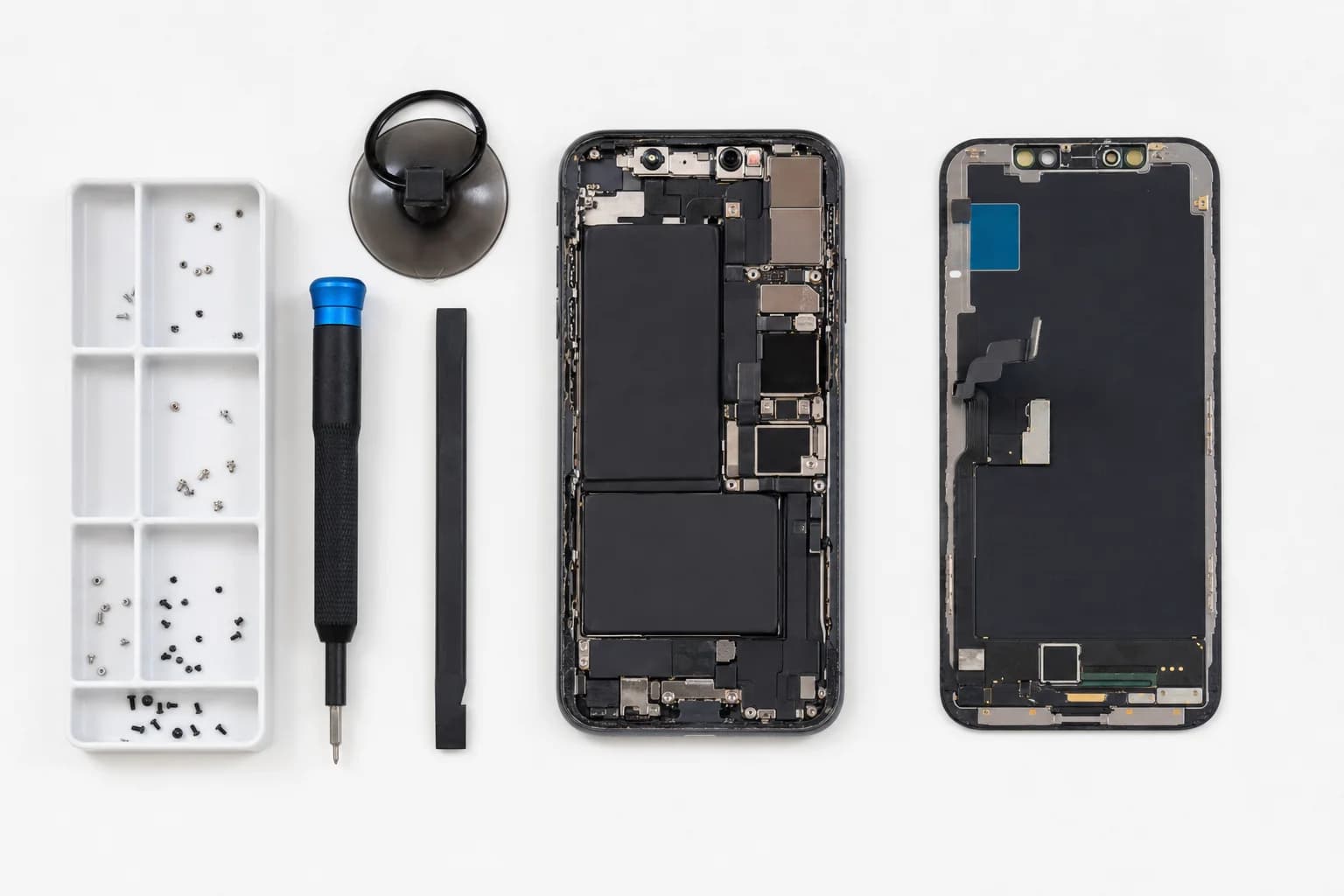
Pentalobe screwdriver (Apple's bottom screws), Phillips screwdriver (#000 or smaller for internal screws), a tri-point Y000 for some models, suction cup with handle for screen removal, plastic spudgers for prying, isopropyl alcohol to soften old battery adhesive, and replacement adhesive strips. iFixit kits include all of this.
What is the most common thing that goes wrong?+
Three things in order. (1) Cracking the screen while levering it up, because the angle was wrong or the adhesive seal was tougher than expected. (2) Tearing the battery adhesive strips during removal, then having to use IPA to scrape the cells loose, which is risky. (3) Stripping or losing one of the small Phillips screws, often the ones around the battery connector. None of these are catastrophic, but they extend a 45-minute job into a longer one.
Is a swollen iPhone battery dangerous to remove yourself?+
Yes. A swollen lithium-ion cell is a fire risk if punctured. The standard DIY mistake is digging at the swollen cells with a metal tool to lift them out. Use only plastic spudgers and isopropyl alcohol to soften adhesive. If the battery is severely swollen (the screen is being pushed away from the chassis), do not DIY. Bring it in.
Will iOS show a 'genuine part' warning after a DIY replacement?+
Almost certainly, yes. From iPhone XR onward, iOS reads the battery's serial chip and notes whether it matches an Apple-provisioned battery. Aftermarket batteries (including some sold for DIY) trigger a 'Important Battery Message' in Settings > Battery > Battery Health. The phone works normally, but the warning is permanent on those models.
Does DIY void my AppleCare?+
It voids AppleCare coverage on the battery and on anything else damaged during the DIY process. If you still have active AppleCare+ and your battery is below 80%, Apple will replace it free. AppleCare in that case is the right answer.
When does paying us make more sense than DIY?+
When you do not enjoy this kind of work, when the battery is swollen, when the iPhone is your primary device and you cannot afford a setback, when you want the water resistance reseal done right, or when you just want a 90-day warranty on the work. At $69 to $89 for most models, our price is close enough to a DIY kit (which is $35 to $65) that the labor and risk savings often justify it.
Can I bring you a battery I already bought to install?+
We don't install customer-supplied batteries. The reason is honest: we cannot warranty the work if we cannot warranty the part, and most aftermarket batteries sold direct to consumers are not the same quality as the cells we source. We stand behind a complete part-and-labor package.
How fast is professional iPhone battery replacement?+
30 to 60 minutes while you wait at our Irvine shop. We keep current iPhone batteries in stock. Walk in any time during business hours, no appointment needed.