iPhone No Service Repair in Irvine
When the bars never come back, it is usually one of three things: a cracked antenna flex, a worn SIM reader, or a baseband fault on the board. Most shops stop at "come in for diagnostics." We name the fixes, publish the prices, and do the board-level work in house.
First, rule out the free stuff
About half of No Service cases are not the phone. Five minutes of checks tells you which half you are in, and we would rather you know before driving over.
Check the coverage, not the phone
Do other phones on your carrier have signal right where you are standing? A local outage looks exactly like a broken phone.
Restart and toggle Airplane Mode
The oldest trick because it works. A radio stack that hung on a software glitch resets clean.
Update carrier settings
Settings, General, About. If a carrier update is waiting, install it. These quietly fix real service problems.
Swap the SIM both ways
Your SIM in another phone, another SIM in yours. This one test splits the problem cleanly between carrier and hardware.
Did all four and still no bars? Then it is the phone, and here is what is actually broken.
The three hardware causes, named
1. Cracked antenna flex cable
$89 to $149, usually same dayThin ribbon cables carry the antenna signal through the phone, and they crack from drops and frame flex. The classic story: signal got flaky after a drop, then went to Searching and never came back. We replace the flex and service returns.
2. Worn or corroded SIM reader
$89 to $149, usually same dayYears of SIM swaps, pocket moisture, or a small spill wear the reader contacts. Telltale signs: No SIM errors mixed in with No Service, or service that comes back when you reseat the tray and dies again a day later.
3. Baseband fault (the board-level one)
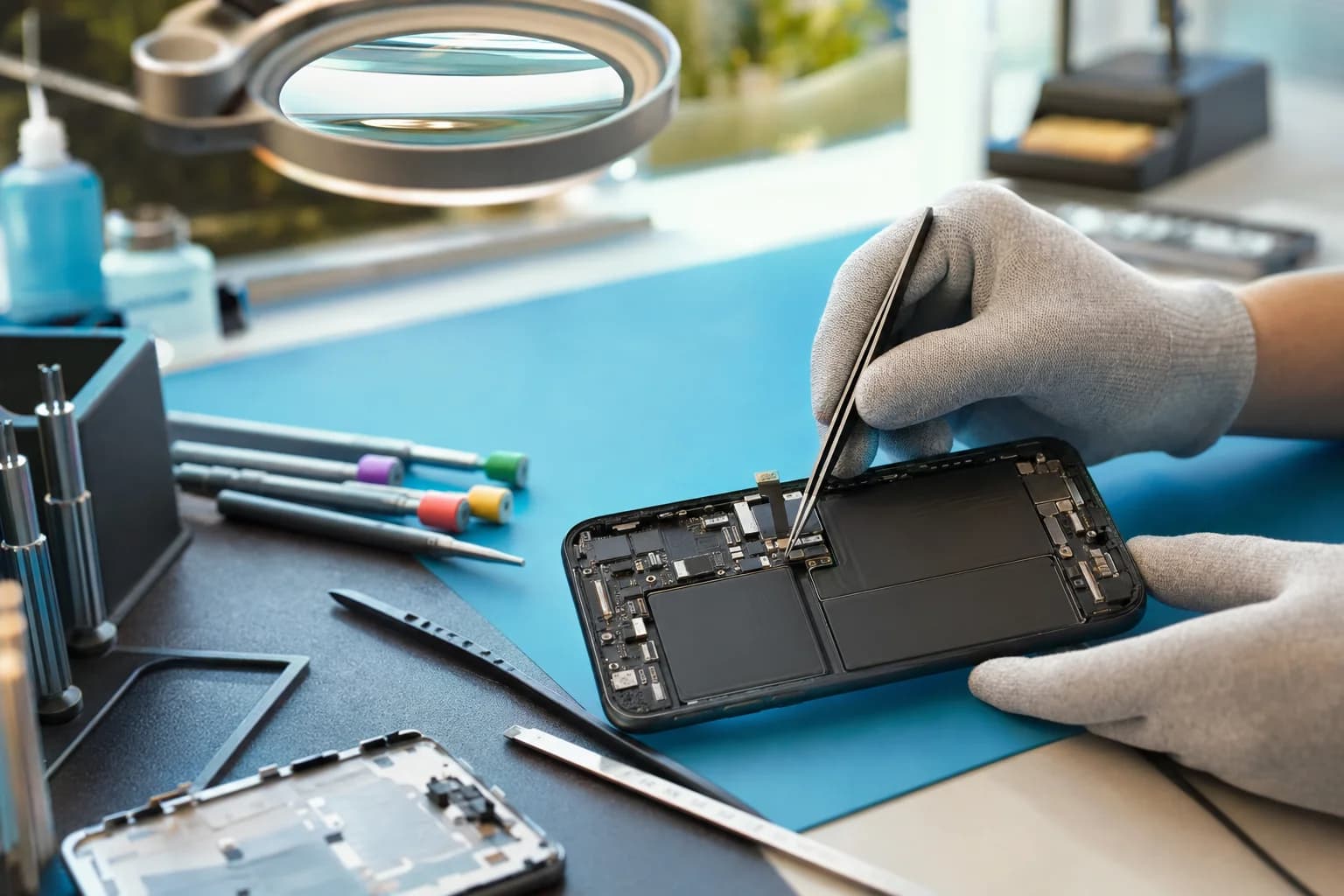
$149 to $349, 2 to 5 daysThe baseband chip runs all cellular communication, and its dense grid of tiny solder joints can fracture from drops or corrode after liquid. Symptoms: permanent Searching, No Service with a missing IMEI in Settings, or a phone that also runs hot and drains fast. This is genuine micro soldering work under the microscope, the kind most phone shops send away and we do in house.
No Service questions
My iPhone says No Service. Is it the phone or my carrier?+
Rule out the easy half first: check whether other phones on your carrier have signal where you are, restart the phone, toggle Airplane Mode, check for a carrier settings update in Settings, and try your SIM in another phone or another SIM in yours. If your SIM works elsewhere and another SIM fails in your phone, the phone is the problem, and that is where we come in.
What actually breaks inside a phone to cause No Service?+
Three usual suspects. The antenna flex cables, thin ribbon cables that run the length of the phone and crack after drops or bends. The SIM reader, which wears out or corrodes. And at the deep end, the baseband, the chip that handles all cellular communication, whose tiny solder joints can fracture from drops or fail after liquid exposure. The first two are straightforward repairs. The baseband is board-level micro soldering, which is exactly the work our bench specializes in.
What does No Service repair cost?+
Antenna flex and SIM reader repairs typically land in the $89 to $149 range for most models. Baseband and other board-level work runs $149 to $349 depending on the fault. The diagnostic is free, you get a written quote before any work, and everything carries our 90-day warranty.
My iPhone lost service after a drop. Coincidence?+
Almost never. Drops crack antenna flexes and fracture baseband solder joints, and the symptom can appear immediately or days later as the crack spreads with heat cycles. Searching for signal constantly also drains the battery fast, so a phone that suddenly has both bad signal and bad battery life after a drop is telling one story, not two.
My iPhone lost service after an update. Now what?+
Occasionally an iOS or carrier settings update coincides with service loss. Before assuming hardware, do the software pass: carrier settings update, network settings reset, and if needed a clean restore. If service does not return after a proper restore, the radio hardware is the likely cause and it is worth a bench look. We tell you honestly which side of the line yours is on.
Is No Service after water damage fixable?+
Often, yes. The cellular circuitry sits in the corrosion path on several models, and cleaning plus component-level repair can bring service back. Time matters a lot here, the sooner the board is cleaned, the better the odds. See our liquid damage page for what to do right now if the phone got wet.
Searching, SOS Only, or one bar that comes and goes, same problem?+
Same family. Searching and SOS Only usually mean the phone cannot reach your carrier at all, while flaky signal that drops in places where it used to be fine points to a weakening antenna path or an early baseband fault. Intermittent problems are still diagnosable, and catching them early usually means a smaller repair.
How long does the repair take?+
Antenna flex and SIM reader repairs are usually same day. Baseband and board-level work runs 2 to 5 days because it is careful microscope work. Free diagnostic first, and we quote the realistic timeline before you leave the phone.
Related repair services
iPhone & iPad repair
Screens, batteries, charging ports, back glass, everything else we fix on iPhones.
Board-level micro soldering
The bench behind baseband repair: component-level work most shops will not touch.
Liquid & water damage repair
If the phone got wet before service died, start here and move fast.
Same-day repair
What goes home today, with real bench times and the honest exceptions.
Get your bars back.
Free diagnostic, a named fix with a written quote, and board-level repair in house when it is the baseband. Walk-ins welcome.
18021 Sky Park Cir Suite H2, Irvine, CA 92614. Open Mon-Fri 9 to 6, Sat-Sun 10 to 4.