- The problem: an external SSD holding a Bitcoin wallet worth about $75,000 died without warning and no computer would recognize it.
- The cause: a failed controller chip. The NAND flash memory holding the data was intact.
- The fix: read the NAND chips directly with specialized equipment, bypass the dead controller, rebuild the file structures, recover the encrypted wallet files.
- The result: full access restored after about three days of bench work, verified by the customer, moved to new storage with real backups in place.
- The lesson: a dead drive does not mean dead data, and one device should never be the only copy of anything you cannot afford to lose.
The customer had already been told no. More than once. He walked into our Irvine shop with an external SSD that no computer would recognize, and on that drive sat his cryptocurrency wallet and the credentials to reach it, roughly $75,000 in Bitcoin. Other providers had looked at it and called the data unrecoverable. For him that meant years of investment gone.
"When he walked in, you could see how stressed he was," Sam, our lead technician, said at the time. "He had been told by other providers that the data was unrecoverable. For him, it meant losing years of investment. We were determined to explore every possible option."
Three days later he had everything back. This post walks through how, because the technical story is useful to anyone with data on a drive that suddenly stopped existing, crypto or not.
Why an SSD dies without warning
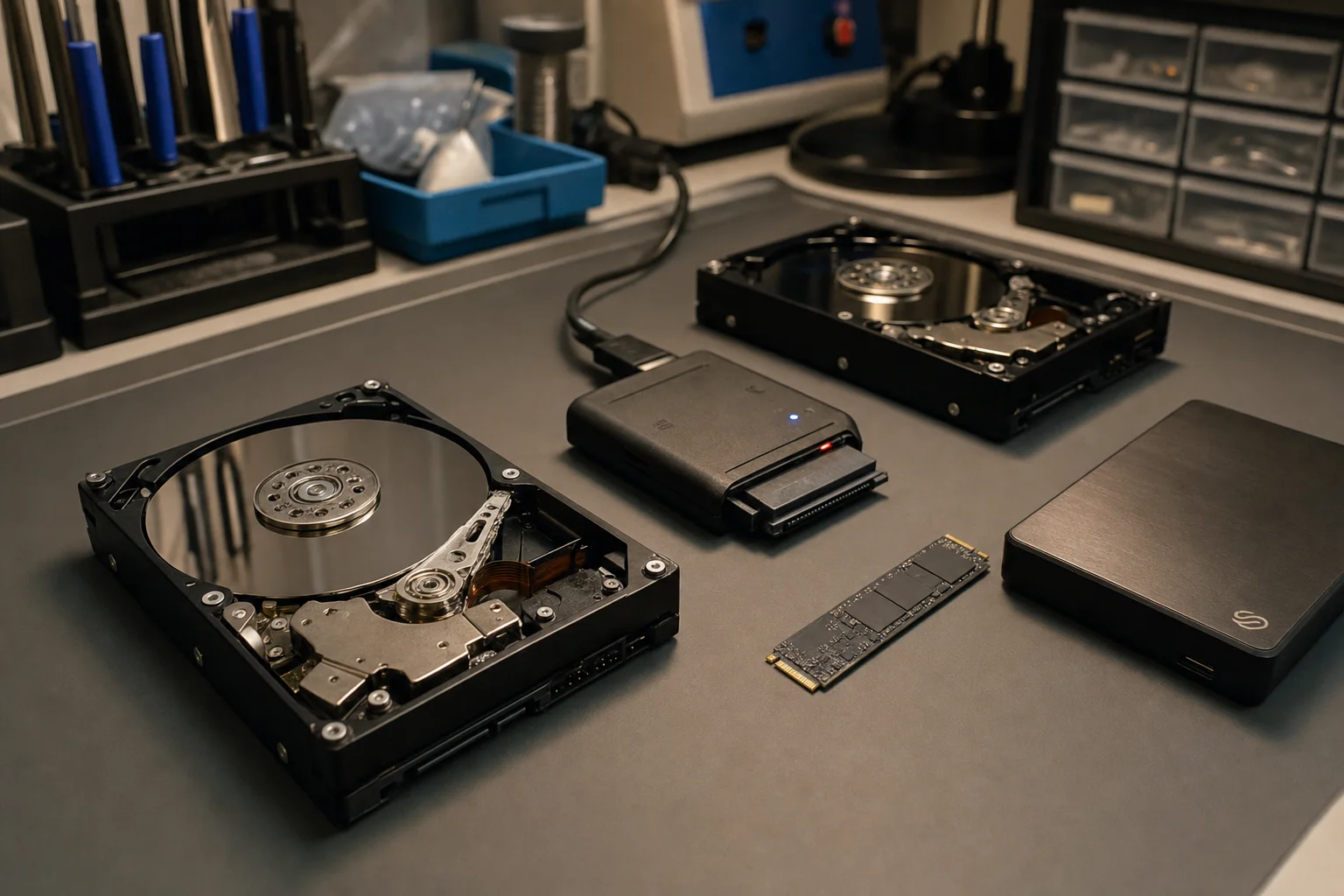
Mechanical hard drives usually give you a heads-up: clicking, grinding, slowing down. SSDs mostly do not. They are quiet right up until the moment they are gone, because what typically fails is not the memory holding your files. It is the controller, the chip that manages every read and write and speaks to your computer. When the controller dies, the drive vanishes from every machine you plug it into, even though the NAND flash chips holding the actual data are often perfectly healthy.
"From the outside, the drive looked completely dead," Sam explained. "But with SSDs, the data often still exists on the memory chips. The challenge is accessing it when the controller stops working."
What the customer tried first (please do not do this)
Before coming in, he did what most people do. He swapped cables, tried different computers, and then tried the internet's favorite dead-drive remedy: the freezer. The freezer trick is a myth left over from a narrow mechanical-drive problem two decades ago. On a modern drive it does nothing except invite condensation onto the circuit board, which can corrode a board that was otherwise fine.
Stop. Do not keep plugging it in, do not run recovery software against a drive that is not being recognized, and do not freeze it. Every intervention is a chance to turn a recoverable failure into a permanent one. Get it evaluated first. Ours is free.
The recovery, step by step
The work broke into four stages over roughly three days.
1. Diagnostics
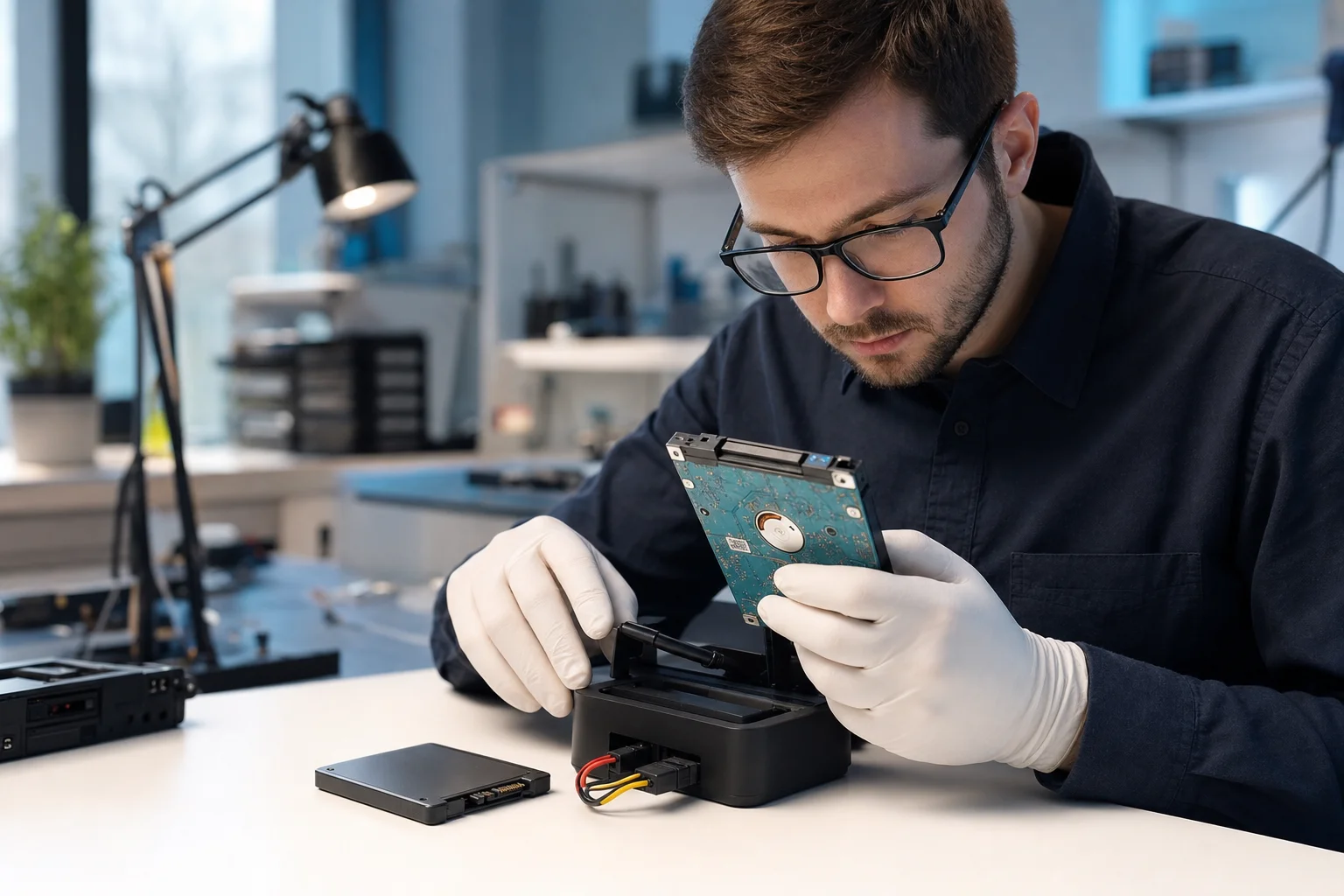
Professional-grade tools confirmed what we hoped: the failure was isolated to the controller, and the NAND flash chips holding the data were undamaged. That single finding is what made the recovery possible. It is also why a proper diagnosis matters more than any recovery software, because the path forward depends entirely on which component actually failed.
2. Controller bypass
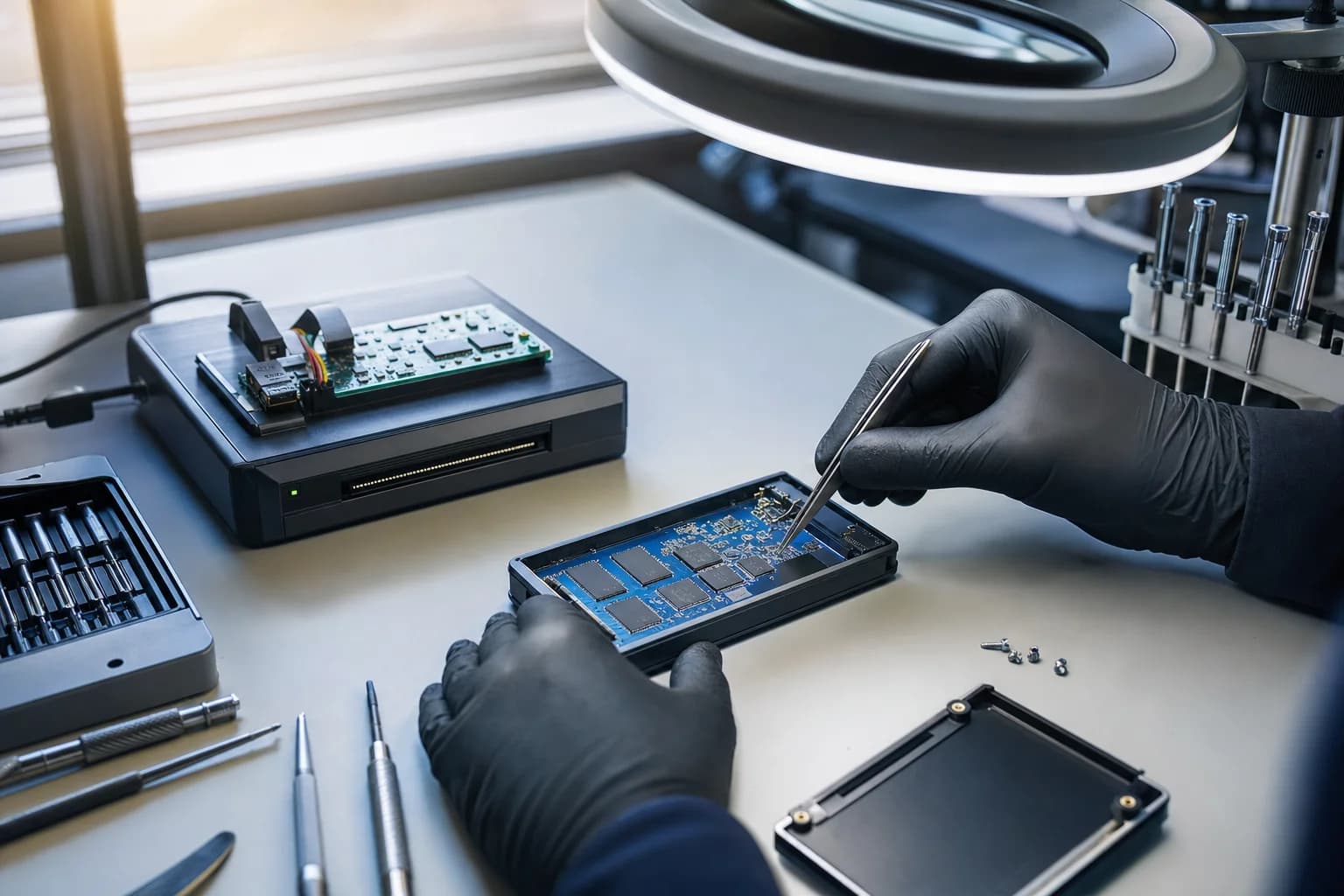
With the controller dead, the only way to the data was around it. Using specialized equipment, we read the raw contents of the NAND chips directly, the same class of technique used in forensic data work. Raw NAND is not a tidy file system. It is fragments, spread and encoded the way the dead controller once managed them.
3. Reconstruction
The extracted data then had to be reassembled: undoing the controller's layout, rebuilding the file structures, and locating the encrypted wallet files and credentials among them. This is the slowest, most careful part of the job. Handled wrong, it is how recoveries fail.
4. Verification and secure hand-off
The customer verified access himself, his wallet files stayed encrypted with his own credentials throughout, and everything was transferred to a new drive. Then we set up proper backups, so no single device would ever again be the only thing standing between him and his money.
"When you're handling someone's financial future, there's a lot of responsibility," Sam said. "That's also what makes this work meaningful."
The part that stays with you
"He told me he hadn't slept properly in days," Sam recalled. "He had started accepting that the money was gone. Hearing that everything was restored meant the world to him." The customer came back to the shop to pick up his data and thank the team in person. He asked to stay anonymous, which we have honored here and in the press coverage of this recovery.
What crypto holders should take from this
Cryptocurrency has no forgot-password flow and no bank to call. If the device holding your wallet and credentials dies and there is no backup, a third party cannot restore your funds. That makes storage the weakest link for a lot of holders, and we see more cases like this one every year. The fixes are boring and cheap compared to a recovery:
- Write your seed phrase down and store it offline in at least two separate physical places.
- Keep wallet files on more than one device, and actually test a restore from backup once.
- Treat any strange behavior from a drive as the warning it is: back up immediately, then stop using it.
- If it is already dead, touch it as little as possible and get a professional evaluation before trying anything.
Dead drive holding something important?
Free evaluation at our Irvine bench, a written quote before any work, and if we cannot recover your data you do not pay for the attempt. Wallets, business files, family photos, we treat them all like they matter, because they do.
Related reading: our data recovery service page for what we handle in-house, from dead SSDs to RAID, what we see on the bench for the failure types that come through the door, and our board-level micro soldering page for the chip-level work that makes recoveries like this possible.
Frequently asked questions
Can you really recover a Bitcoin wallet from a dead drive?+
Often, yes, if the memory chips that hold the data are intact. SSDs usually die because the controller chip fails, not the NAND flash where your files actually live. With specialized equipment we read the NAND directly, bypass the dead controller, and rebuild the file structures. That is exactly what happened in this case. If the NAND itself is physically damaged, the odds drop sharply, and we will tell you that honestly at the free evaluation.
Do you need my seed phrase or private keys to recover a wallet?+
No, and you should never give them to anyone, including us. We recover the files on the drive. Your wallet files stay encrypted with your own credentials the entire time, and you verify access yourself. We never ask for seed phrases, private keys, or wallet passwords, and any legitimate recovery service will tell you the same.
How much does SSD data recovery cost?+
Controller-level SSD and NVMe recoveries like this one typically run $299 to $799. Simpler logical recoveries (deleted or corrupted files on a working drive) run $149 to $349. The evaluation is free, you get a written quote before any work starts, and if we cannot get your data back you do not pay for the attempt.
How long does a recovery like this take?+
This case took about three days of bench work. Most SSD controller recoveries land in the 2 to 5 day range depending on the drive and how the data is structured. We do not rush a job where a mistake could make things worse.
The drive is not showing up on any computer. Is the data gone?+
Not necessarily. A drive that is invisible to every computer usually has a dead controller or corrupted firmware, and the data is still sitting on the memory chips. What matters is what you do next: stop plugging it in over and over, skip the home remedies, and get it evaluated. Repeated power-ons and DIY fixes are how recoverable drives become unrecoverable.
Does the freezer trick work on a dead drive?+
No. It is a leftover myth from a narrow mechanical hard drive problem twenty years ago, and it does nothing for an SSD. Condensation from freezing can add corrosion damage to a board that was otherwise recoverable. The customer in this case tried it before coming in. It did not help, and we were fortunate it did not hurt.
I hold crypto on a hardware wallet or external drive. What should I actually do?+
Never let one device be the only thing between you and your money. Write your seed phrase down and store it offline in at least two physical places. Keep wallet files backed up on more than one device. Test that you can actually restore from your backup. If a drive holding anything valuable starts acting strange, back it up immediately and stop using it.
Is my data kept confidential during recovery?+
Yes. Recovered data is handled only as far as needed to verify the recovery with you, then transferred to your new storage device. We work with financial, business, and personal data every week, and this customer asked to stay anonymous, which we honored in the press coverage and in this writeup.